BigRep STUDIO 7 Operation and Control
71
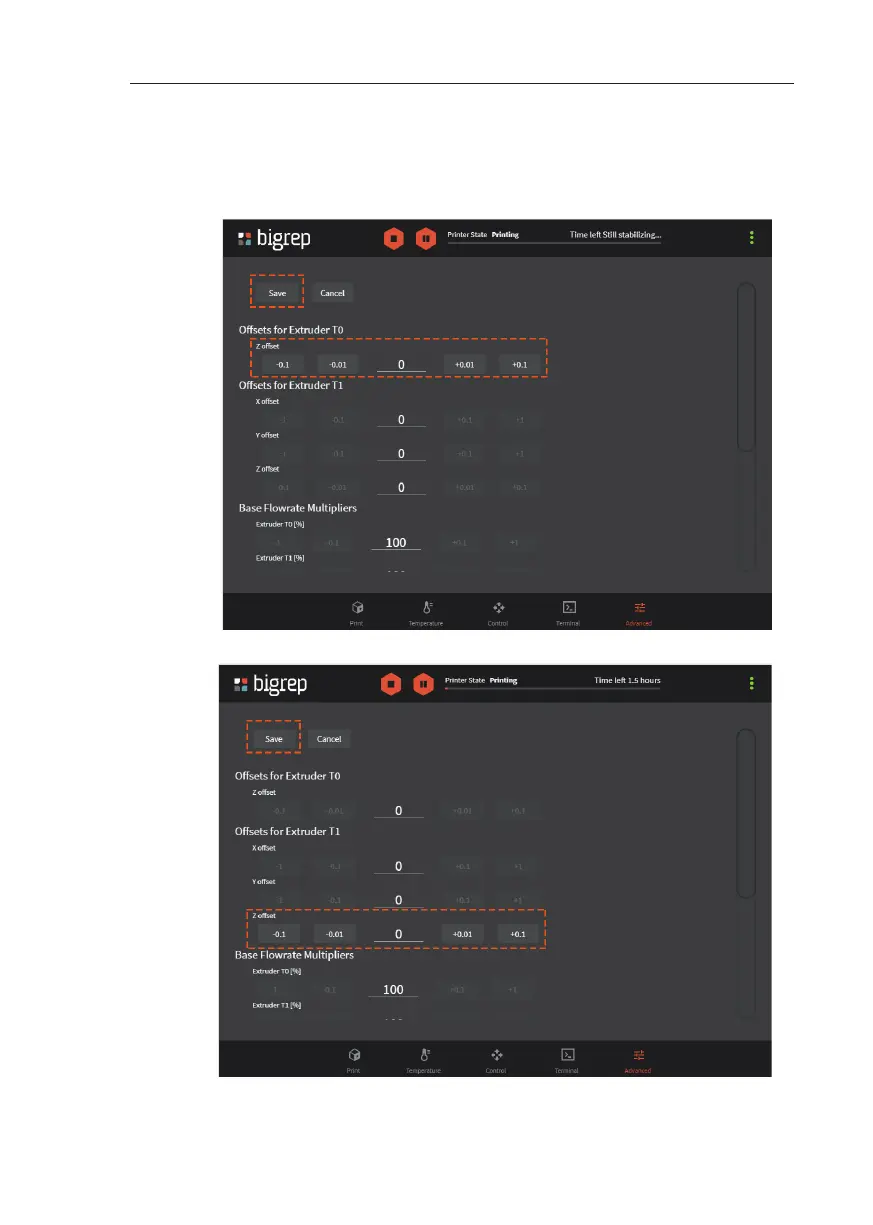
7. Click on Save and check if the distance is now correct.
8. Repeat the process (correct - save - check) until you get the correct distance
9. Repeat the z calibration (step 3 to 8) process for T1. (See Fig. 7-2)
Fig. 7-2: Advanced Menu / Z off set T1
Fig. 7-1: Advanced Menu / Z Off set T0



 To Next Page