BF (E1) 05/2016 page 21/58
6.3.3 Setting the timer values
1. Press the time management button . The controller indicates its current time function.
2. If necessary, switch to timer operation by button .
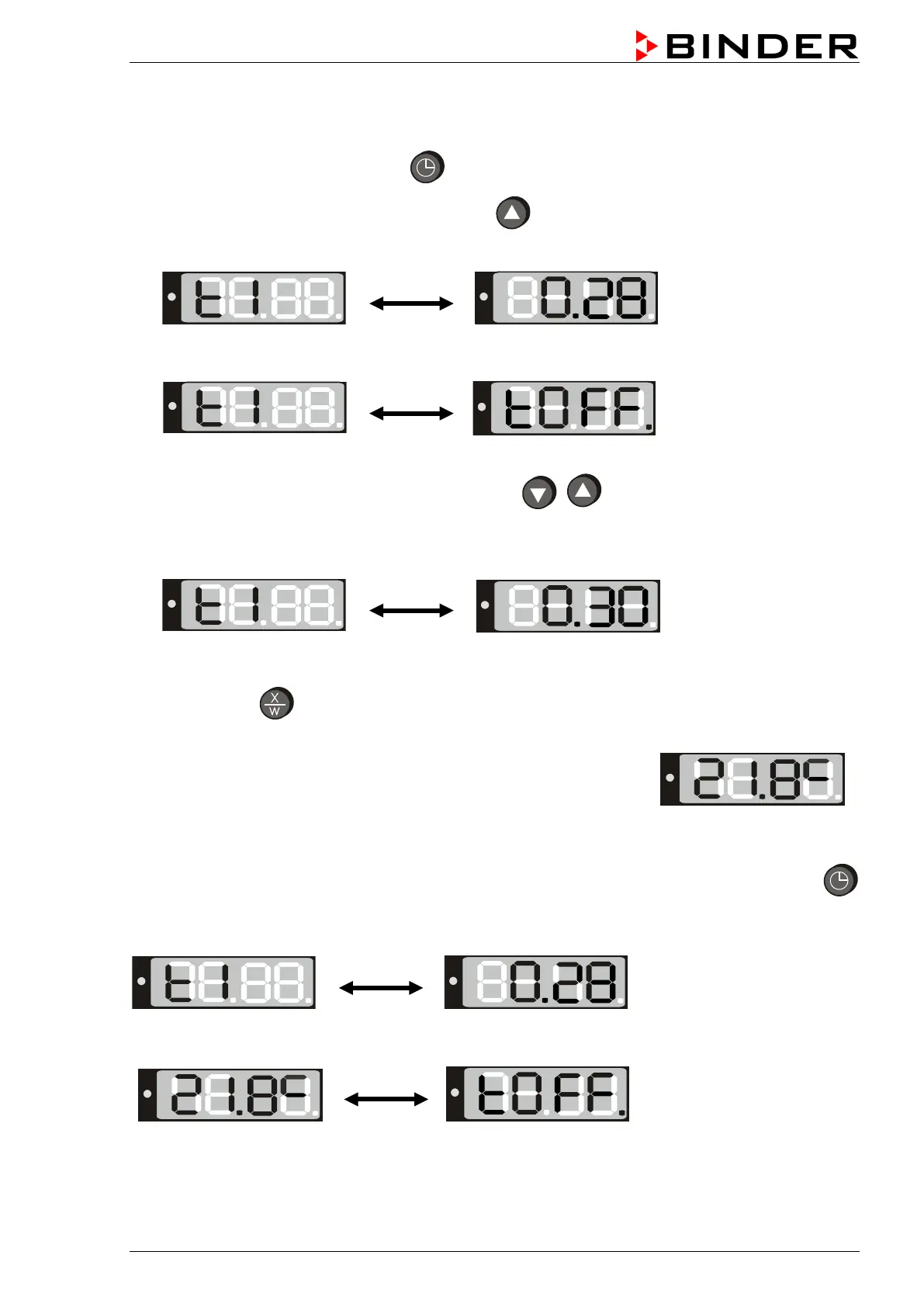
The display alternately shows”t1” and the running-down time or “tOff”:
or
Remaining time (example: 28 minutes) – Timer
running down
Timer not programmed or run-off “t off”
3. Set the desired time [hh.mm] with the arrow buttons
.
4. Wait 2 seconds until the entered temperature value is taken over (display flashing once).
The display alternately shows “t1” and the set time now running down.
The time directly begins to run off after taking-over of the entered value. The use of this time depends on
the timer function selected in the user menu (chap. 6.4.4).
5. Press button
to return to normal display (actual value display) (automatically after approx. 30
seconds).
The actual temperature value is displayed (example: 21.8 °C):
The controller operates with the entered set-points (chap. 6.1) until run-down of the set time. Heating
activity depending on the entered time value and the timer function selected in the user menu (chap.6.4.4)
To know the remaining timer time or, if appropriate, to modify it, press the time management button
in normal display (actual value display).
The display alternately shows “t1” and running-down time:
After the set time has run down the display alternately shows the actual temperature value (example:
21.8 °C) and “tOff”:
Now the heating is inactive. The fan continues operating.






 To Next Page