CB (E6.1) 07/2017 Page 84/145
13. Graphical display of the measured values
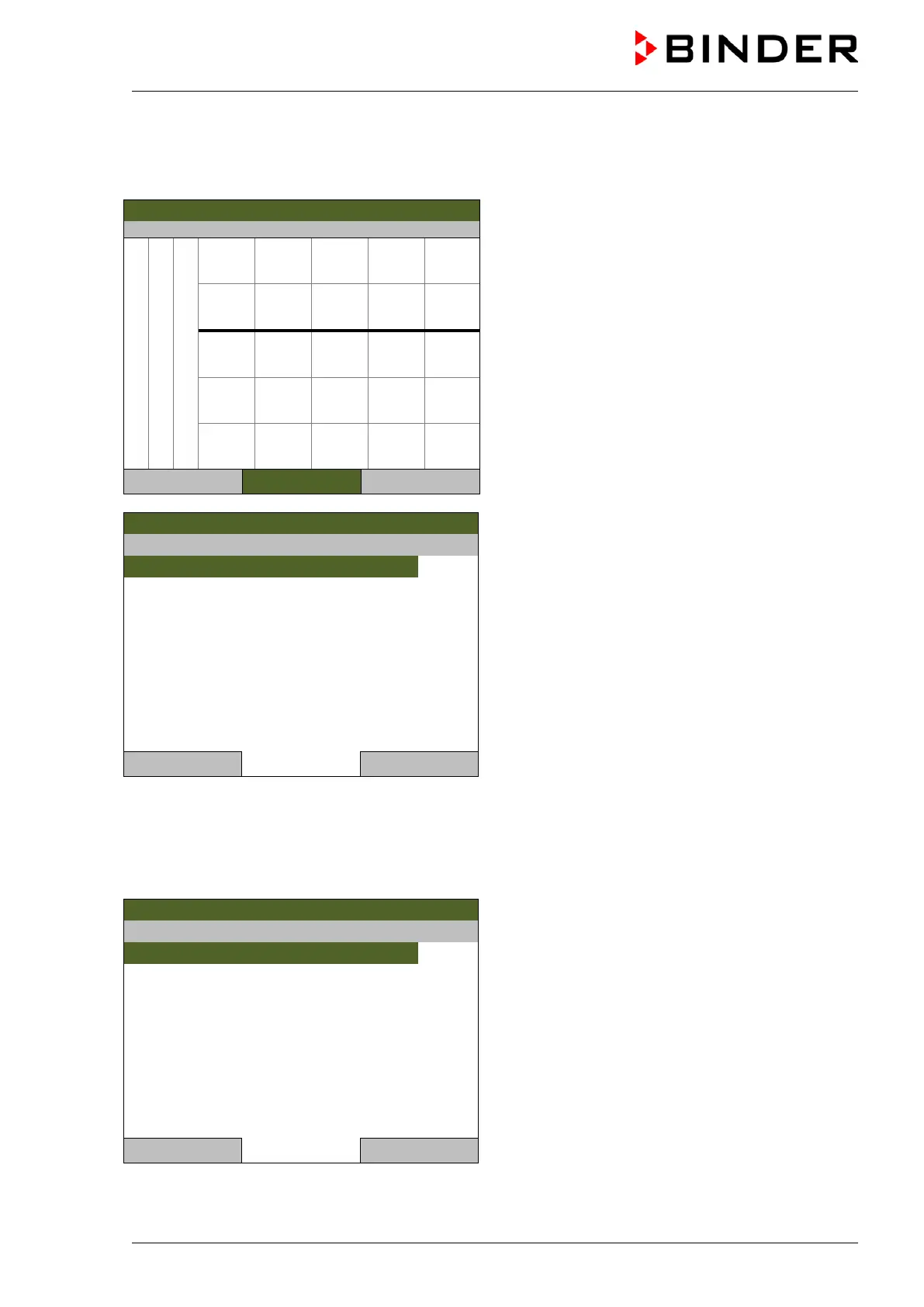
To access the graphical display, go to Menu > Measurement chart
08.03.2013 05:05:06
Measurement chart view (sample view).
Press the “Settings” button.
0:0 0:5 0:11 0:16 0:22
Temperature
CO2
O2
Close Settings Home
08.03.2013 05:05:06
Submenu “Settings”.
Select the desired function
and press the operating button.
Close Home
13.1 Setting the sampling rate
To define the sampling rate, go to Menu > Measurement chart > Settings > Sampling rate
08.03.2013 05:05:06
Submenu “Sampling rate”.
Select the desired interval
and press the operating button.
Close Home



 To Next Page