KMF (E5.2) 06/2014 page 34/99
5.4 Turning on the unit
Set the main power switch (2) to position I. The pilot lamp shows the unit is ready for operation.
Observe a delay time of approx. 30s between turning Off and On again. Otherwise an initiali-
zation problem may occur (display showing e.g. “–1999”).
Note that the chamber is in stand-by mode when the main power switch is in position I and the controller
display is dark. Turn on the unit by pressing any button. When turned on, the unit functions in the operat-
ing mode entered before turning off. In Manual Mode (HAND), the controller regulates temperature and
humidity to the last entered set-points, and in Program Mode (AUTO) it regulates temperature and humid-
ity to their set-points reached during the previous program operation.
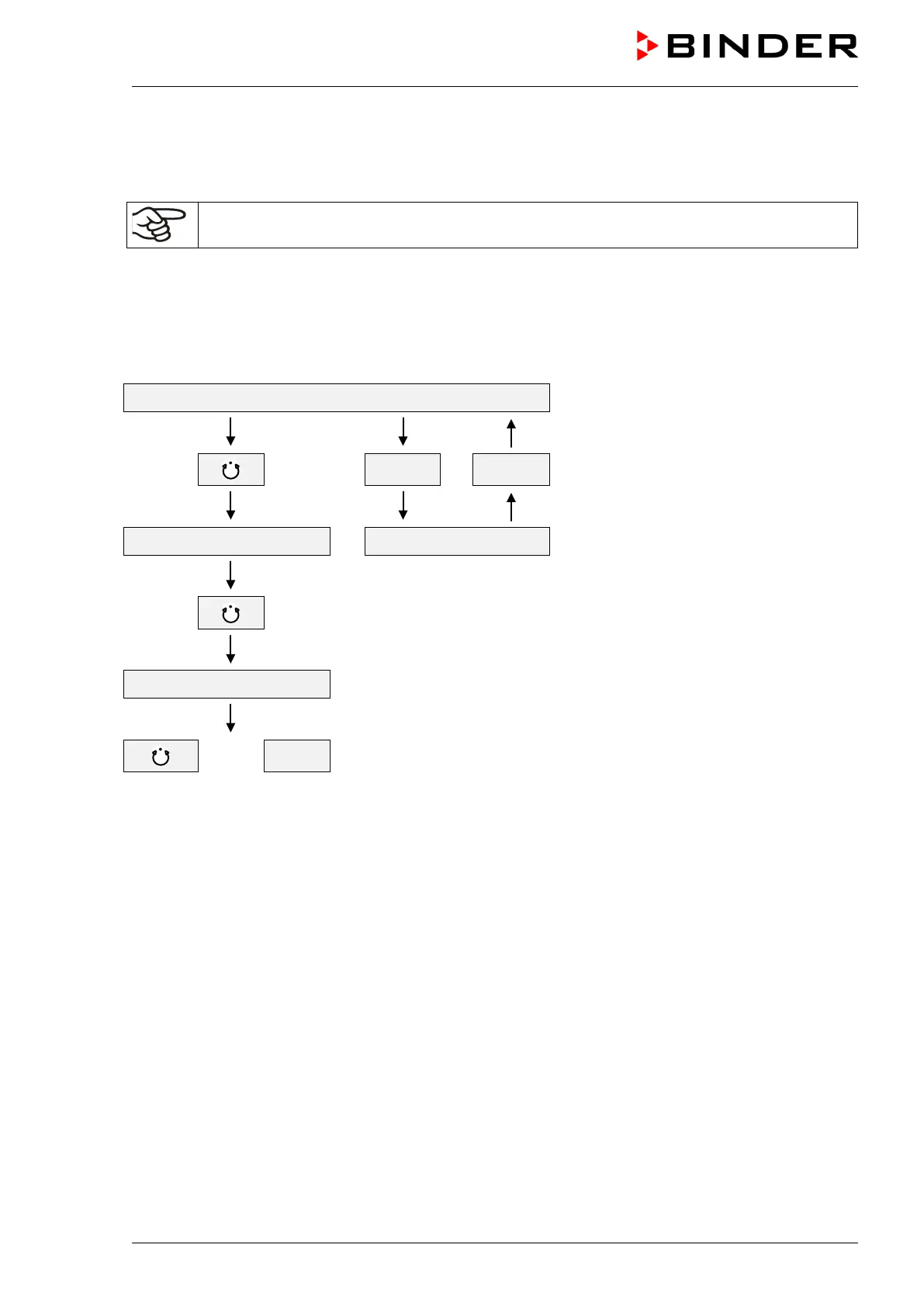
Structure of toggling between Idle Mode / Manual Mode / Program Mode:
Idle Mode
HAND EXIT
Menu program start Manual Mode (HAND)
Program Mode (AUTO)
or EXIT



 To Next Page