Biodom C15 | instructions for use, maintenance and installation | February 2019
58
17. INSTRUCTIONS FOR FIRST START-UP
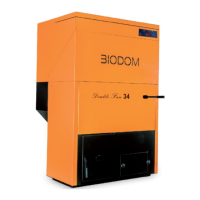
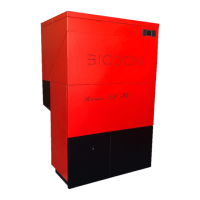
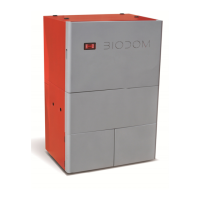
Biodom C15 is a combustion device for heating with pellets. Benefits of combustion device Biodom C15
lie in advanced technology that enables automatic identification of oxygen contents in air, automatic
identification of flue draught and automatic identification of pellet quality. When one of the former
factors is unsuitable, combustion device Biodom C15 indicates an alarm on the display on unsuitability
or fault for lacking (example: if the flue is clogged or does not provide extraction of smoke gases,
Biodom C15 displays "ALARM PRESS").
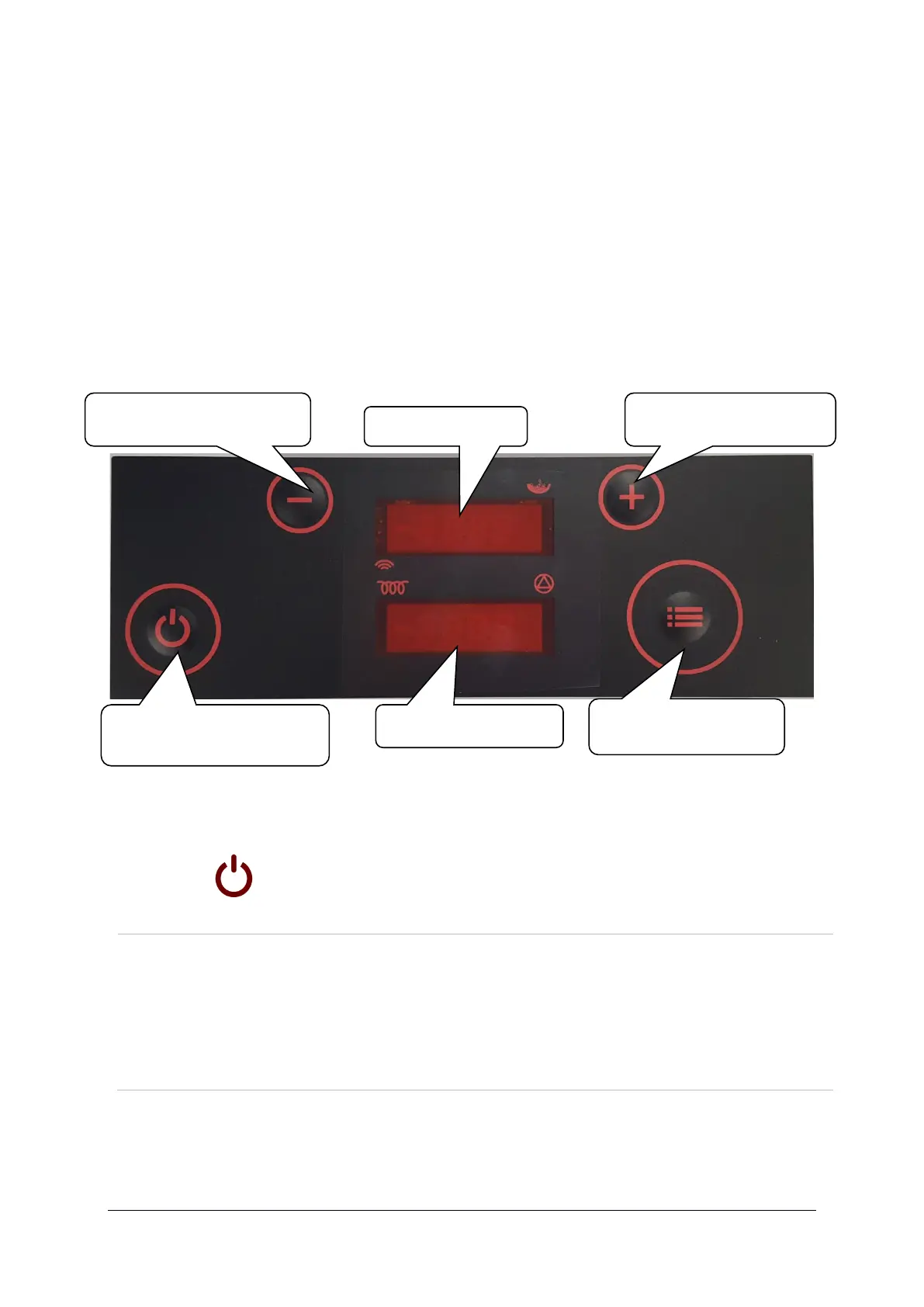
Figure 18: Overview of keyboard buttons (plastic keyboard):
Press and hold to turn the boiler on/off.
Short press to return to basic display.
+
Button UP
Press during operation to increase set power.
When pressing MENU button beforehand, this button increases
desired water temperature in the boiler. In menu mode, we select
desired submenu by pressing.


 To Next Page