LifePro Thermal Cycler Preparations
-6-
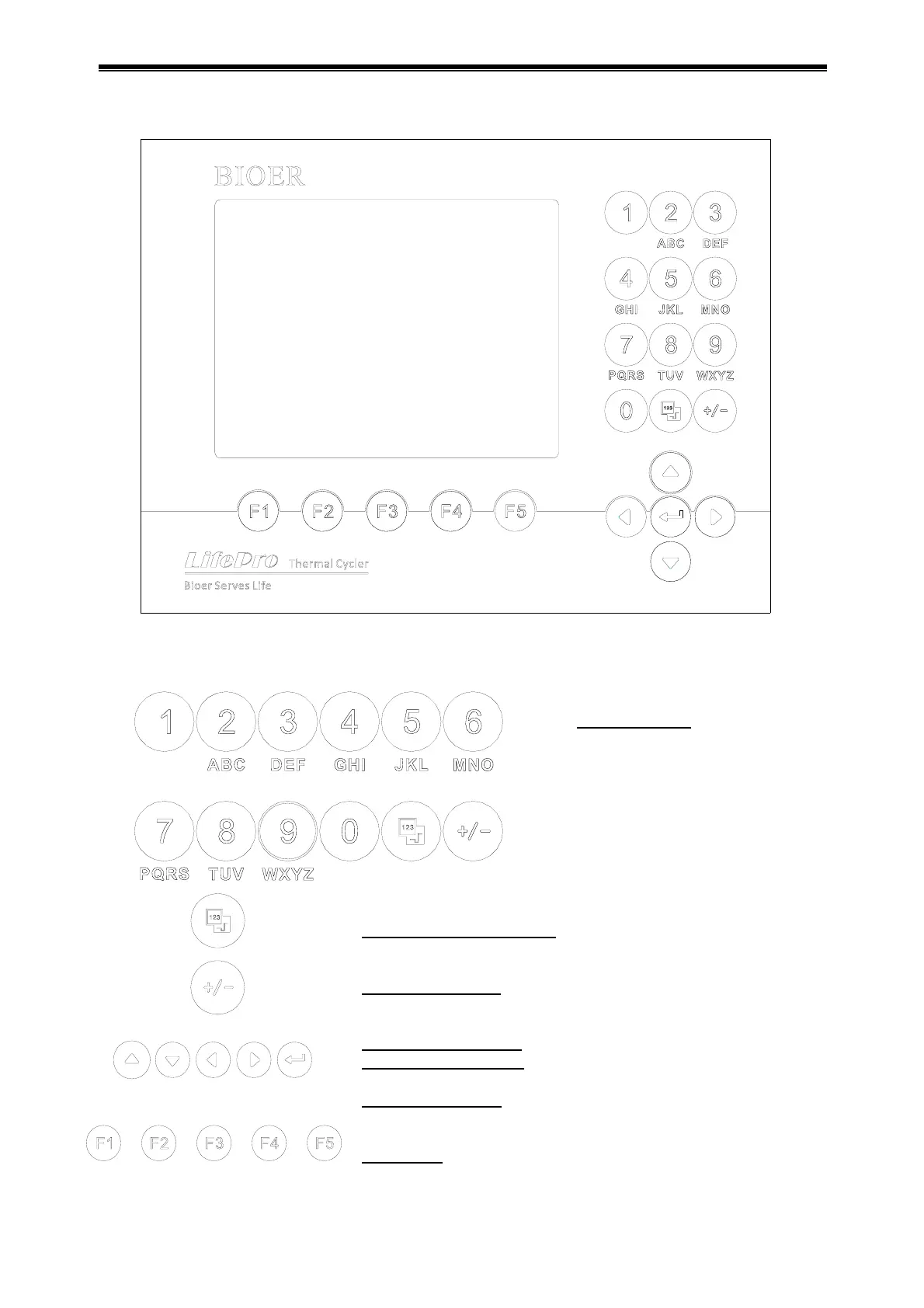
2. Keyboard diagram
3. Instruction for buttons
Display mode switch key
: switch display mode between curve
and text during running.
Plus/minus key:
switch the plus/minus for program
temperature editing and time refining.
Cursor left/right key:
press once to move the cursor left/right.
Cursor up/down key:
press once to move the cursor up/down.
Confirmation key:
press button to accept the setting value on
screen at file setting.
Menu key:
press button to accept the item above the button on
screen.
Character key: to input
characters, press button
continuously to input
letters.



 To Next Page