LifePro Thermal Cycler Firmware upgrading
-32-
Chapter VI Firmware upgrading
1. Device configuration
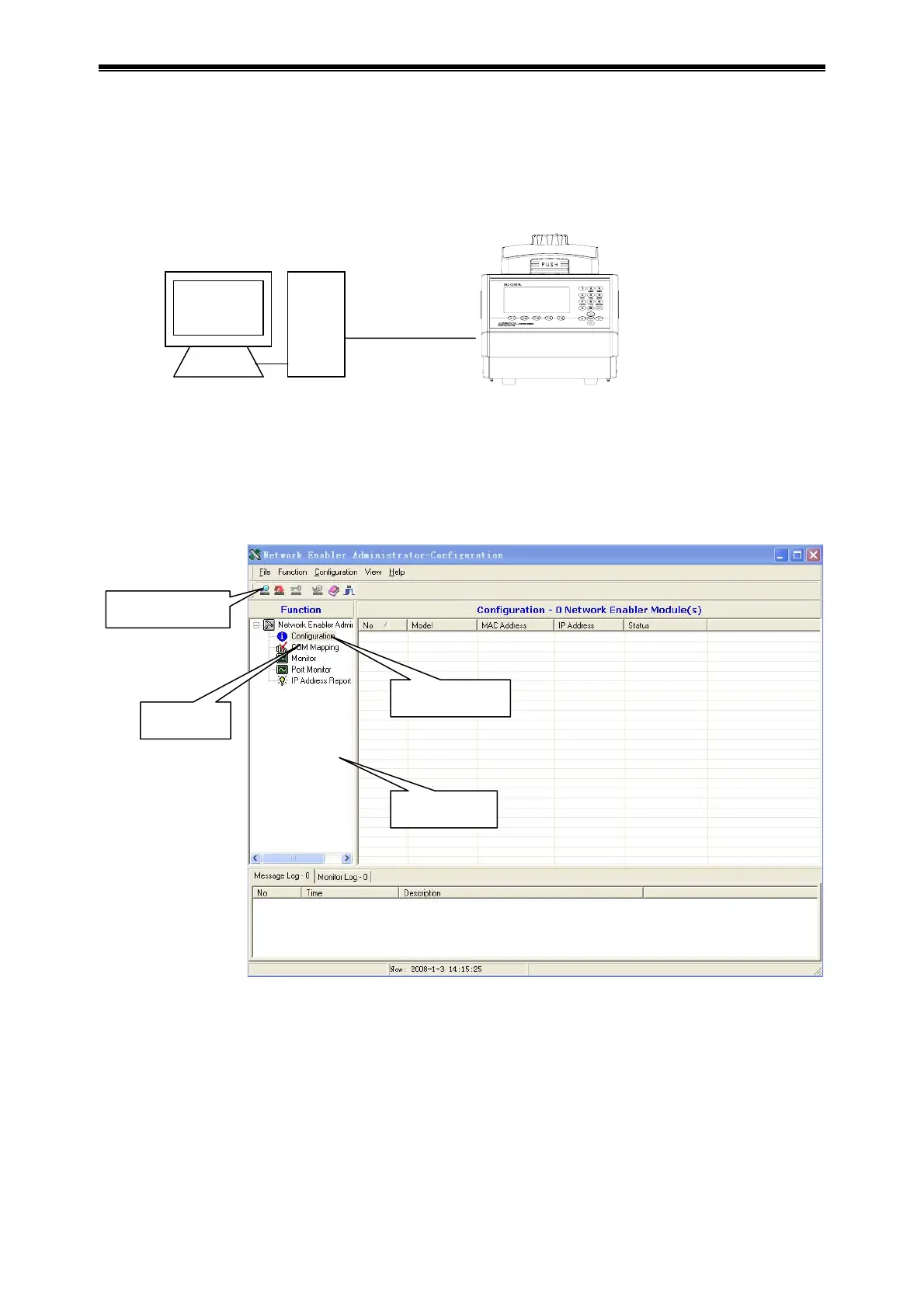
Connect device to computer by network cable (cross, B type connection).
2. Way to upgrade instrument software
1) Power on, open instrument, press F1 on instrument to access software upgrading preparation
status and find “Prepare to upgrade…” on screen.
2) Run Network Enabler Administrator program. It communicates through virtual device mapping
while instrument upgrading.
3) Configuration
Click search button, the tool searches device automatically.
configuration
mapping
search button
function list
network cable
com
ute
device



 To Next Page