LifePro Thermal Cycler Instruction for operation
-15-
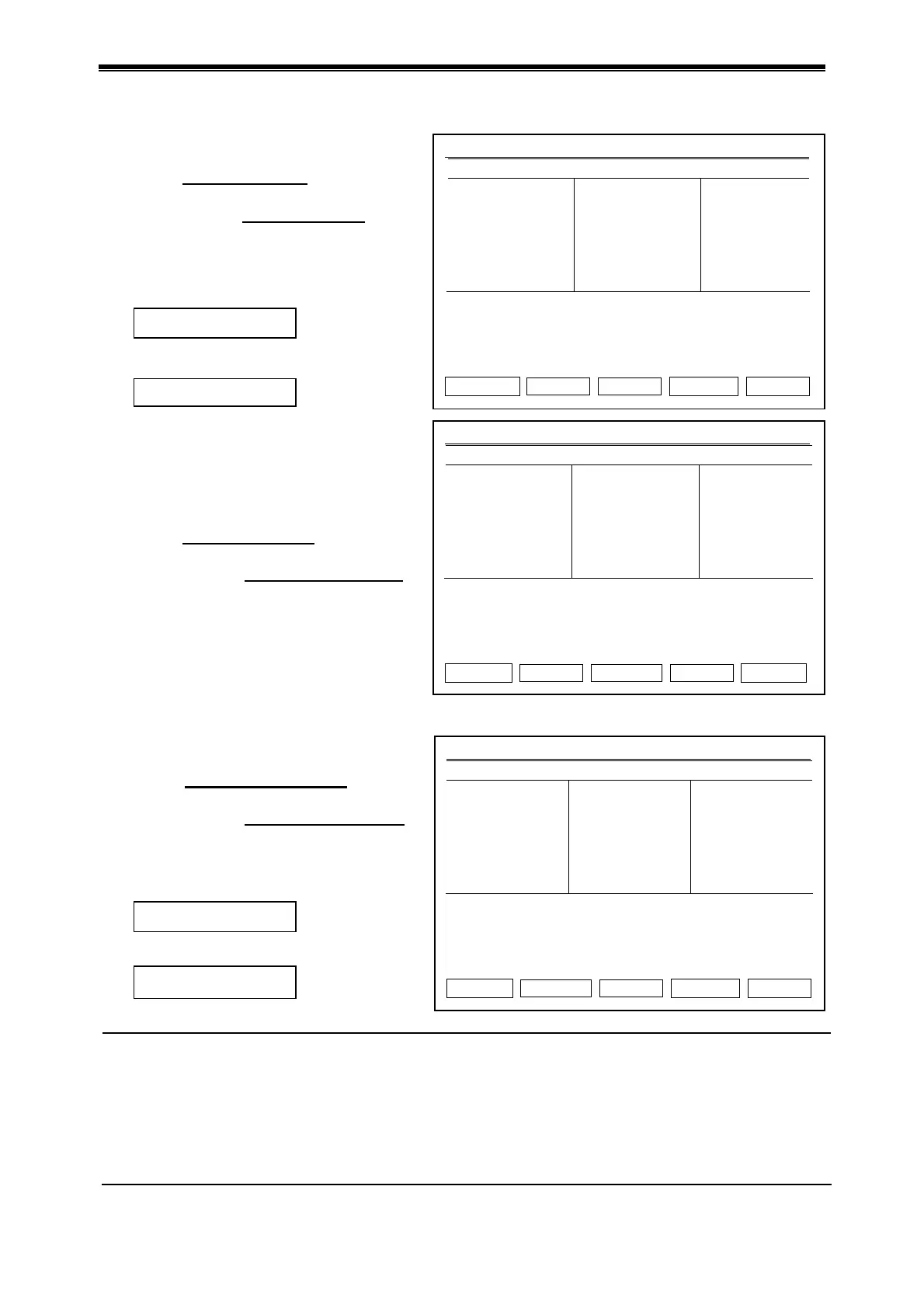
Press “Back” to return to interface of
USB flash memory user list.
Press cursor up/down
to select copy
file.
Turn page by cursor left/right
if user
number is more than 30.
Press “Copy” to input file.
If copy is correct, it shows the dialog
box below:
If not, it shows:
2.3 Output file to USB flash memory
Press “Back” to return to interface of
USB flash memory connection.
Press cursor up/down
to select copy
file user.
Turn page by cursor left/right key
if
user number is more than 30.
Press “View” to see device user file list.
Press “Back” to return to interface of
device user list.
Press cursor up/down key
to select
copy file.
Turn page by cursor left/right key
if
user number is more than 30.
Press “Copy” to output file.
If copy is correct, it shows the dialog
box below:
If not, it shows:
Caution: 1. USB reads/writes 500 users, each user has 2,000 files.
2. USB reads/writes bioer file at USB root directory in fixed directory.
3. Each user is the next subfolder under bioer file.
4. Don’t plug USB flash memory in/out quickly. To protect device and USB flash
memory from damage, the device will terminate the USB function until next run if
USB flash memory is plugged in/out quickly.
5. The operation for dual module is same. It only connects USB flash memory at
start interface of two modules.
Hotlid=off 2009-05-1 10:05:00
File1
File2
Press Left / Right Key to Previous / Next Page.
Back Copy k
Hotlid=off 2009-05-1 10:05:00
Local
User1
User2
Press Left / Right Key to Previous / Next Page.
Back View
Hotlid=off 2009-05-1 10:05:00
Local
File1
File2
Press Left / Right Key to Previous / Next Page.
Back Copy k
USB file list
File Saved
File in
ut error.
File Saved
File output error.
Device file list



 To Next Page