LifePro Thermal Cycler Instruction for operation
-8-
Chapter IV Instruction for operation
This chapter explains how to edit, view, modify and delete the PCR amplification file, how to run
PCR amplification file, and how to set the instrument system parameters in detail.
Warning! If the instrument sound or display is abnormal after start, or failure alarm and
indication is shown during self testing, please turn off the power immediately and
contact the supplier.
Caution: If the sample amount for test is less than countersink amount on module, please
distribute the sample test tube as uniform as possible. In this way it ensures that the
hot-lid presses at the test tube top steadily at file running, the module bears uniform
load, and the temperature change in test tubes keeps uniform.
Caution: Turn the knob at anti-clockwise direction as per diagram before covering the lid
(clockwise rotation for pressing, anti-clockwise rotation for loosing) until a
“dang-dang” sound is heard.
Cover the lid and turn the knob at clockwise direction until a “dang-dang” sound is
heard, and then turn another step.
When a “dang-dang” sound is heard when knob is rotated at first, regardless of
clockwise or anti-clockwise, press the unlocking device by finger, turn the knob at
the opposite direction for two steps, and then rotation knob on unlocking device can
be released.
1. How to run PCR program
Power on, the thermal cycler gives a “du-du” sound, which indicates the power supply is available.
“Self testing ……” is shown on screen, and the instrument takes about 1 to 2 minutes for self testing.
Please wait with patience. The main interface appears if no problem is found.
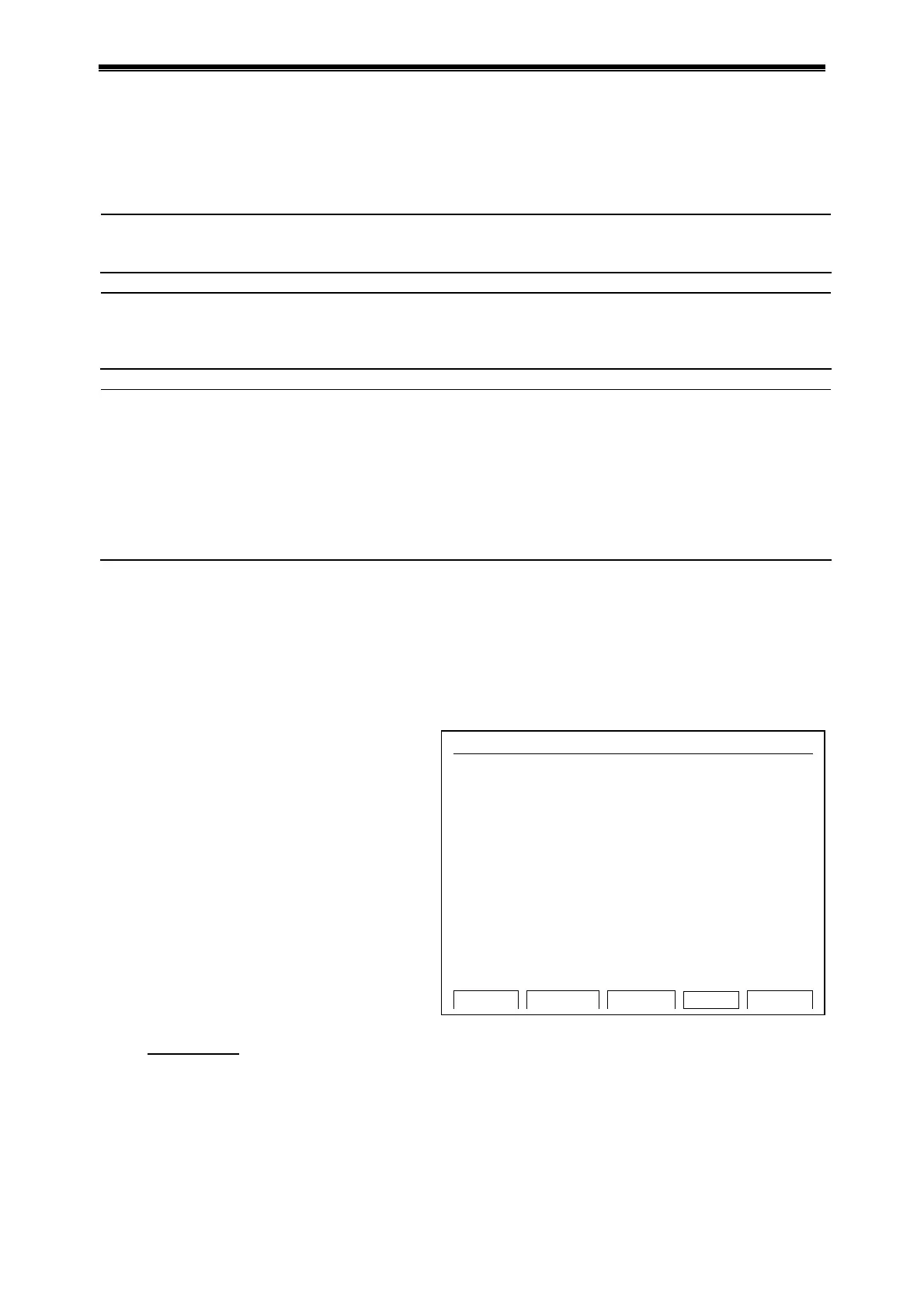
Shown on the upper left of main interface is
the status of hot-lid setting.
Shown in the middle of main interface is the
information such as the Bioer information,
software version, module type, default
program, default user, control mode, sample
amount and so on.
Press “File” to access the interface for
file list.
Press “System” to access the interface
for system parameter setting.
Press “Run” to confirm running mode
and test tube type if file password is not
asked, press “Run” to bounce the
interface below if file password is asked.
Press number key
to input the password.
Press “Back” to return to main interface.
Press “Accept” to access the interface for file running if Control Mode is Block now, press
“Accept” to bounce the dialog box for test tube volume setting if Control Mode is Tube now.
Hotlid=off 2009-05-1 10:05:00
BIOER
Bioer Technology Co.,Ltd
Version: 2008-1.1
Block: B-96G
Default User: BIOER
Default File: PCR1
Control Mode: Tube
File UsbLink S
stem Run
Main interface



 To Next Page