LifePro Thermal Cycler Instruction for operation
-14-
2. How to input/output PCR program
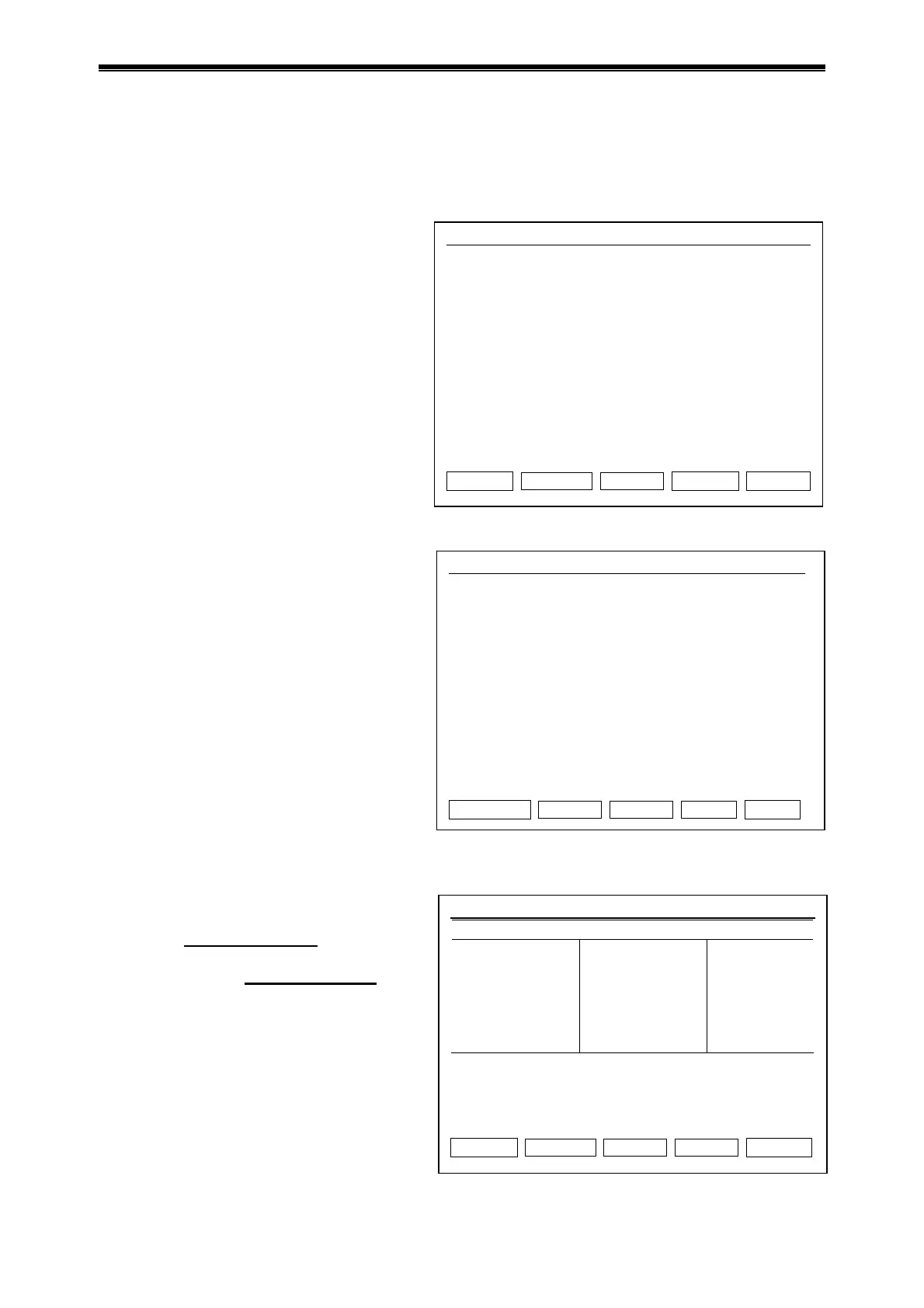
2.1 Connect to USB flash memory
Press “UsbLink” in main interface to access
the interface for USB connection. If USB
flash memory is inserted, as the figure at
left shows:
Press “Back” to return to main
interface.
Press “Input” to select file input from
USB flash memory, it shows USB user
list.
Press “Output” to select to output file
USB flash memory, it shows local file
user list.
If no USB flash memory is inserted, as the
figure at left shows, press “Back” to return
to main interface.
2.2 Input file from USB flash memory
Press “Back” to return to interface of
USB flash memory connection.
Press cursor up/down
to select copy
file user.
Turn page by cursor left/right
if user
number is more than 30.
Press “View” to see USB file list.
Hotlid=off 2009-05-1 10:05:00
User1
User2
Press Left / Right Key to Previous / Next Page.
Back View
Hotlid=off 2009-05-1 10:05:00
The Instrument has Connected UsbDisk.
Please Choose Input or Output File.
Press F1 to Back
Press F4 to Input File
Press F5 to Output File…
Back Input Output
USB connection interface
Hotlid=off 2009-05-1 10:05:00
No disk connection.
Press F1 to Back
Back k
Interface of USB connection fail



 To Next Page