LifePro Thermal Cycler Instruction for operation
-9-
Hotlid=off 2009-05-1 10:05:00
BIOER
Bioer Technology Co.,Ltd.
Version: 2008-1.1
Block: **×**
Default User: BIOER
Default File: PCR1
Control Mode: Tube
Back Run
Hotlid=off 2009-05-1 10:05:00
BIOER
Bioer Technology Co.,Ltd
Version: 2008-1.1
Block: **×**
Default User: BIOER
Default File: PCR1
Control Mode: Tube
Back Next
Press to +/-
select the test tube type in this
interface.
Press “Back” to return to main interface.
Press “Next” to access the interface for file
running if Control Mode is Block now,
press “Next” to bounce the interface below
if Control Mode is in Tube mode now.
Press Character key
to input the micro liter
amount of sample size. Different sample sizes
have different overshoot temperature and
lasting time when temperature control mode is
Tube.
Press “Back” to return to main interface.
Press “Run” to access the interface for file
running.
1.1. How to edit PCR program
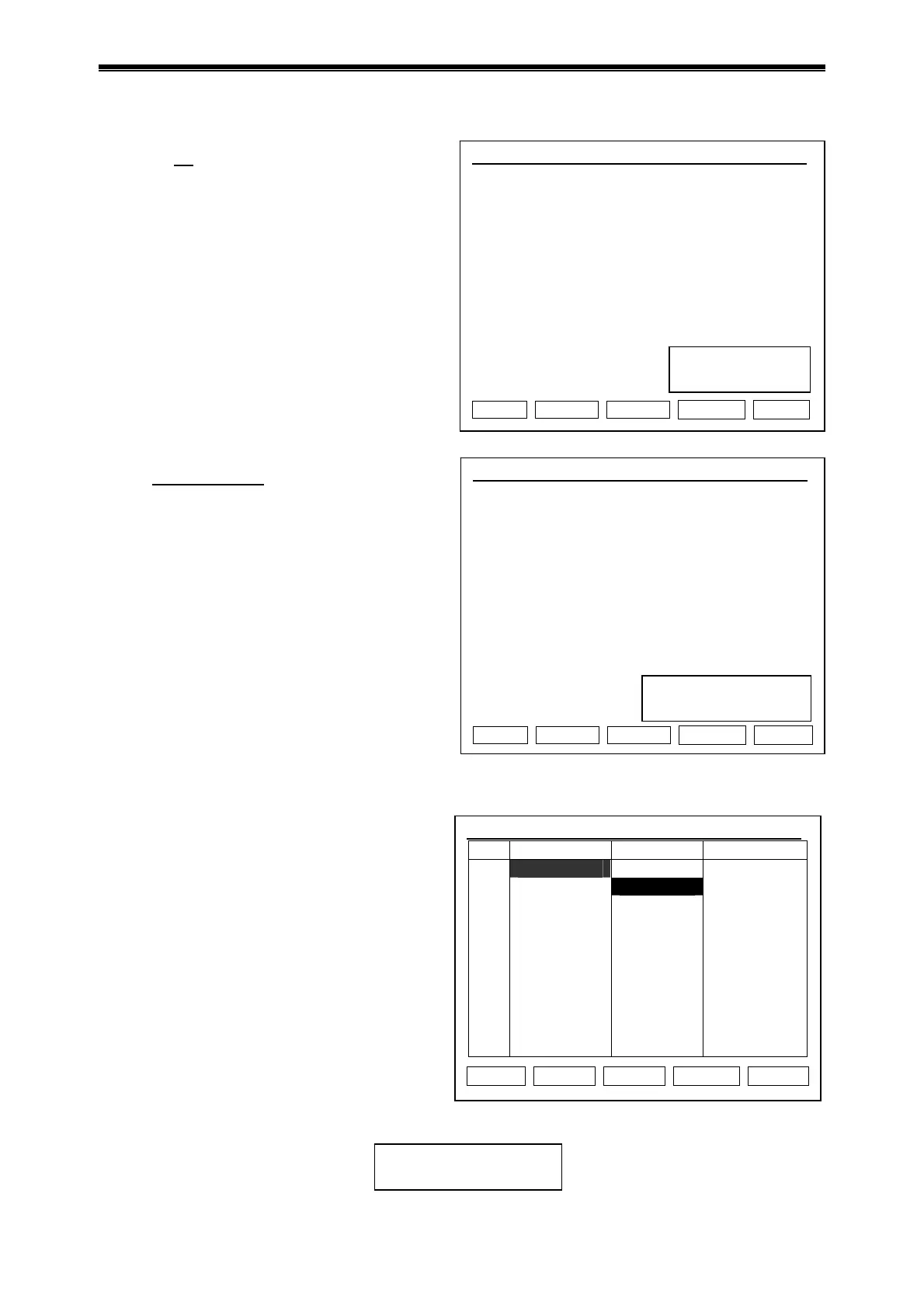
Press “File” in main interface to access the
interface for file list. As shown in figure, there
are 3 files in the file list. Use the up/down key
to select user when blinking bar blinks in the
User column, and the file for selected user is
shown in the File Name column; shift to File
Name by right click, then the blinking bar
blinks in the File Name column, select
corresponding User file by up/down key.
Press “Edit” to edit the file pointed by
cursor.
Press “New File” to edit a new file.
Press “Delete”, it asks “Confirm delete
file?” select Delete or Back as per
information.
Press “Run” to confirm running mode and
test tube type if file password is not asked, press “Run” to bounce the dialog box below if file
password is asked:
Input Password:
-
Hotlid=off 2009-05-1 10:05:00
No. User File Name Save Time
1 BIOER1* PCR1 2009-05-1
2 BIOER2 PCR2* 2009-05-1
3
BIOER3
PCR3
2009-05-1
Edit New File Delete Back Run
Test tube type selection
Select Tube Type:
0.2ml
Select Sample Volume:
050
μl
Interface for file list



 To Next Page