E80/E70 Digital Electrocardiograph User’s Manual
3-6
3.5 Install the chart paper
When the chart paper is not installed or is used up, “no paper” will be
shown on the display screen of Electrocardiograph to remind the users of
installing or replacing the chart paper. Folded thermosensitive printing paper
and reel thermosensitive printing paper may be used for the
Electrocardiograph.
Paper reel shall be removed when folded thermosensitive printing paper
is in use.
Fix the stop block and restrictor plate:
If the chart paper in width of 210mm is chosen by user, there is a need to
fix the stop block and restrictor plate before install the chart paper. Otherwise,
user can go straight to install the chart paper.
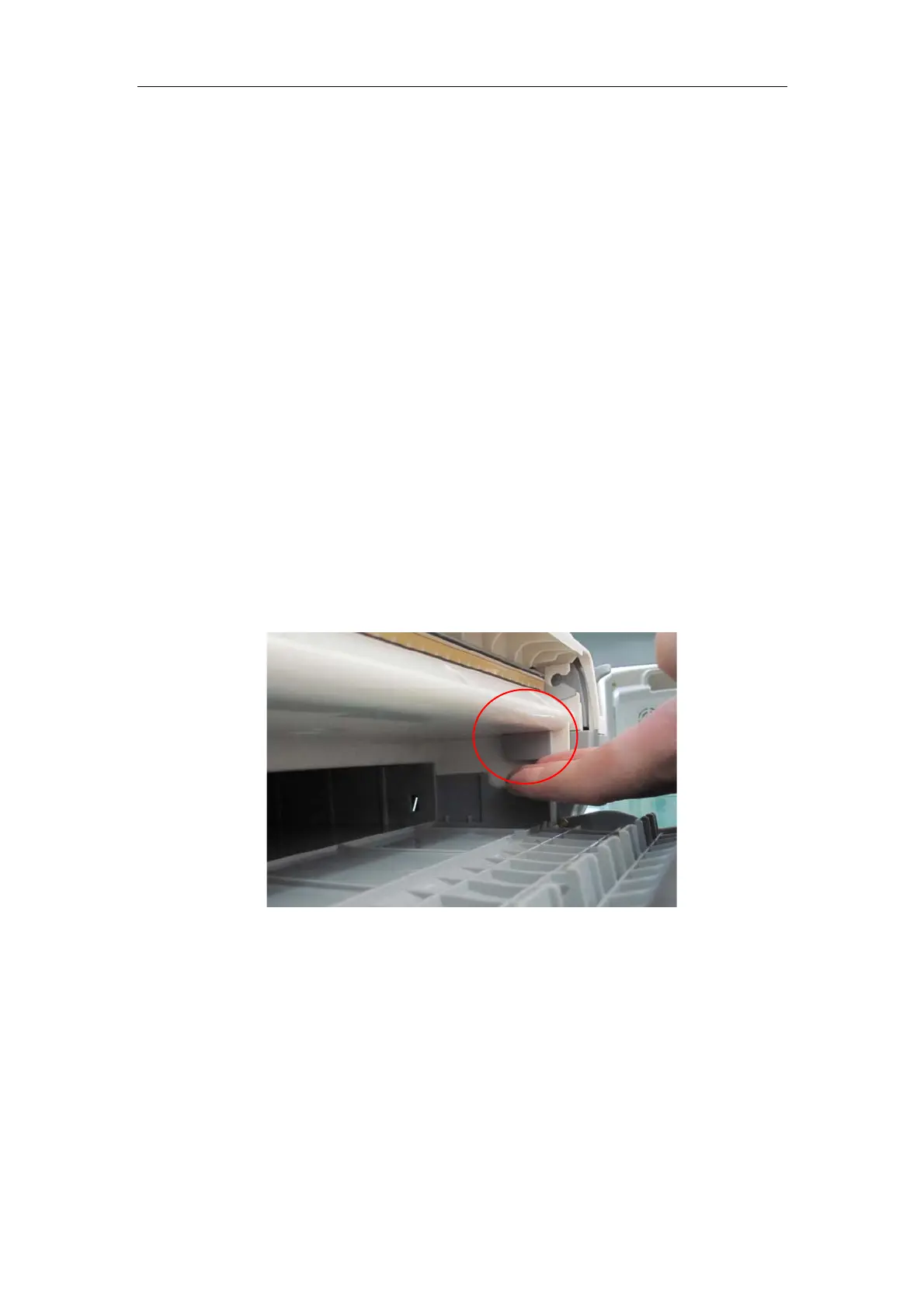
1) Align the hook of the stop block and the gap in the corresponding
position of the recorder pedestal, push down the block in order to
get stuck correctly and make sure the block will not fall off. Shown
as below:
2) Push the restrictor plate into the indentation in the lower right
corner of the recorder pedestal horizontally and stuck the plate in
the slot of the recorder in dexter inside, make sure the external
salient of the plate is right stuck to the indentation in the lower right
corner of the recorder pedestal.



 To Next Page