E80/E70 Digital Electrocardiograph User’s Manual
4-17
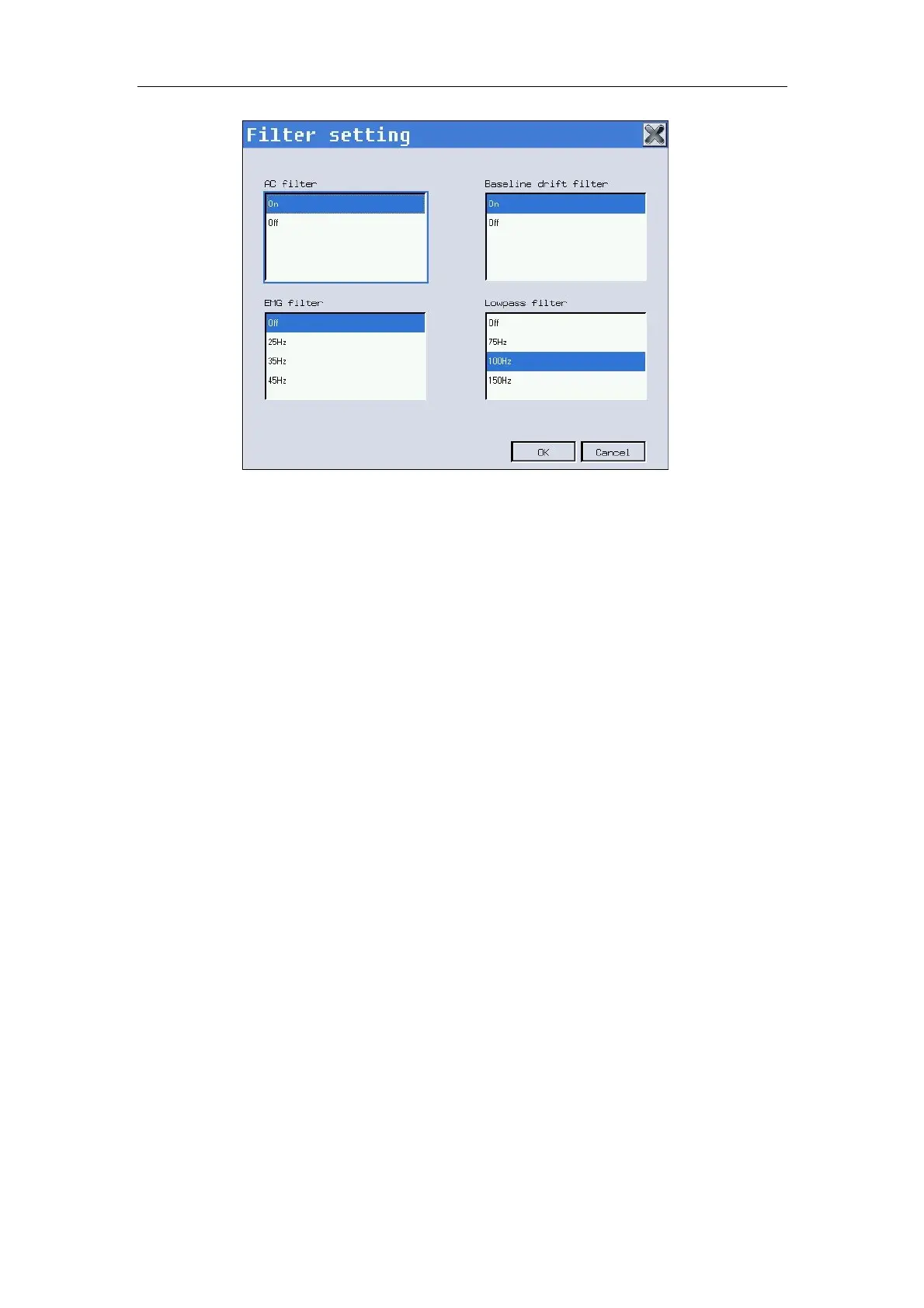
Fig. 4-16: Filter setting
In the interface, you may conduct the following operations:
——Select 【AC filter】: Select On/Off to turn on/off the status of power
frequency filter. According to the frequency of network, the Factory Default
Setting
can be set to “50Hz”or“60Hz ”.
——Select 【Baseline drift filter】: Select On/Off to turn on/off the baseline
drift filter. When the unstability of baseline is found, it is suggested to open
the baseline drift filter in order to eliminate the drift of baseline or the other
interference without any distortion of ECG wave, greatly enhance the ability
of resist the drift of baseline and also convenient for the interpretation of the
waveform, DFT will shown in the chart paper when the baseline drift filter is
on, the frequency of baseline drifter filter with the value of 0.05Hz will
displayed when the baseline drift filter is off.
——Select 【EMG filter】: Cut-off frequency is optional. Options: 25Hz,
35Hz or 45Hz.
——Select 【Lowpass filter】: Cut-off frequency is optional. Options: 75Hz,
100Hz or 150Hz.
After setup of filter, select 【OK】.
Caution: The setups of EMG filter and lowpass are mutually exclusive,
i.e. only one setup is effective at the same time.
4.9 System Setup
Press “System setting/F5” in main interface to enter system setup



 To Next Page