E80/E70 Digital Electrocardiograph User’s Manual
4-6
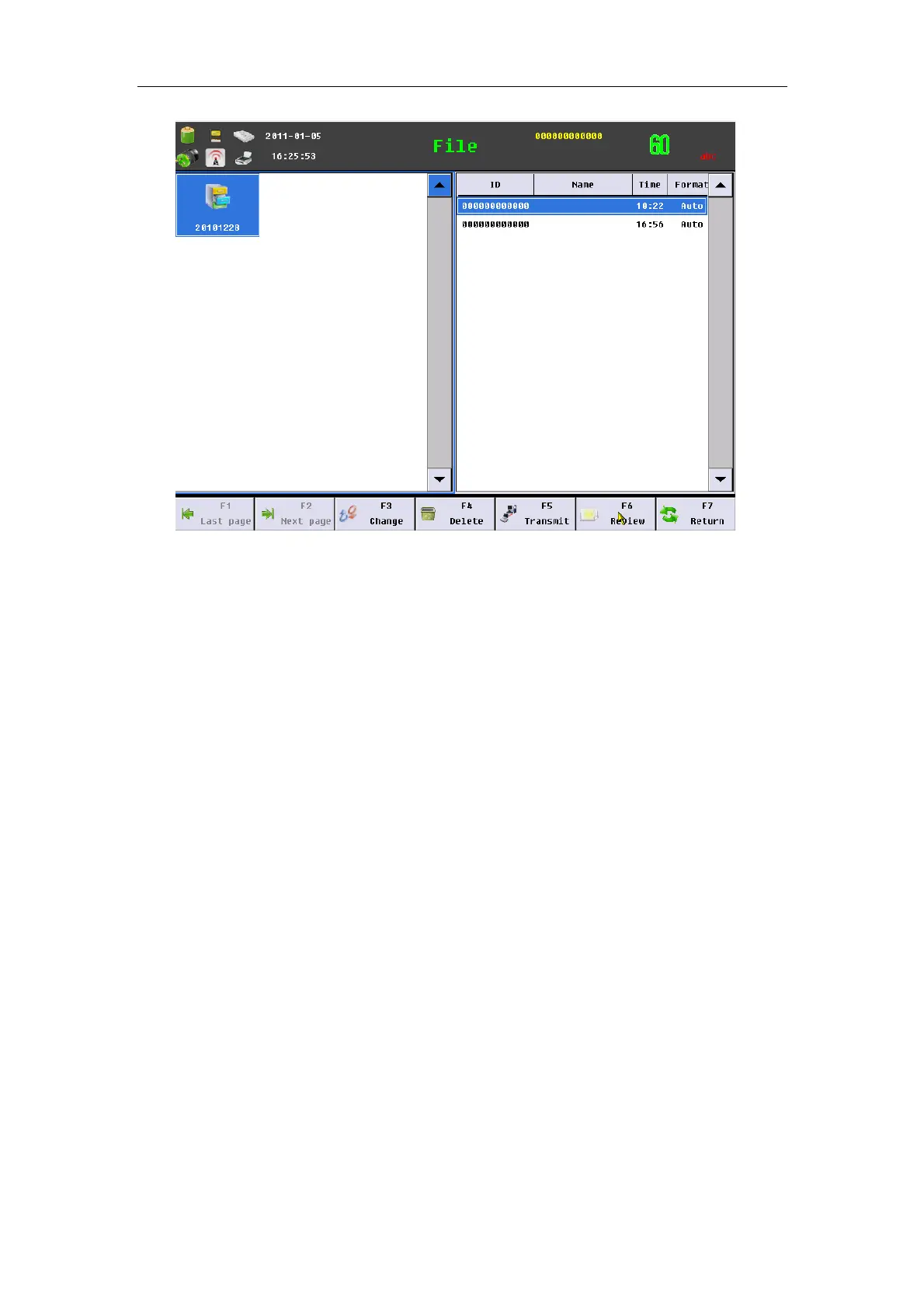
Fig. 4-5 File main interface
The above interface can divide into two parts: left part is files named
date, and right part is file data contained in select files. In the interface, you
may conduct the following operations:
——Select【Last page】:Turn up one page of contents displayed by interface.
——Select【Next page】 :Turn down one page of contents displayed by
interface.
——Select【Change】: Operation window can switch between content and file.
——Select【Delete】: Can delete file or content selected. After you choosing a
patient data, press this key, the system can spring a dialog box, and then you
choose 【OK】 can delete the data.
——Select【Transmit】: Transmit content and file selected to SD card , U disk
or other storage medium.
——Select【Review】: Review and edit the content selected.
4.4.2 File Review
After choosing a patient data in file management interface, Press
【Review】 can enter the following file review interface.



 To Next Page