E80/E70 Digital Electrocardiograph User’s Manual
4-7
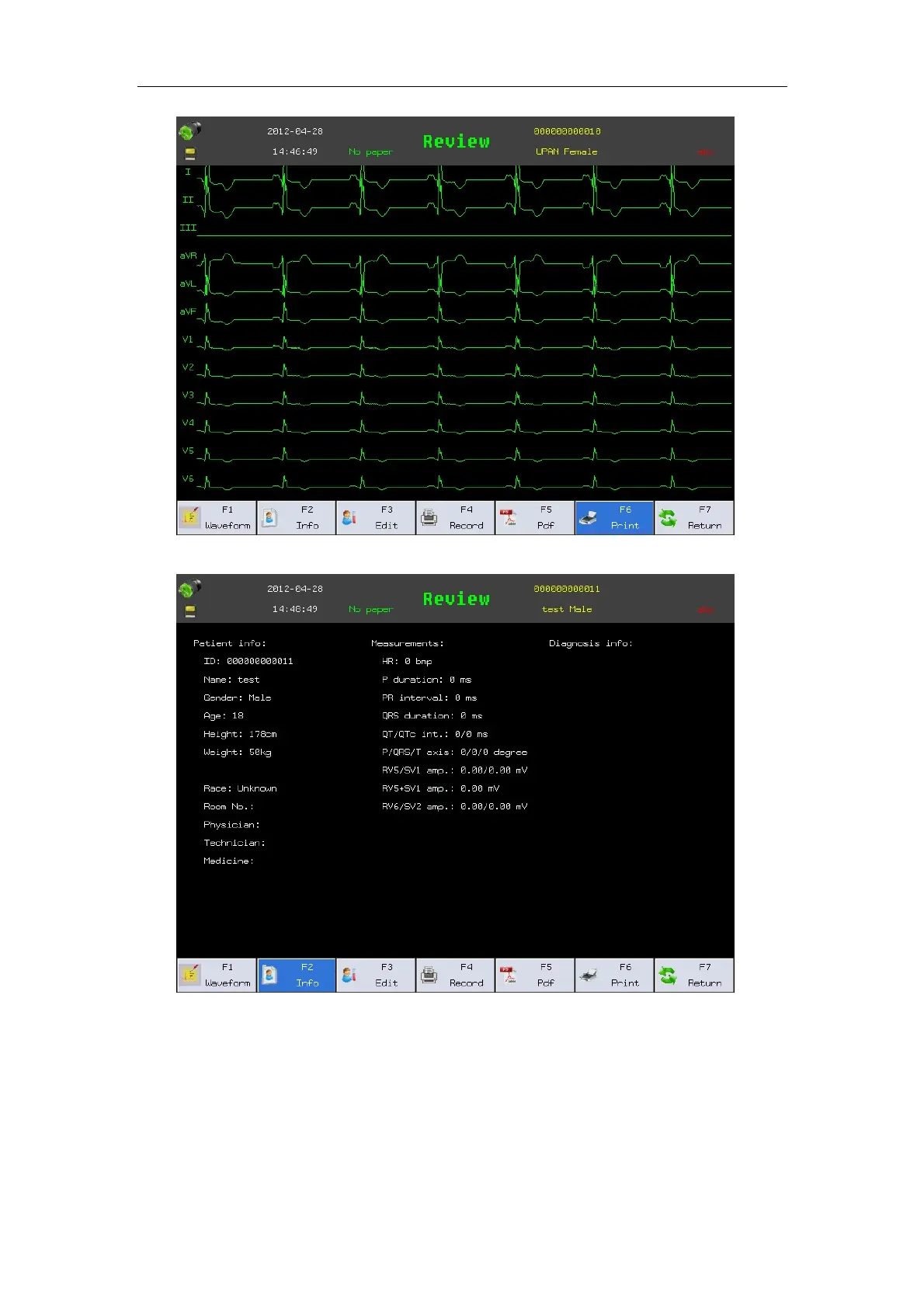
Fig. 4-6: File Review--Waveform
Fig. 4-7 File Review--Info
In the file review interface, you may conduct the following operations:
——Select【Waveform】: Display waveform of data stored. Shown as Fig. 4-6.
——Select【Info】: Can display patient info, ECG measure result, ECG
analyze result ,. Shown as Fig. 4-7.
——Select【Edit】: Can change patient or record format saved in file.



 To Next Page