E80/E70 Digital Electrocardiograph User’s Manual
4-8
——Select【Record】: Can record file selected. If it need stopping during
recording, press “Record/Stop”.
——Select【Pdf】(Optional): Can transfer the file of current waveforms into a
pdf file.
——Select【 Print】 (Optional): Can print and output the file of current
waveforms immediately.
4.4.3 File Edit
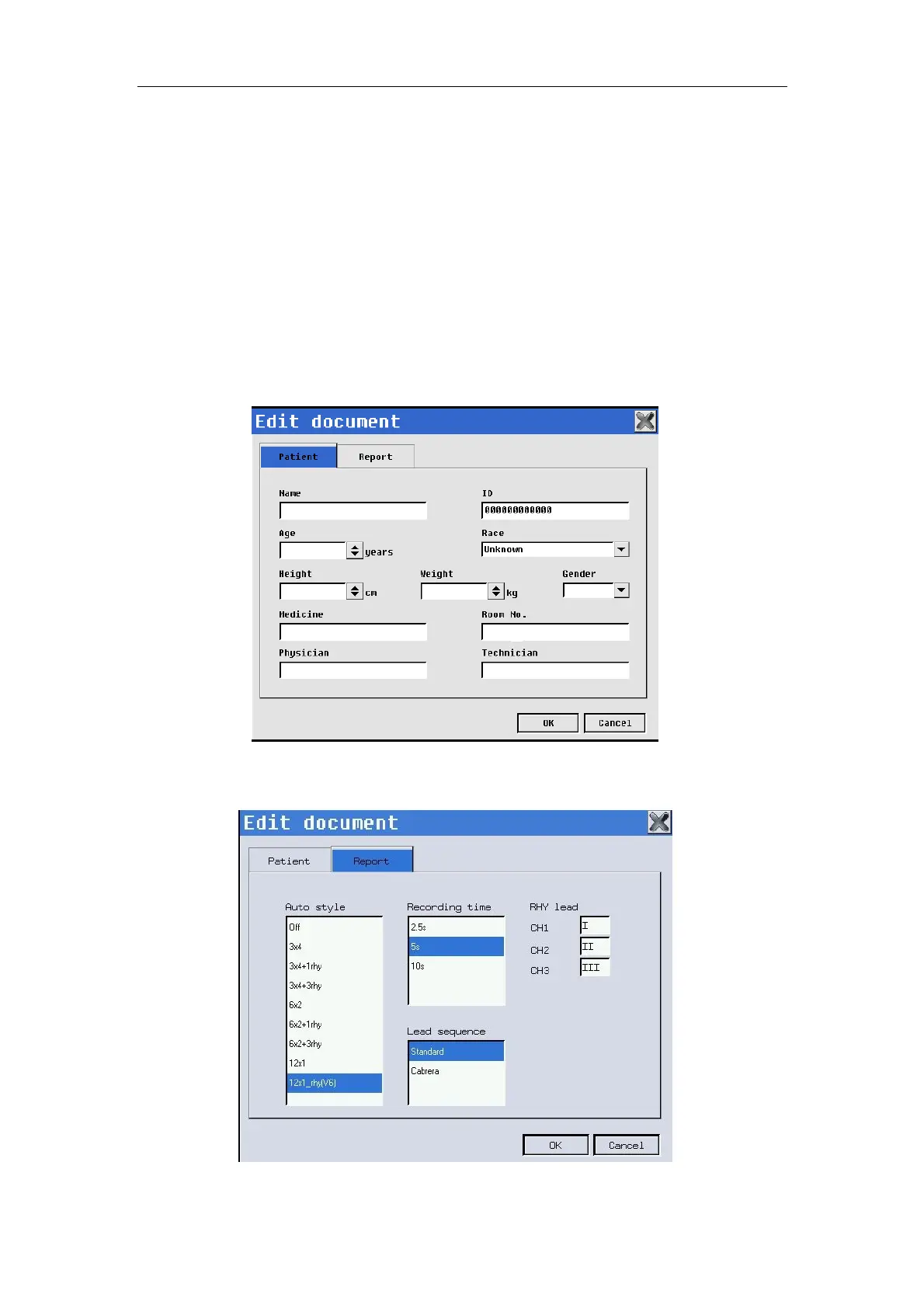
Press 【Edit】in file review interface to enter file edit interface. You can
edit the patient info and report info according to the following chart.
Fig. 4-8: Edit document--Patient
This patient info inputting may only be effective on selected file.
Fig. 4-9: Edit document--Report



 To Next Page