E80/E70 Digital Electrocardiograph User’s Manual
4-22
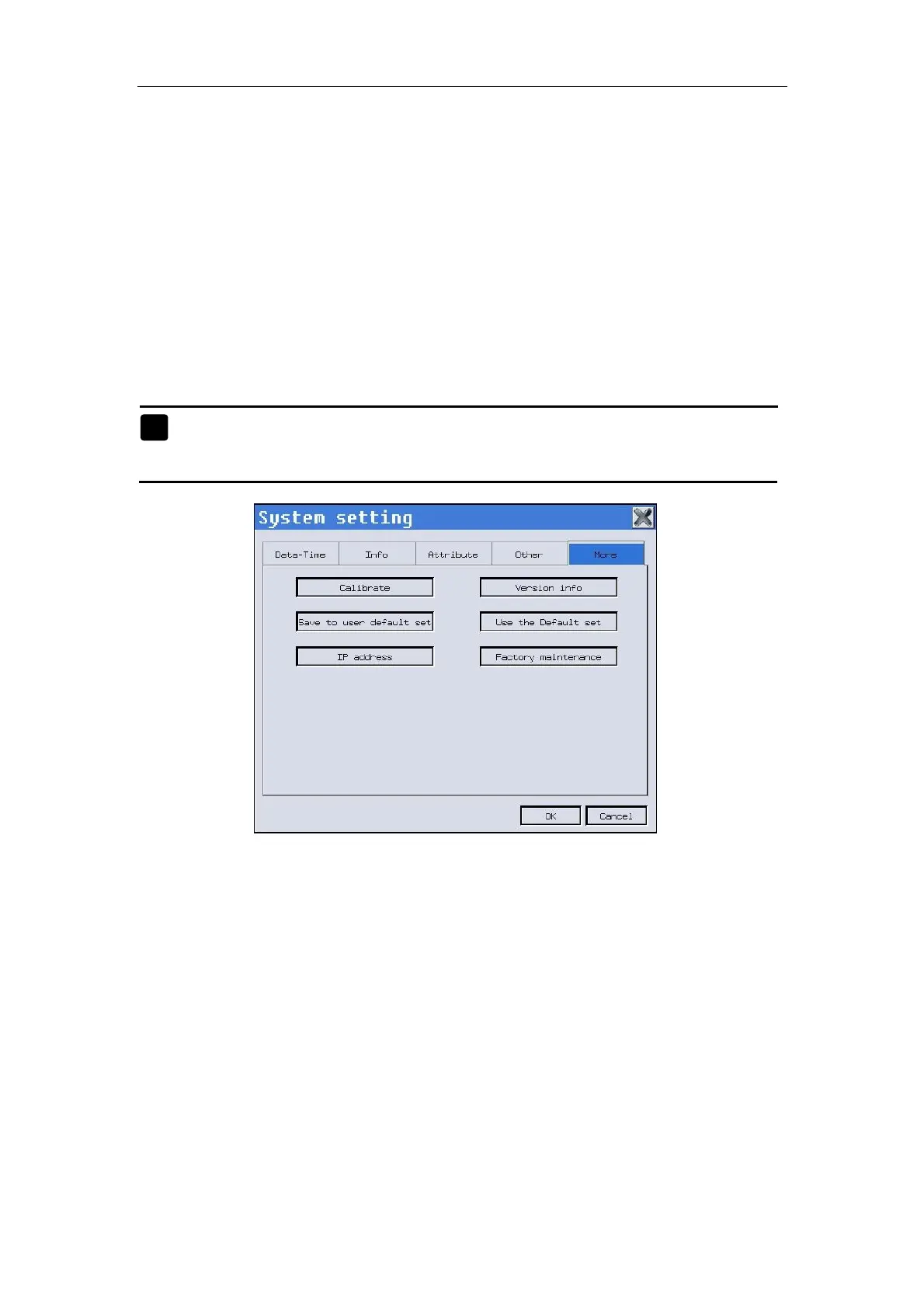
——Select【Save to user set】Select yes or no to save current settings of the
device as user setting.
——Select【Use the default set】Select yes or no to resume the default set of
the device.
——Select【IP address】Check the IP address of the current machine.
——Select【Factory maintenance】To maintain the machine by the
professional person after entering the password. In the maintenance interface,
you can select the Diagnostic Classification, Minnesota, PDF Print, Barcode
Scanner and so on .
Note:【Factory maintenance】can only operated by the maintainer
authorized by the manufacturer.
Fig. 4-21: System setting--More
O



 To Next Page