Pat
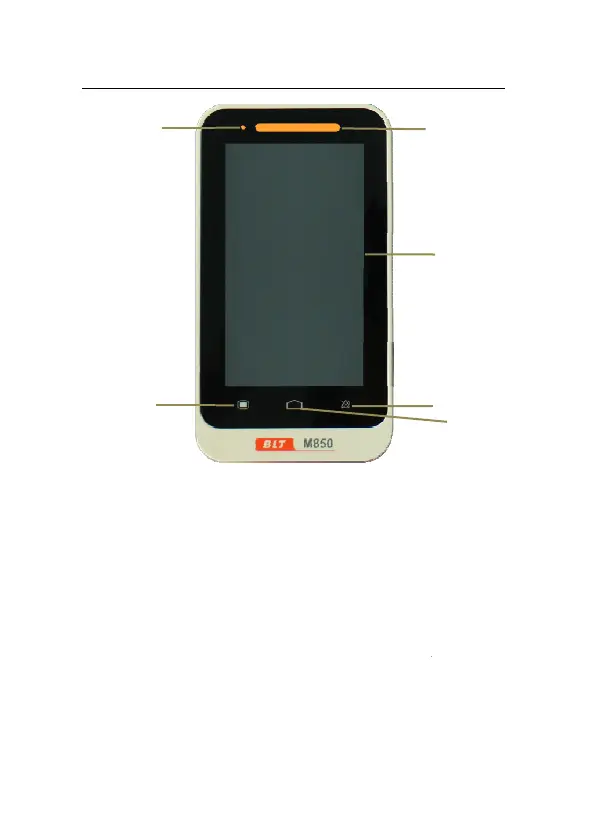
Fig 1
1. Alarm indicat
When an ala
below:
z High level al
z Medium leve
z Low level ala
2. Display scree
The device
fingernail wil
5
6
en
Monitor User’s Manual
1-2
1 Front View of the Monitor
ng lamp
m occurs, this lamp will light up
rm: the lamp quickly flashes red.
alarm: the lamp slowly flashes y
m: the lamp lights yellow witho
ses resistive touchscreen, usin
improve sensitivity.
as defined
llow.
t flashing.
stylus or
1
2
3
4


 To Next Page
 Loading...
