54
Set Up Your RIGHTEST CGMs
NOTE :
If your receiver doesn’t start the search or displays
a “Cannot Connect to Sensor/Transmitter Pair”
message, go through the steps in the “Pairing the
Sensor and Transmitter using NFC” section again.
55
Set Up Your RIGHTEST CGMs
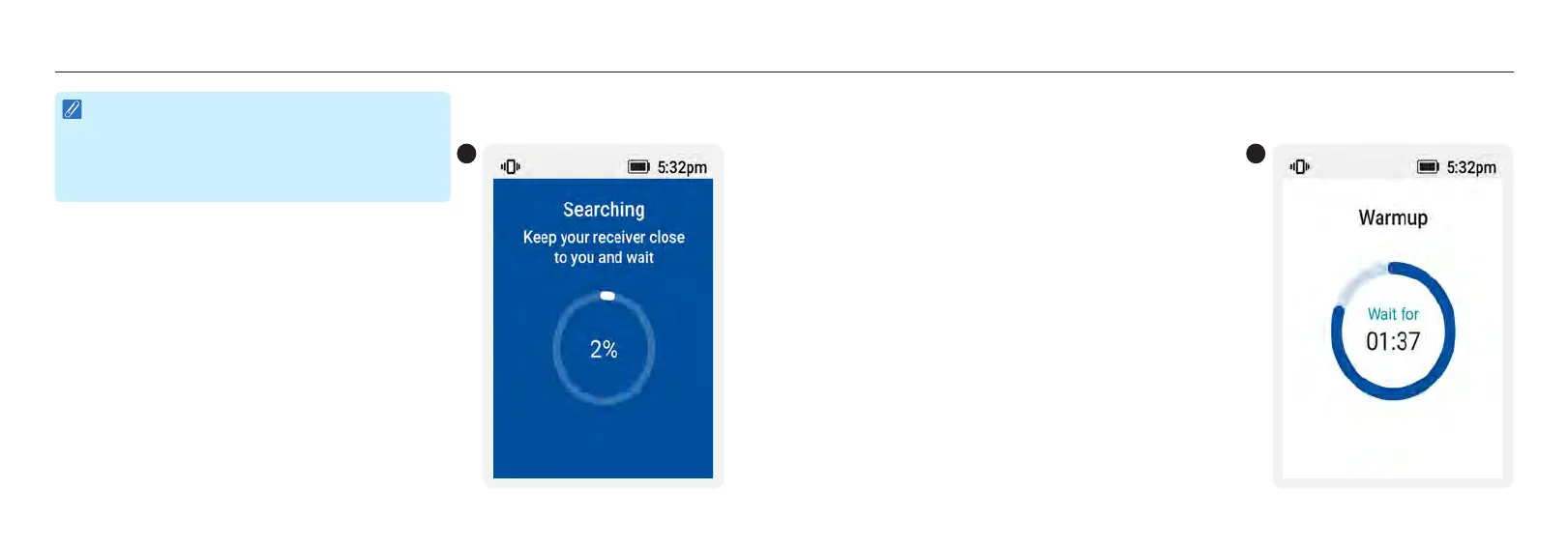
2. The receiver will automatically start searching for your
sensor-transmitter pair. Keep your receiver close to you.
2
3. After the system is connected, the Receiver displays the warmup progress and remaining warmup
time. When the warmup is completed, "Warmup" disappears from your display.
3














 To Next Page