52
Set Up Your RIGHTEST CGMs
CONNECT TRANSMITTER WITH RECEIVER
WARNING :
Use a Blood Glucose (BG) Meter. During the first 2-hour sensor warm-up period after you
insert a new sensor, use a BG meter to make treatment decisions. You won’t get any sensor
readings, alarms or alerts until your system begins to transmit data.
PRECAUTIONS :
Test Your Receiver Regularly. Test your receiver’s speaker and vibration functions regularly.
If you are in any doubt, contact a manufacturer authorized dealer for technical support.
Keep Your Receiver Close. Be sure your receiver is close to your transmitter and in the
same room. The maximum transmission distance is 6 meters (20 feet) with no obstructions
(e.g. wall, metal, glass or water) in between. Obstructions or longer distance may cause
Bluetooth signal loss and you will not receive important alerts/alarms.
DO NOT Share Your Receiver. The RIGHTEST CGMs' receiver is designed for self-use
of a single patient. Never share your receiver with others. The system is a prescription-
only medical device and is meant for your use only. If used by other persons, the glucose
readings, report, alarms/alerts, etc., may be wrong.
53
Set Up Your RIGHTEST CGMs
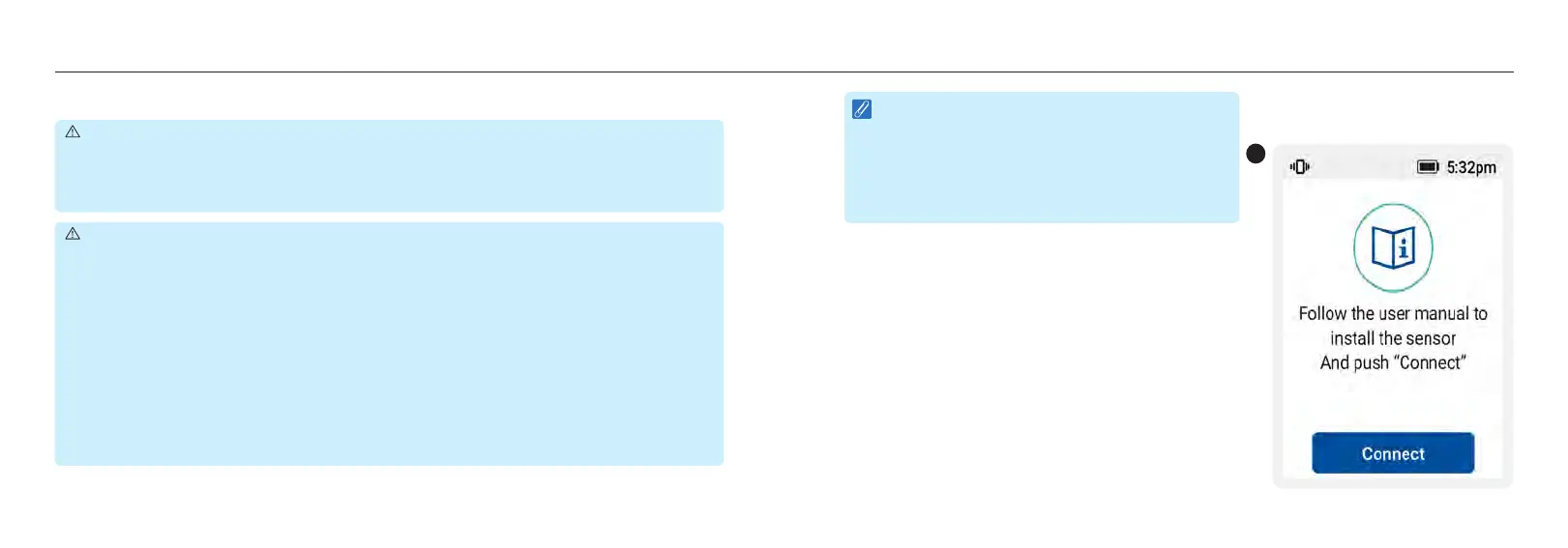
1. Make sure you have followed the installation guide
described in the “Apply your Sensor" and "Attach Your
Transmitter” sections. Then, when the receiver displays
“Your system is about to start, press [Connect].
1
NOTE :
Make sure you go through all steps in the “Pairing
the Sensor and Transmitter using NFC” section.
Make sure that you have your sensor and transmitter
installed properly before you start the following
steps.














 To Next Page