32
Set Up Your RIGHTEST CGMs
VI. SET UP YOUR RIGHTEST CGMS
Before setting up your RIGHTEST CGMs, make sure you have everything you need:
The following steps describe using receiver to make a monitoring session. If the instructions
provided do not work, please contact Customer Service for further assistance.
• Sensor Inserter Package
• Alcohol Wipes
• Transmitter • Receiver
• Your Blood Glucose (BG) Meter
PAIRING THE SENSOR AND TRANSMITTER USING NFC
PRECAUTIONS :
Scan the NFC Tags First before Connecting to the System: Each sensor has its
unique code established on the tag attached on the sensor inserter package. The
transmitter’s code is located right beneath its top plastic cover where is the opposite face
of its metal components. Every time you begin the use of a new sensor, scan both codes to
ensure successful system connections. The system will not start if you fail to scan the codes.
1. Get your receiver.
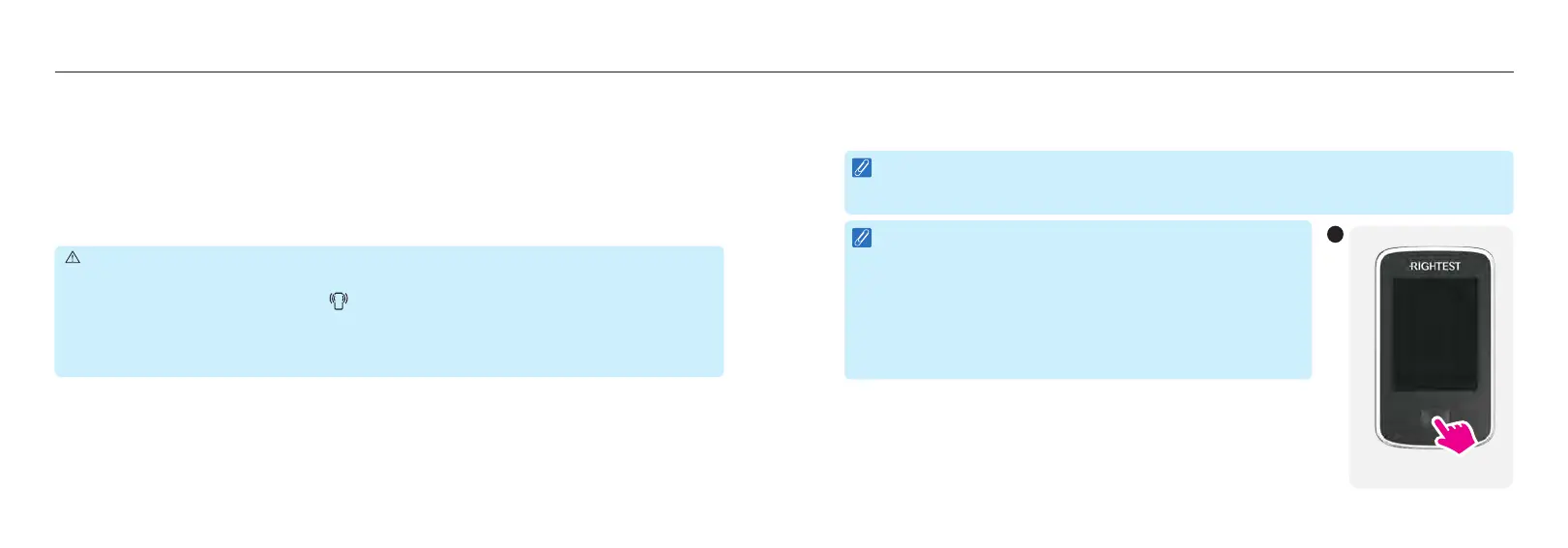
2. If your receiver is OFF, press and hold the [Power] button for 2 seconds to turn ON.
If your receiver is ON, press the [Power] button briefly to wake up its display.
33
Set Up Your RIGHTEST CGMs
NOTE :
If using the receiver for the first time, follow prompts to set the date, time and your glucose
target & alerts.
NOTE :
To clean the receiver, use a soft, dry, lint-free cloth and avoid
using aerosol sprays, solvents, alcohol wipes, or abrasives.
Abrasive cloths, towels, paper towels, or similar items may
damage the receiver and are not recommended to use for
cleaning it. Make sure liquid, dust, dirt, bleach, or any other
substance does not get into any opening. Unplug the receiver
from USB cable and turn it off before cleaning.
2
Power Button














 To Next Page