66
Understand Your Glucose Readings
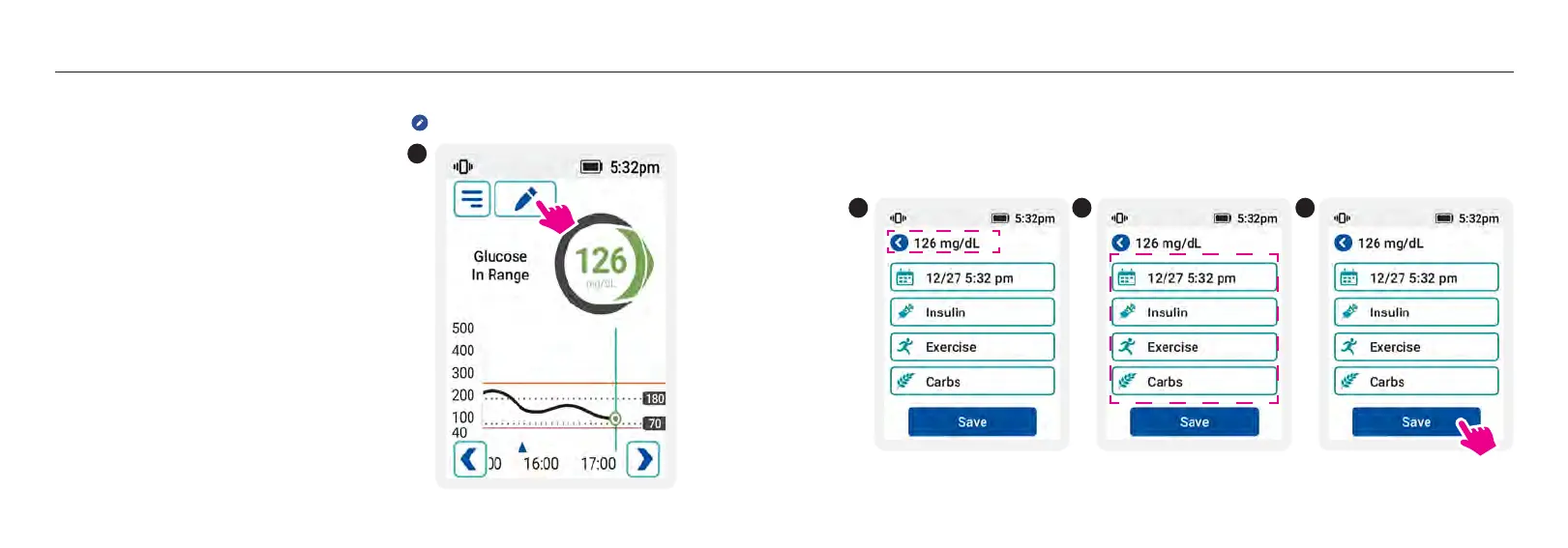
ADD NOTES
1. From the Home screen, add a note by tapping the symbol in the lower right corner of the
screen
1
2
67
Understand Your Glucose Readings
2. Make sure the time is correct.
3. Select the options (carbs, insulin, exercise) then follow the prompts.
4. Tap to save your notes. Notes are viewable in your logbooks.
3
4














 To Next Page