Page 15
nGEN™ Pump User Manual
10.7 Setting the Low and High Flow Rates
Quick Steps
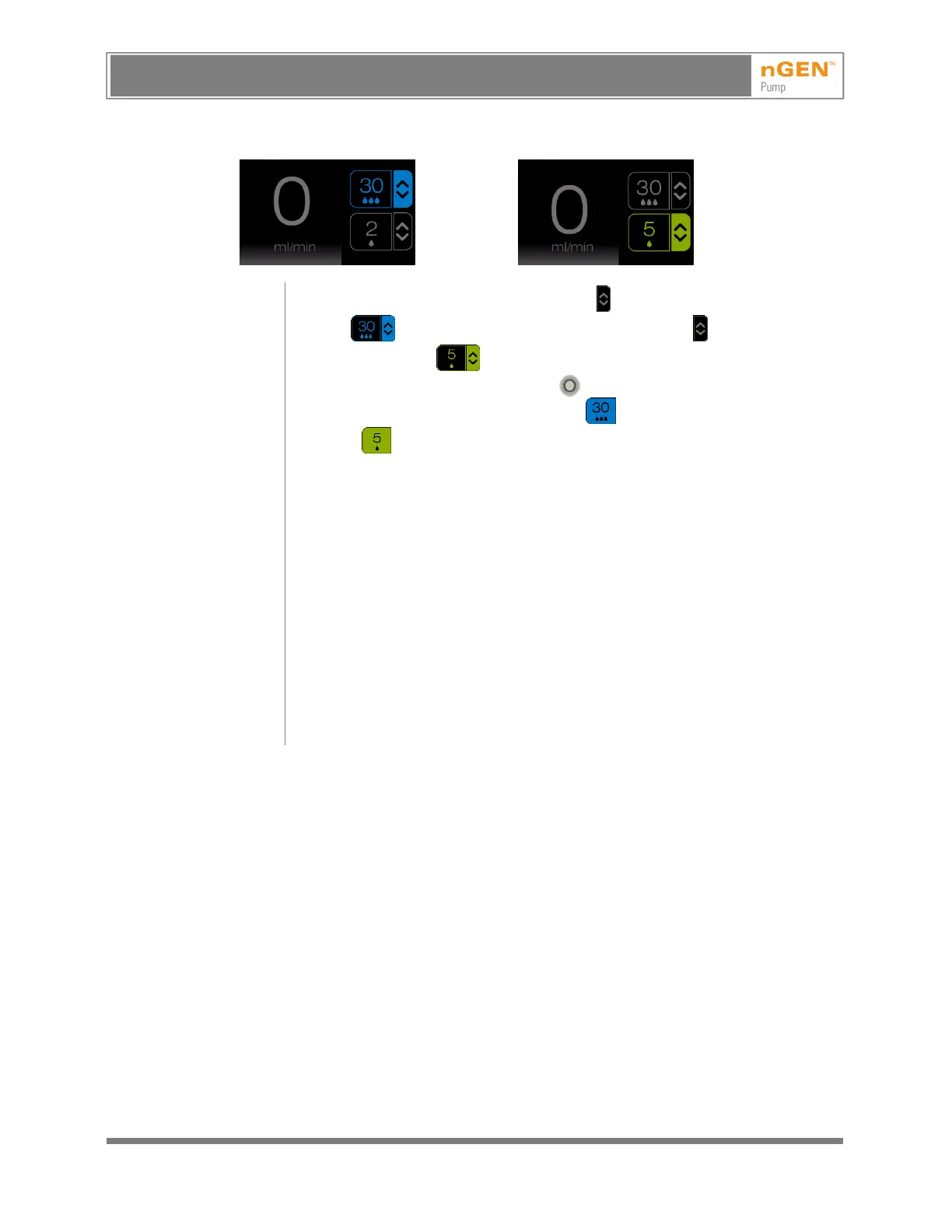
1. Press the Change High Flow Setting button (the button changes to
blue ) or press the Change Low Flow Setting button (the button
changes to green ).
2. Turn the Flow Rate Adjustment knob until the desired setting is
displayed on the Activate High Flow button or the Activate Low
Flow button.
When a button is pressed, the pump emits a short beep to confirm activation of
the button.
Refer to the instructions for use for the catheter to determine the appropriate
flow rates for the catheter.
The images above show changing the flow rates when the pump is in the ready
state. The flow rates can also be changed during ablation.
Low flow can be set between 1 and 5 ml/min. Low flow cannot be set at or above
the high flow setting.
High flow can be set between 4 and 60 ml/min. The range for high flow varies by
geographic region (see 12.1, Specifications). High flow cannot be set at or below
the low flow setting.
If the pump is connected to a generator that supports automatic pump control, it
is possible to set the irrigation flow settings from the generator’s user interface or
to configure the generator to automatically change the irrigation flow settings
based on the selected catheter preset. Refer to the generator user manual.
AVISO: Este es un documento controlado, confidencial, y con derechos reservados. Revisar si es la revision mas actualizada.
WARNING: This is a controlled proprietary and confidential document. Verify revision is current prior to use.
Release Date: 2/14/2024



 To Next Page