Page 26
nGEN™ Pump User Manual
Symbol Description
Flow direction
Communication connector (to generator, for example)
Direct current 24V/1.5A. The center of the connector is positive (+) and the barrel of
the plug is negative (-).
USB Port A (This symbol is located under the service access door and is not visible to
the user.)
USB Port B (This symbol is located under the service access door and is not visible to
the user.)
Stacking limit by number
Conformity mark to technical regulations, the conformity assessment body number
(applicable to Ukraine only)
14 Errors and Troubleshooting
Table 12 – Errors and Troubleshooting
Problem Explanation / What To Do
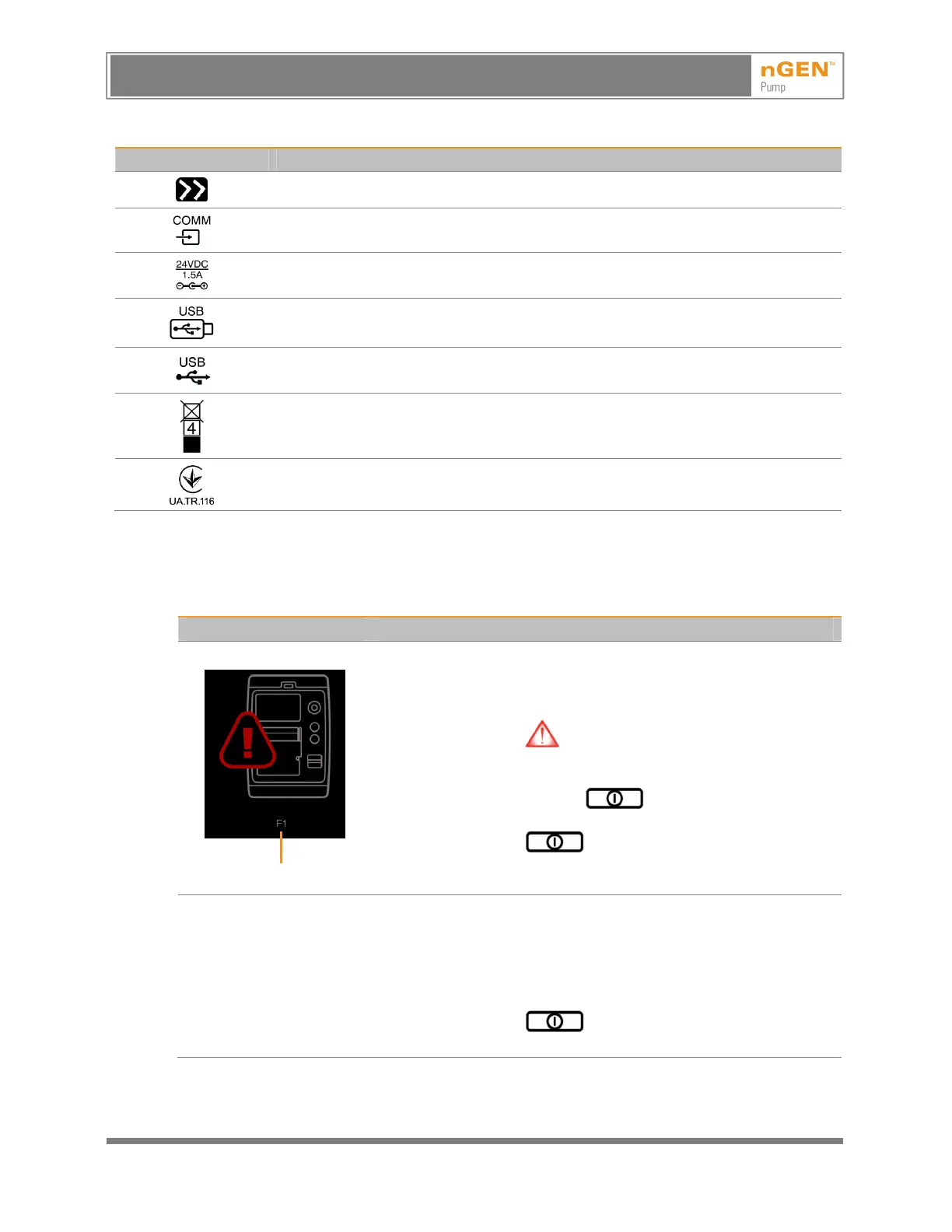
There is an internal error.
Error Code
When an internal error occurs, the pump stops immediately and emits
a repeating high priority alarm tone, and the image at the left appears
on the screen.
Note: If the internal error stops the software from functioning, the
internal error indicator (located at the top right corner of the front
of the pump) will turn on but the screen may turn off or may not
respond.
1. Press and hold the On/Off button for approximately
6 seconds until the pump turns off.
2. Press the On/Off button to restart the pump.
3. If the error occurs again, note the error code at the bottom of the
screen and contact Customer Support.
The pump will not turn on.
1. Disconnect the AC adapter from the pump.
2. Reconnect the AC adapter to the pump.
3. Verify that the AC adapter is properly connected to the mains
cable.
4. Verify that the mains cable is properly connected to the mains
outlet.
5. Press the On/Off button.
6. If the pump does not turn on, contact Customer support.
AVISO: Este es un documento controlado, confidencial, y con derechos reservados. Revisar si es la revision mas actualizada.
WARNING: This is a controlled proprietary and confidential document. Verify revision is current prior to use.
Release Date: 2/14/2024



 To Next Page