8
Chapter 4 Operating Instructions
Operating Modes
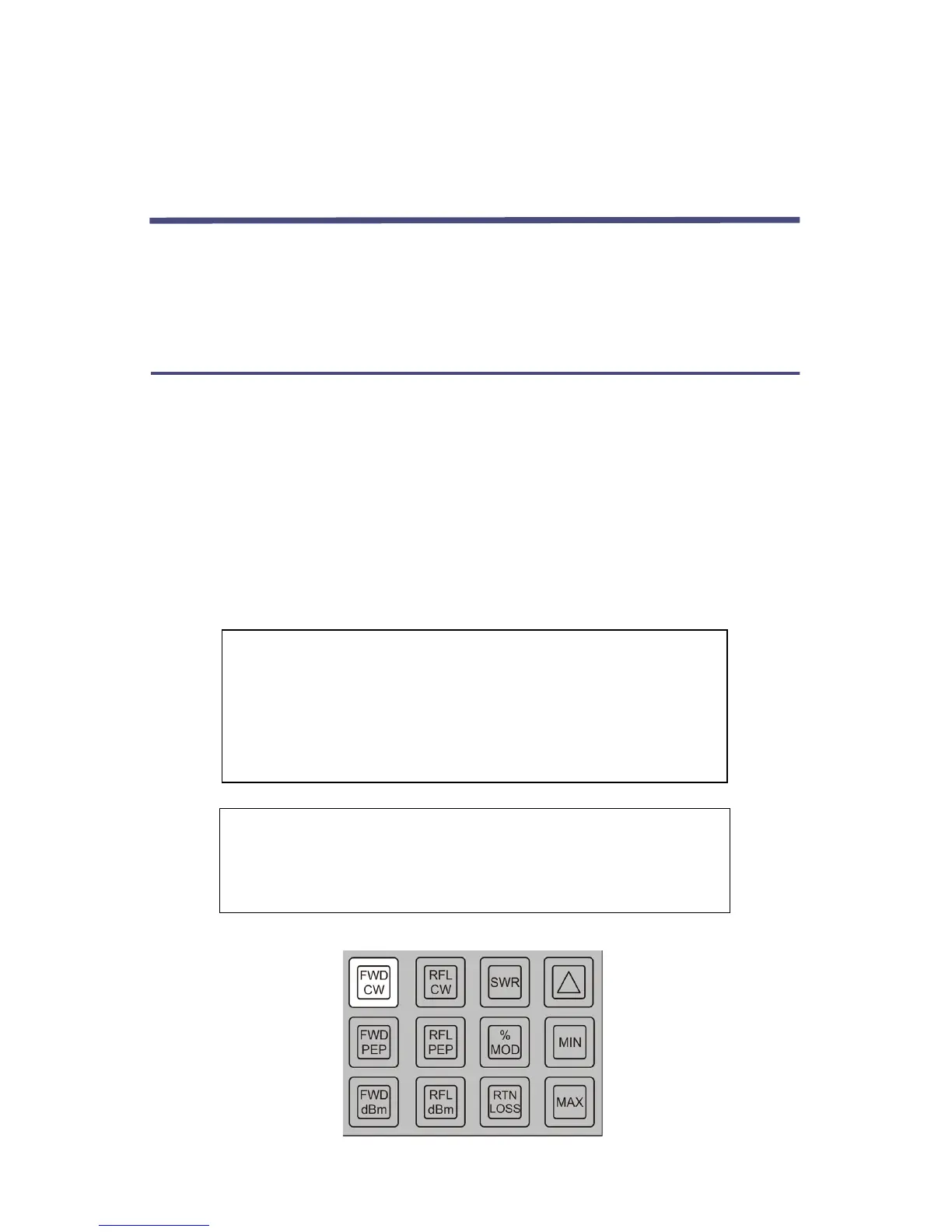
The Model 4391A has nine modes of operation which are selected by pressing the
mode keys momentarily. In addition, each mode has three output options
selected by pressing the modifier keys. Detailed descriptions of the modes and
output options follow.
Reading Forward CW Power
For this measurement only a forward element is needed. Install the meter and
element according to the preceding paragraphs and move the power switch to
LINE or BAT depending on the power source desired. When powered up, the
Model 4391A always goes into the forward CW power mode. If the unit is
already operating, the forward CW power mode is selected by pressing the FWD
CW key momentarily. If the applied power exceeds 120 percent of the range,
two right-facing arrow heads (i.e., “greater-than” symbols) will be displayed.
The operation of this error message does not depend on the correct setting of
the range switches by the operator, nor will the meter or its elements be
damaged if the switches are incorrectly set.
Figure 6 Forward Power (CW)
CAUTION
Never apply RF power to the Model 4391A Wattmeter
unless both line section sockets are filled with either an
element or a dust plug. If an element is used it is advisable to
place the element with the arrow at a 90° angle to the
coaxial line.
CAUTION
Always disconnect AC power before opening the Model
4391A enclosure. Removal of at least one battery cell is also
recommended when servicing the instrument.


 To Next Page