Operating Instructions
14
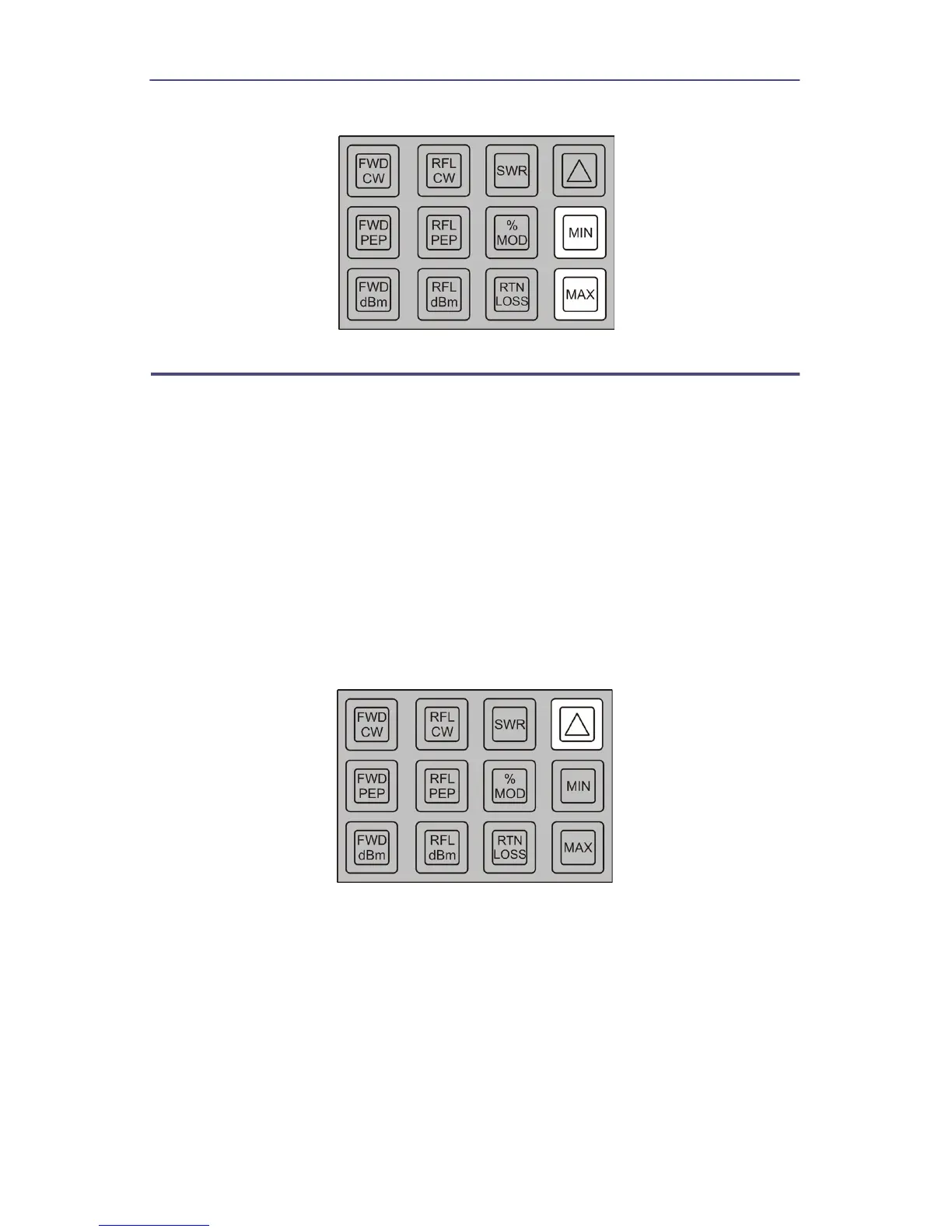
Figure 13 Maximum or Minimum Readings
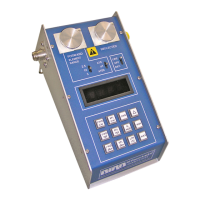
Using the Peaking Aid
The peaking aid is useful for making adjustments to optimize any of the
parameters which the Model 4391A measures. After the mode is selected, press
the delta () key momentarily. This blanks the least significant digit of the
display, and replaces it with a right-facing arrow head if the measured quantity
is increasing or a left-facing arrow head if it is decreasing. If there is no change,
the digit is left blank. To find a peak, begin making the adjustment in whichever
direction produces a right-facing arrow and continue slowly in that direction
until the arrow head turns around. At this point the peak has been reached. To
check to make sure the peak has not been passed, press the MAX key to read
the highest value read and release it to read the current value. The two should
be the same. Desired minimum levels (e.g. of reflected power or of SWR) are
found in a similar manner.
Figure 14 Peaking Aid (D)


 To Next Page