Maintenance
26
Note: The polarity orientation of the batteries must remain consistent.
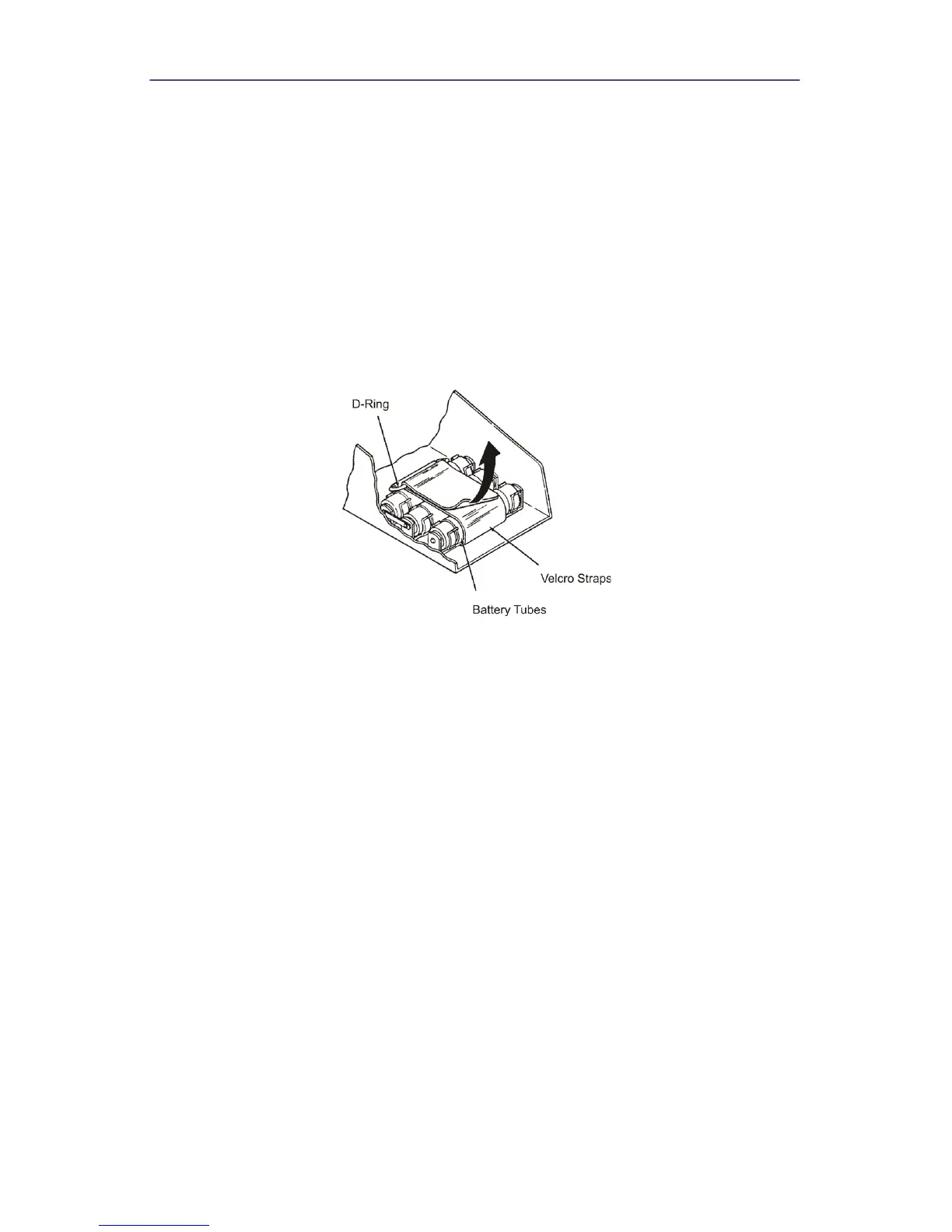
6. Remove the three battery tubes from the battery clips then remove two
batteries from each tube.
7. Install new batteries into the tubes then secure the tubes in the battery clips.
Note: Be sure to observe proper polarity.
8. Lower and secure the Main PC board assembly
9. Replace and secure the front cover.
10. Charge the batteries for 16 hours before using the instrument.
Figure 23 Battery Replacement


 To Next Page