2. Touch and hold a bookmark.
3. Tap Remove.
Browsing safely
About certificates
Certificates are used to verify that a website is legitimate. Websites that require more security, such as banking sites, use
certificates to prove authenticity. If a website has a certificate, certificate icons appear beside the web address bar.
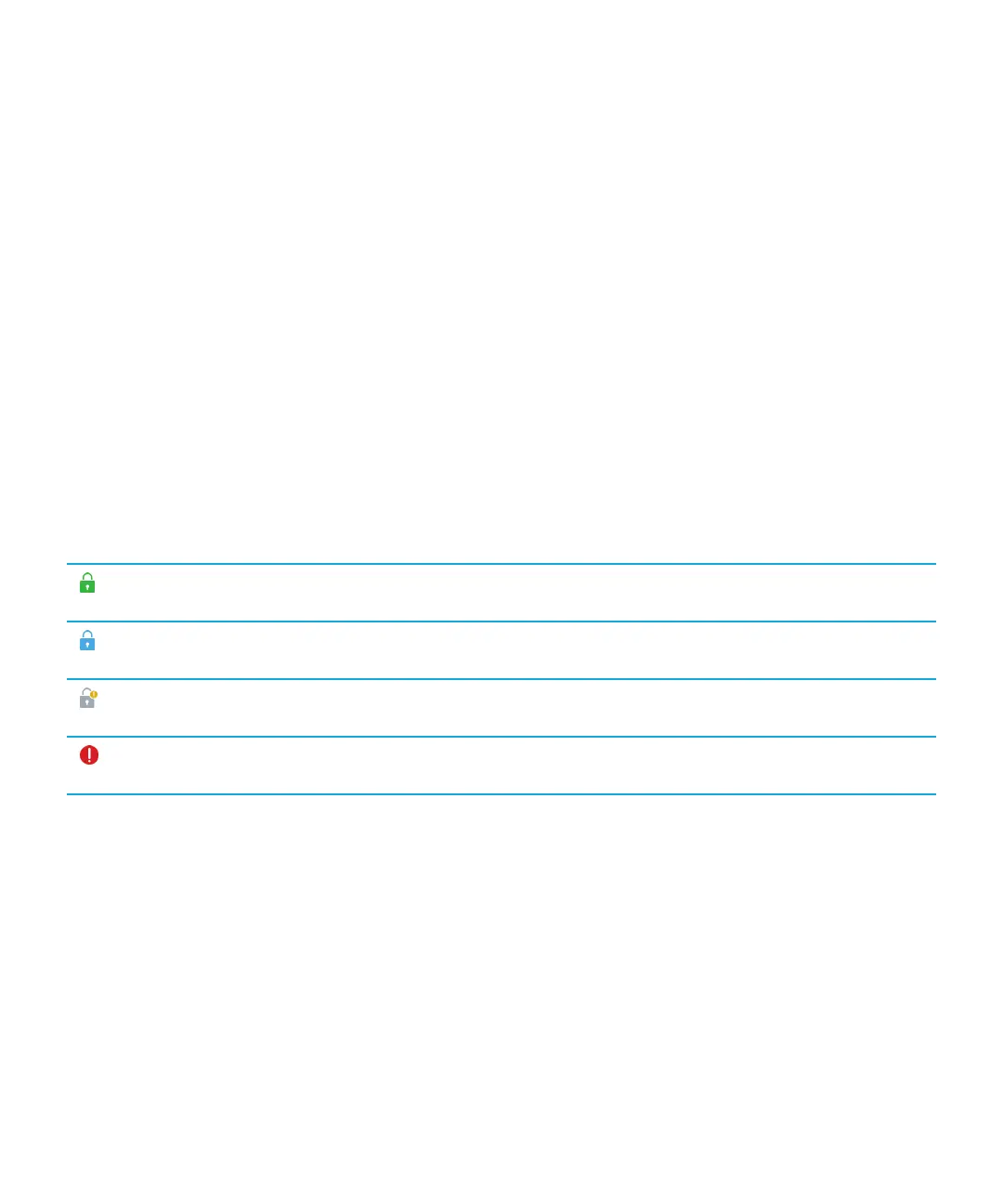
Certificate icons
Icon Description
The site's identity has been verified by an extended
validation certificate.
The site's identity has been verified by a domain-validated
certificate.
Some parts of the site are secure while other parts of the
site are not.
The site might be unsafe because the certificate is
unknown.
Content coming soon.
Change security settings
1. In the browser, swipe down from the top frame.
2. Tap Settings > Privacy and Security.
User Guide
RIM Strictly Confidential
Browser
47















 To Next Page