10
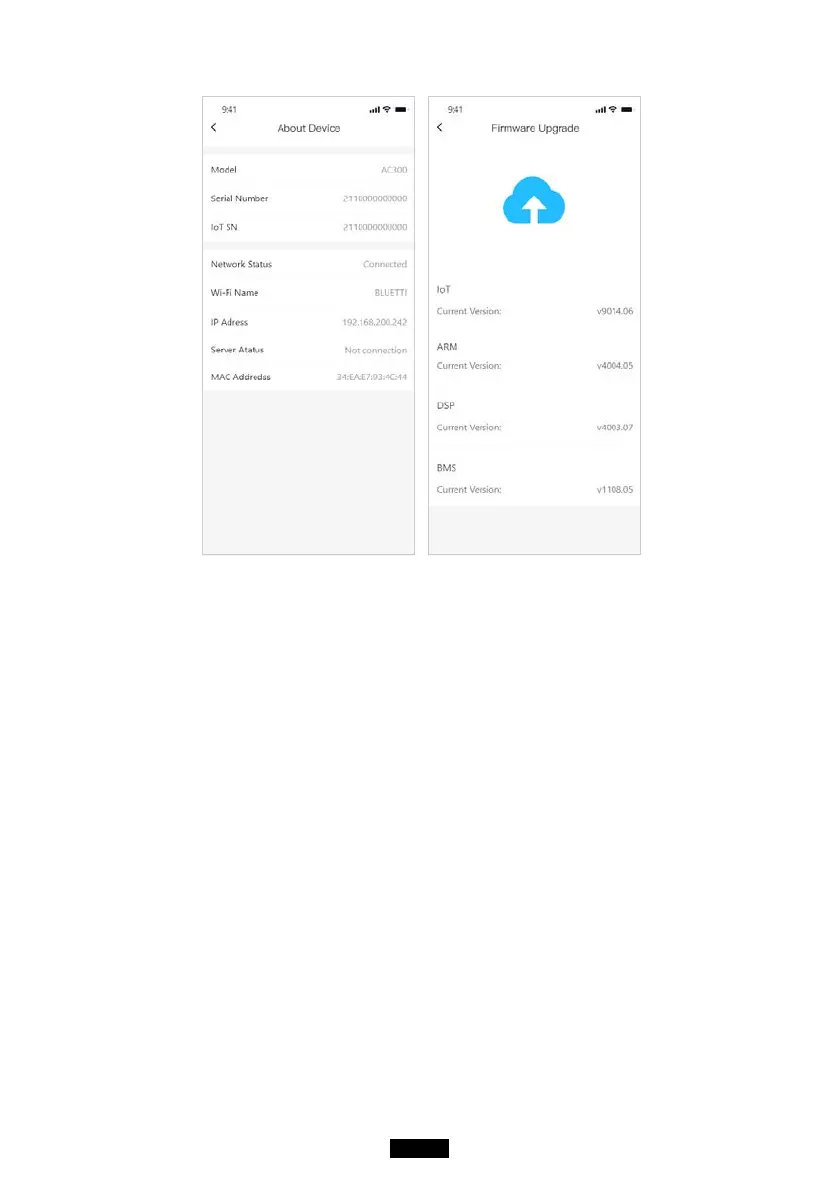
Note: Please keep your phone 5m/16.4ft within the AC300+B300 for a
better connection during update.
User cannot turn on AC300 via BLUETTI App.
Also, if BLUETTI APP fails to connect to the Internet. Tap "Settings" on the
mainpage of your phone and scroll down until the BLUETTI App shows
up(IOS). Tap "Settings" on mainpage of your phone, tap “Application
Management” and select BLUETTI(Android).
Tap the BLUETTI icon and verify that "Wireless and Data" permissions are
enabled.



 To Next Page