06
Complete User manual
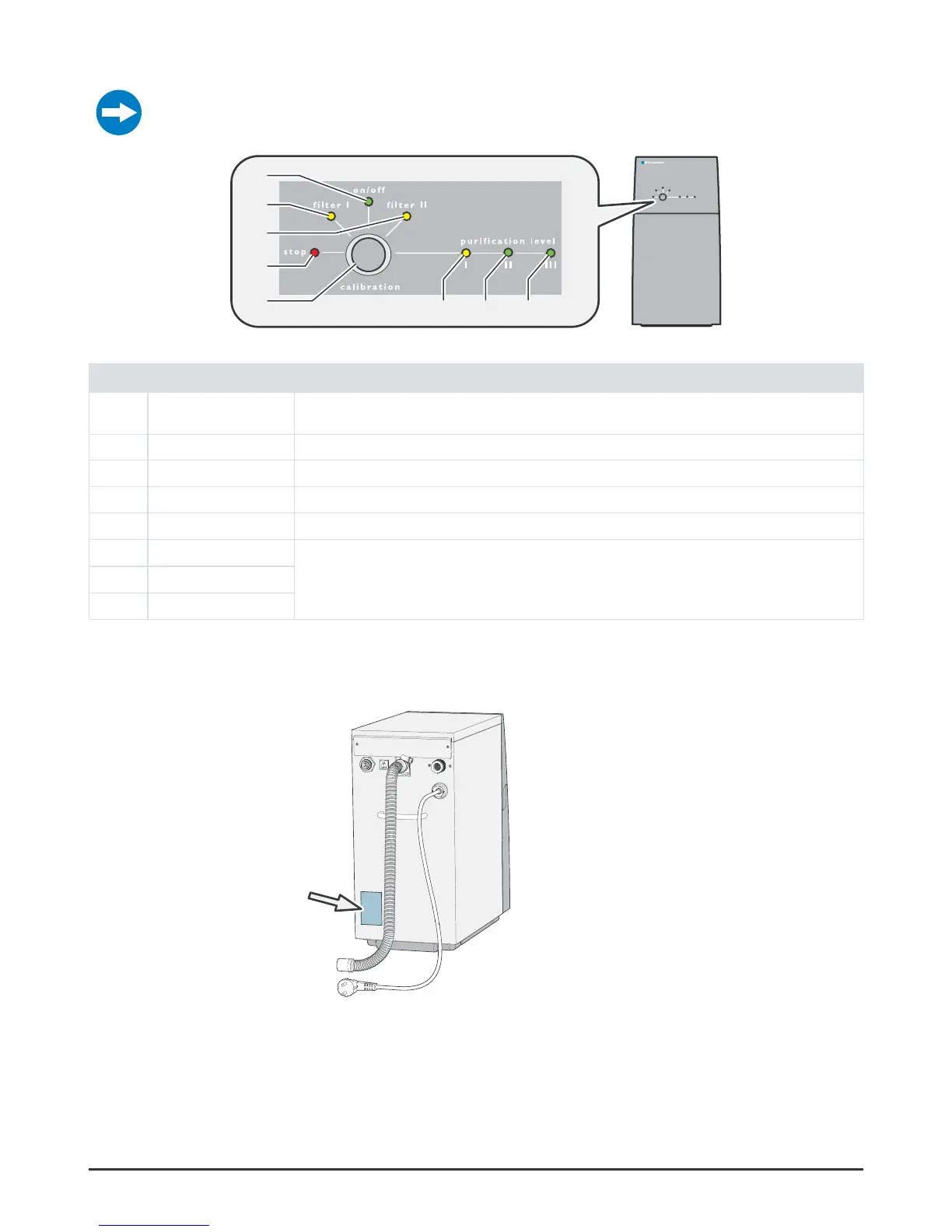
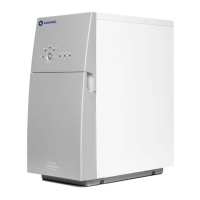
Control panel
For information about combinations of lights that flashes/are on, see “Troubleshooting” on
page 12.
Figure 2.
1
2
3
4
5
6
7 8
Control panel
Pos Light/button Description
1 on/off On: The water purifier is connected to power
Off: The water purifier is not connected to power
2 filter I On: The filter must be replaced. Pro 600: Replace both Combi filters.
3 filter II On: The filter must be replaced. Pro 600: Replace both Combi filters.
4 stop Flashes/On: Something is wrong, see “Troubleshooting” on page 12.
5 calibration calibration button, various functions see “Calibration” on page 16.
6 purification level I On: Purification level I-III indicates clean water purification level.
Low level I to high level III
7 purification level II
8 purification level III
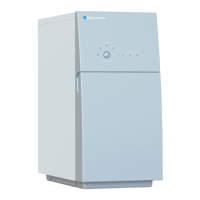
Data plate
The data plate is located on the rear side of the water purifier.
Figure 3. Data plate


 To Next Page