62
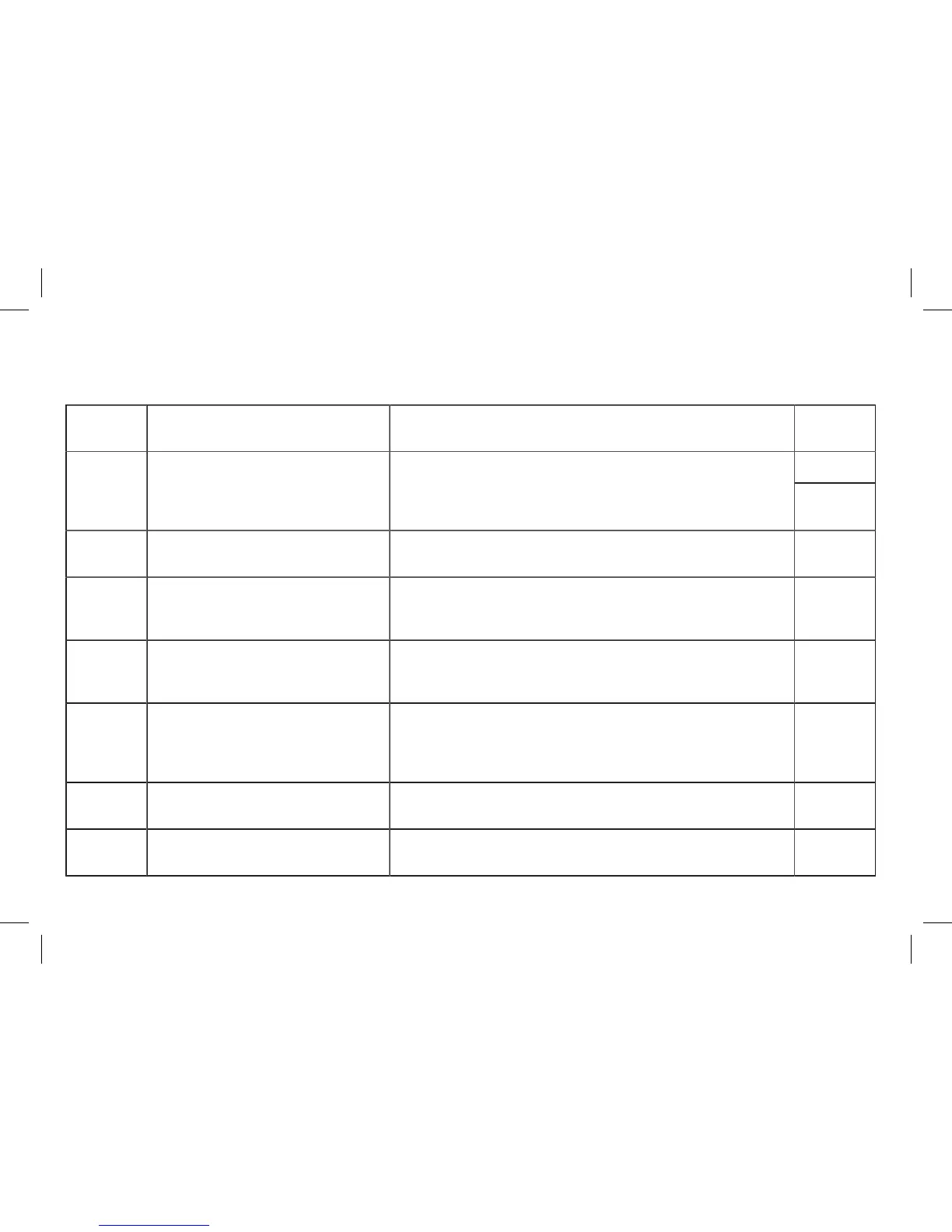
Eventcode Event message Action Light
stripes
Red blinking2 The Wallbox Pro has detected an abnormal
communication condition between
the touchscreen and the Wallbox Pro
motherboard.
Check the RJ45 plug between screen and electronic board (see picture
section 13.2).
Reboot the system (switch OFF and switch ON the power supply).
No blinking
(*)
5 The Wallbox Pro has detected an abnormal
condition. Charging is not possible.
Contact Customer Service. Red blinking
9 The configuration file is missing or corrupted. The Wallbox Pro settings shall be reinitiated through the "reset to factory
settings" feature from the User Interface.
If the problem persists, contact Customer Service.
Red blinking
12 The Wallbox Pro can't communicate with the
Power Meter. The charge will continue with
limited power.
Check the RS485 wiring on both ends.
Check the Power Meter is working and configurated properly.
No blinking
17
20
There is a communication issue between the
Wallbox Pro and the vehicle.
The charge has been stopped.
Check if the cable is correctly plugged.
Test the Wallbox Pro with an appropriate testing device to differentiate if the
issue origin is within the car or the Wallbox Pro.
Replace the Wallbox Pro cable if relevant or contact Customer Service.
Red blinking
21 The Wallbox Pro has detected an overcurrent.
The charge has been stopped
Start charging again. If problem is still detected, have the car controlled. Red blinking
32 The system has a low disk space available. Perform a Wallbox Pro reboot.
If the problem persists, contact Customer Service.
No blinking



 To Next Page