INSTALLATION MODE (OPTIONS)
The 1500 unit can be programmed by the operator to display specific information
only. Subject data may be entered, displayed and recalled in imperial or metric
measurements and may be altered at any time.
OPTIONS MODE
The Installation Mode comprises the following:
• DISPLAY OPTIONS
• IMPERIAL / METRIC OPTIONS
• MID-RANGE OPTIONS
• LANGUAGES OPTIONS
This facility allows the operator to choose:
1. Information required to be entered, e.g., Gender, Age, Height & Weight
2. Information required for display, e.g. Fat %, etc.
3. Units of measure in metric or imperial.
4. The average expected input measurements (or mid-range) of subjects to
reduce the time of subject data entry.
5. Data for Input/Display, e.g., measure and display Impedance values only.
6. Select language option.
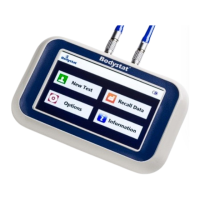
To access Options Mode select the icon from the main screen.
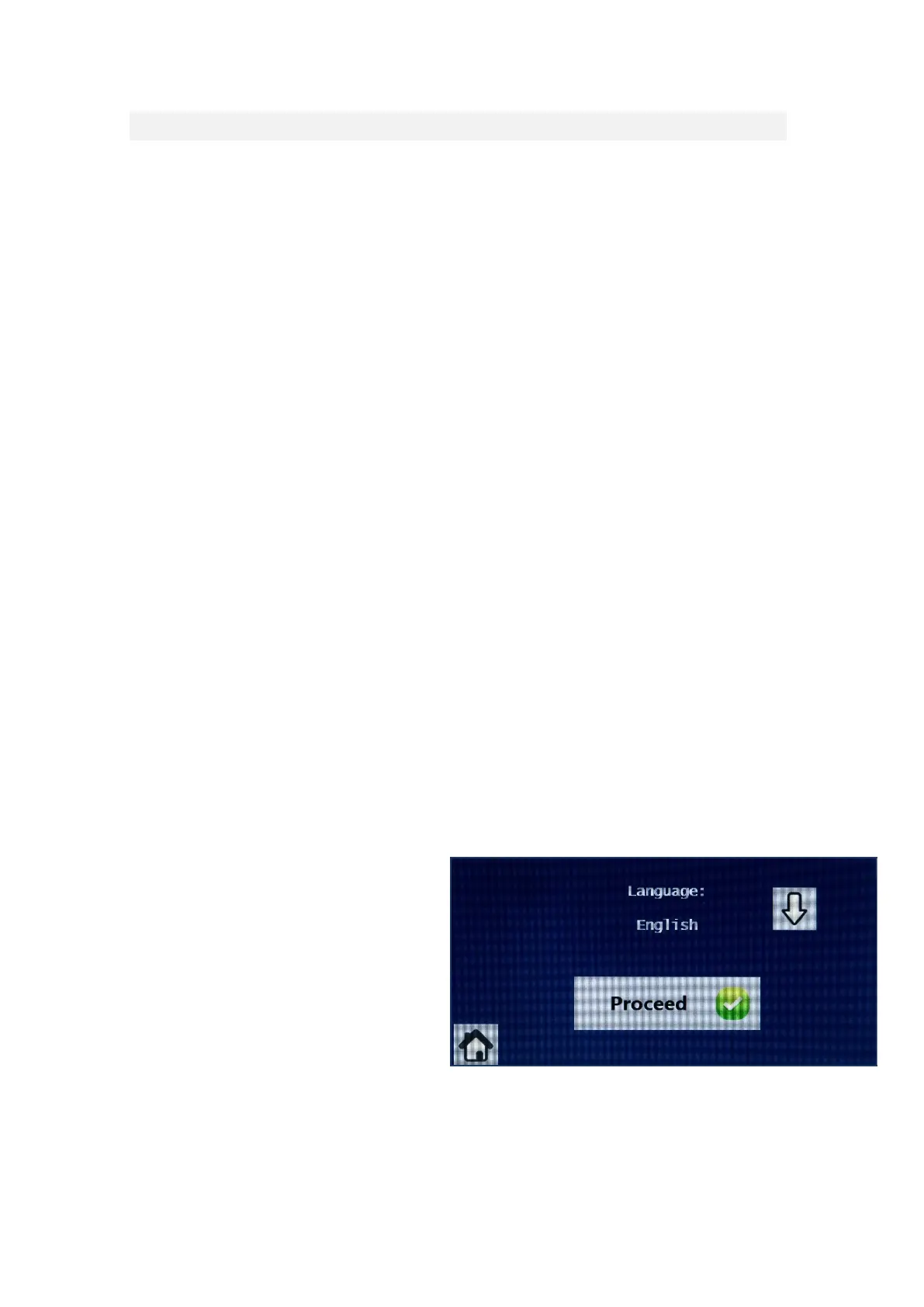
LANGUAGES
Press the <> key to switch between the language options. Press PROCEED
to select.
After pressing the proceed button
for language, the selection reverts
to 4 options for Units, Inputs,
Outputs Or Printer. Further
selections can be made or
alternatively, press the home
button to return to the main
screen.


 To Next Page