Once all options have been entered, press the proceed button to move to the
measurement screen.
Alternatively, press the red abort < > button to exit the screen without
measuring.
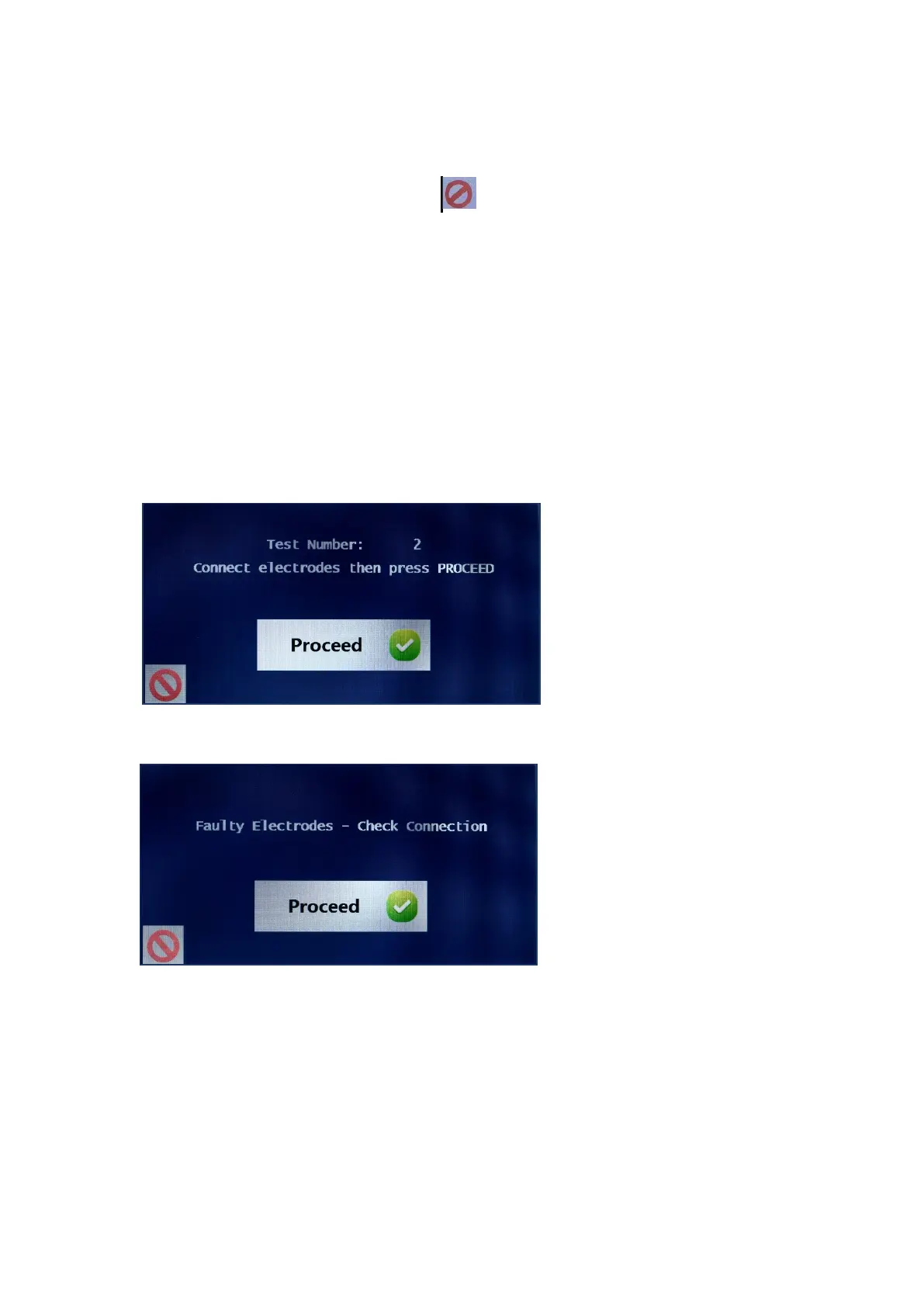
The next screen displayed is for connecting the electrodes. The unit has already
been connected to the four surface electrodes as fully explained in the
PERFORMING A MEASUREMENT section of this manual and the required
subject data has now been entered.
Ensure that the subject has been lying down for approx. 3 to 4 minutes for
greatest accuracy of measurement and reproducibility of results.
Check the subject to ensure that all the electrodes and leads are firmly
connected and that the subject is still lying flat in the correct position.
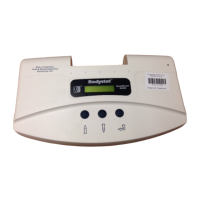
If the leads have not been
properly attached to the
electrodes, a message will
be displayed:
Re-check the electrode and lead connections. Ensure that the subject is still in
the correct position and press the <Proceed> key as before.


 To Next Page