RATIO.pm6.5 - USA
Page 1.13
RATIO
BOGE – RATIO compressor control for screw compressors
Control Parameterization1.5
General
The control unit calculates from the current operating data the respective
best operating mode and automatically selects it.
The parameters are adjustable.
In order to prevent unintentional changes to pre-set parameters, these
parameters are codeword-protected.
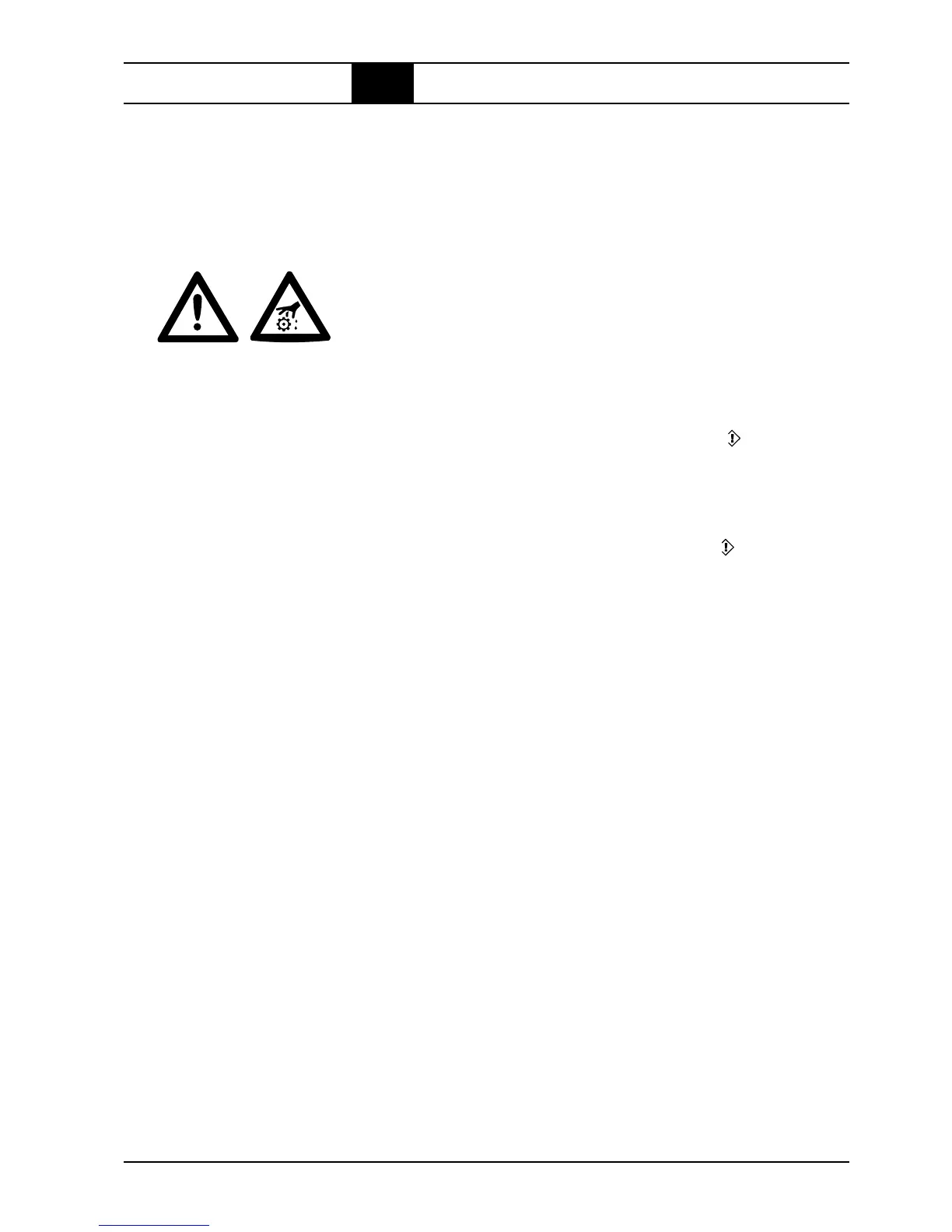
ATTENTION!
Never change the value of a parameter if you do not know what it means!
This may cause incorrect behaviour of the control unit!
Do not experiment with parameter settings!
Always call BOGE-Service if you are unsure or have any doubts.
In general the following is applicable: If a parameterization, as described
below, is started at the top right in the display the symbol appears and
the set value or status blinks.
1. Display Software-No. (see Software No.).
2. Press ENTER ↵ → and the parameterization symbol is shown on the
left, followed by three zeros, the left of which blinks.
3. Press ↑ or ↓ to change the first digit.
4. Press ↵ → and now the middle zero blinks.
5. Press ↑ or ↓ to change the second digit.
6. Press ↵ → and now the right zero blinks.
7. Press ↑ or ↓ to change the third digit.
8. Press ↵ → the display will now branch off depending on the set number
– if the value is invalid the main display will reappear.
Each parameterization is automatically registered by the control, together
with the associated time, thus putting an overview at the disposal of BOGE-
Service.
The servicing interval memory can be set to a value between 300 and
9900 hours in one hundred hours increments as long as the interval time
limit is monitored by the control – if it is not used it has to be set to 10000h,
as it stops the down counter.
1. Enter Code 111 as described under coded parameterization → and the
display shows the compressor servicing interval in blinking digits (Com-
pressor servicing).
2. Press the ↑ or ↓-key to change the value in big steps.
3. Press ↵-key to overwrite the non-volatile EEPROM with the blinking
value, and the main display reappears.
Parameterization
Enter Parameterization
Code
Set the compressor
servicing interval
and restart



 To Next Page