-- 10 --
3. Controls and Functions
3.1. Front Panel
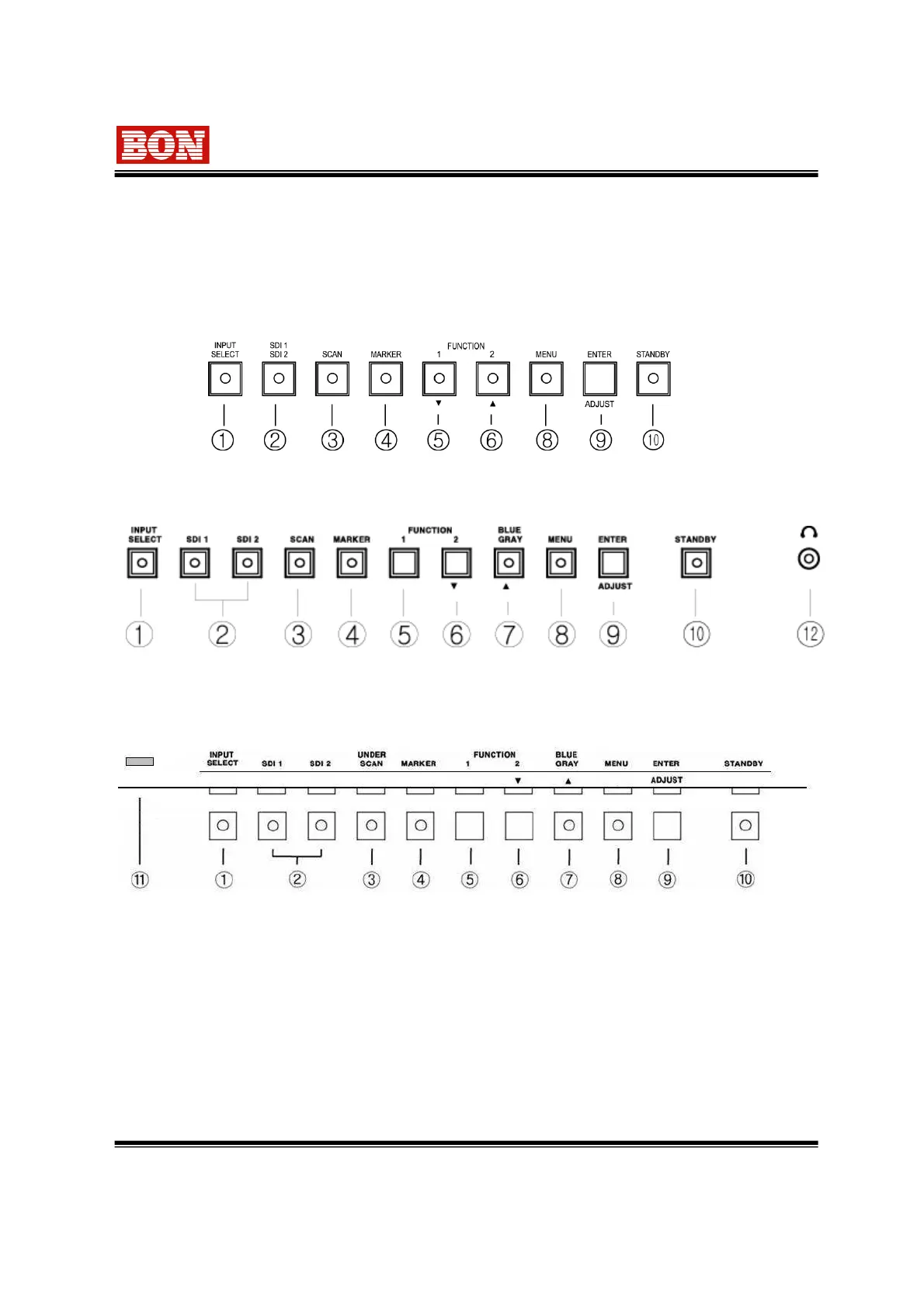
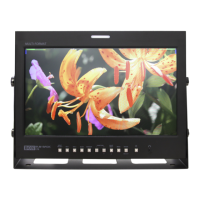
Front Panel (BLM-084)
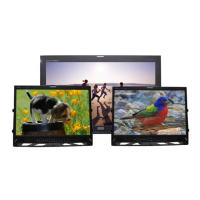
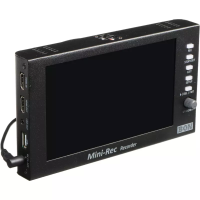
① INPUT SELECT
This is used to select Analog input and OSD menu is displayed for this.
② SDI 1, SDI 2 INPUT SELECT : This is for selecting SDI CH1 and CH2 input.
③ SCAN : This function is for converting into Under Scan or Zero Scan or Over Scan Mode or
Zoom.
Front Panel (BLM-170, BLM-190, BLM-200, BLM-240, BLM-260)
Front Panel (BLM-320, BLM-420, BLM-470, BLM-550)


 To Next Page