Front panel AC-UPS GD 128x64
OMX76014 Rev. A
9
4. LCD
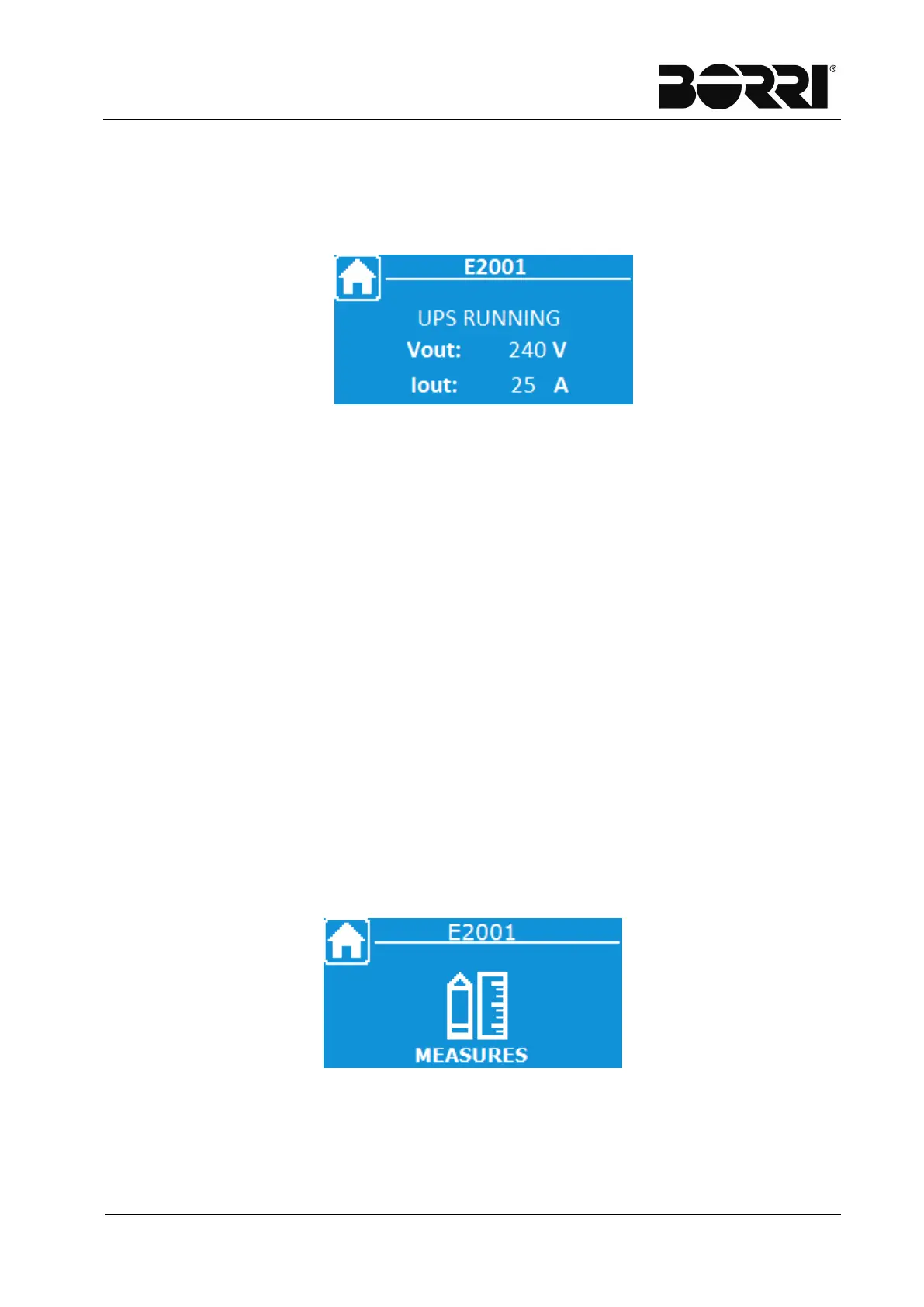
The Home Page of the display shows the name of the device, the status it is in and
the voltage and current of output.
Figure 3
–
Home Page
The possible statuses signalled on the display are as follows:
TEST MODE
INVERTER OFF
RECTIFIER OFF
BYPASS FEEDS LOAD
BYPASS NOT AVAILABLE
INV NOT SYNCHRONISED
UPS RUNNING
From the Home Page, you can browse through the menus clicking on one of the two
arrows. The main menus you can slide through are:
MEASUREMENTS
COMMANDS
ALARMS
SETTINGS
INFO
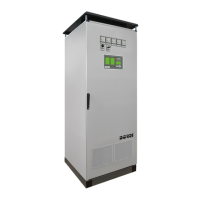
For example pressing the bottom arrow you access the following screen.
Figure 4
–
Home Page - Menu Selection







 To Next Page