Front panel AC-UPS GD 128x64
OMX76014 Rev. A
15
4.3 BASIC DIAGNOSTICS
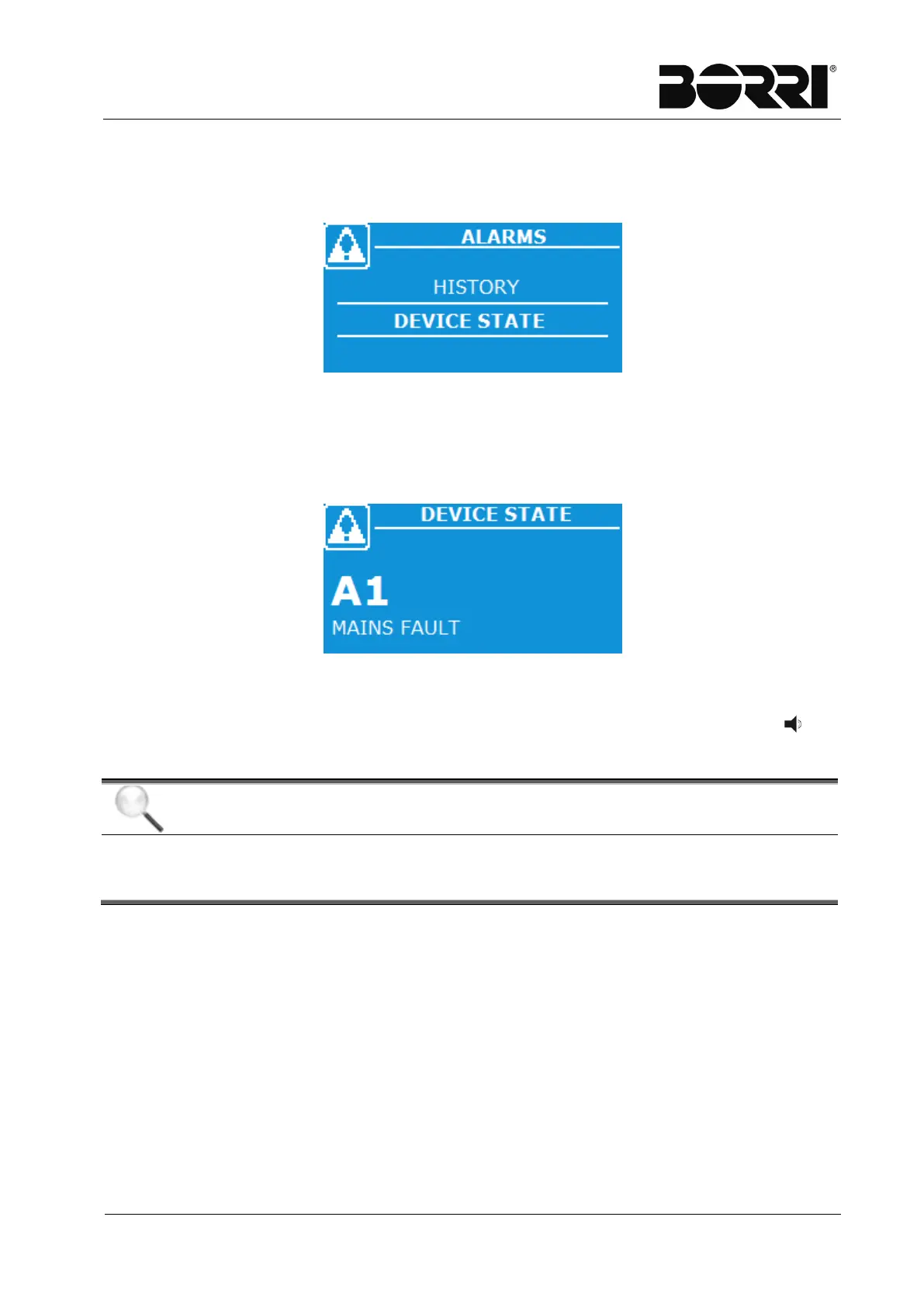
From the Alarms page, you can access the display page of the log or the display
page of machine status with all the alarms and the active statuses.
Figure 9
–
Alarms Menu - Selection
4.3.1 Device status
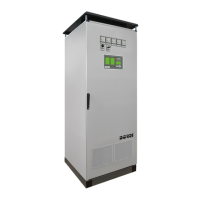
This screen displays an alarm (or status) enabled on the machine. The display of an
alarm (or status) at a time. You can scroll the list using the arrow keys.
Figure 10
–
Alarms Menu - Device Status
Each time an alarm activates, the page is updated. An acoustic signal indicates a
new anomaly has occurred; in any case, the buzzer can be silenced pressing the key
(BUZZER).
Automatic alarm reset
For most of the alarms (except those described in the paragraph 4.2.1) reset
is automatic and the alarms disappear together with the conditions that cause







 To Next Page