Front panel AC-UPS GD 128x64
24 OMX76014 Rev. A
5. FAULTS AND ALARMS
As already described in the previous chapters, the system is equipped with basic
diagnostics which allow immediate display of the operating conditions. The LCD panel
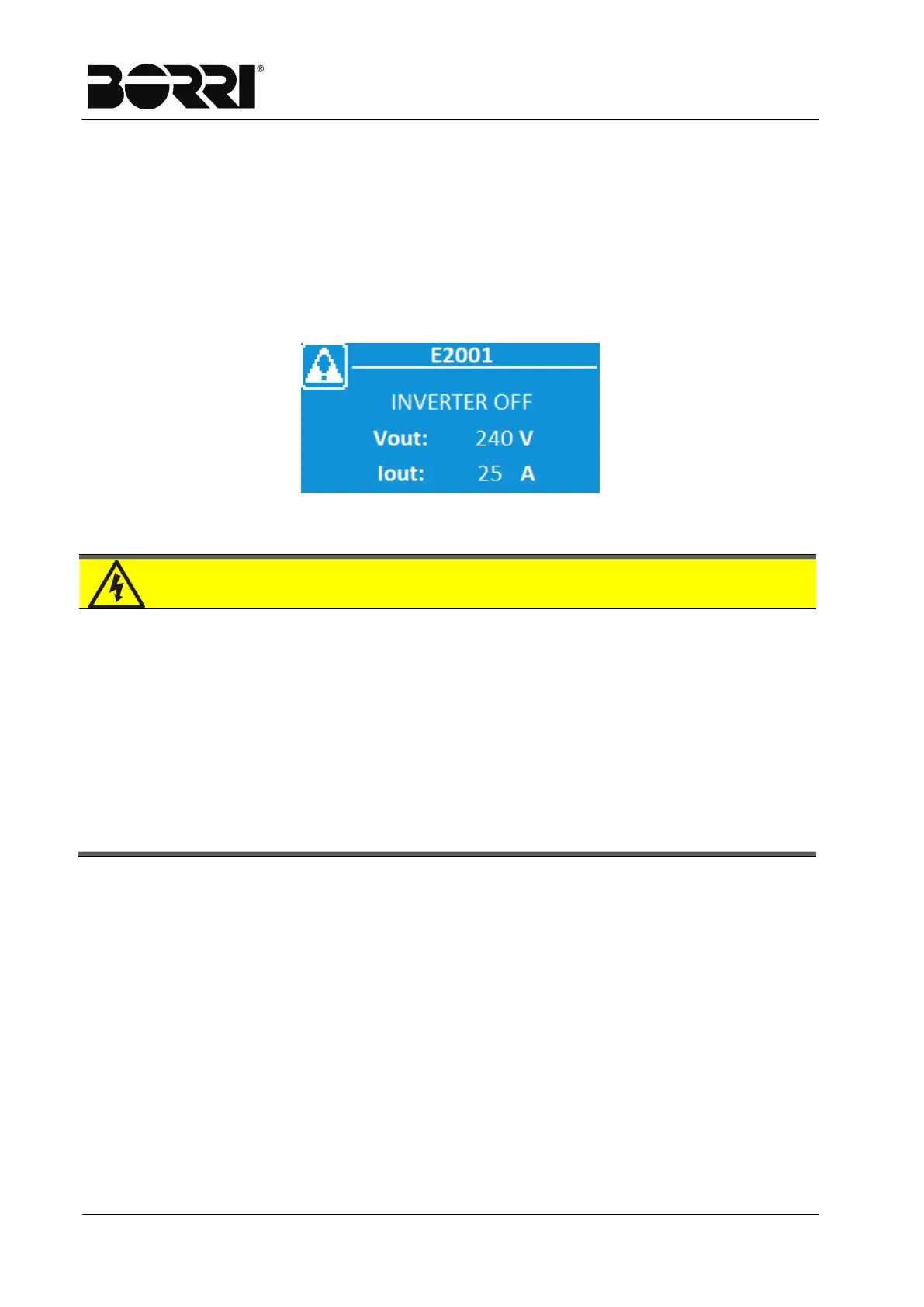
immediately displays the Home Page and the presence of any alarms by displaying
instead of the home icon on the top left, a flashing icon similar to that outlined below
and an acoustic indicator is enabled. To have a list of the active alarms and the active
statuses, you can access the Alarms menu.
Figure 15
–
Home Page if alarms present
Danger of injuries due to electric shock!
Before carrying out any operation on the UPS. ensure you have complied with
all the safety precautions:
All work on the unit must be carried out by qualified staff;
You can access internal components only having disconnected the
device from power sources;
Always use protective equipment designed for each type of activity;
The instructions contained in the manuals must be strictly followed;
If in doubt or you cannot solve the problem, please contact Borri
immediately.







 To Next Page