Front panel AC-UPS GD 128x64
18 OMX76014 Rev. A
4.4 SETTINGS AND ADVANCED OPERATIONS
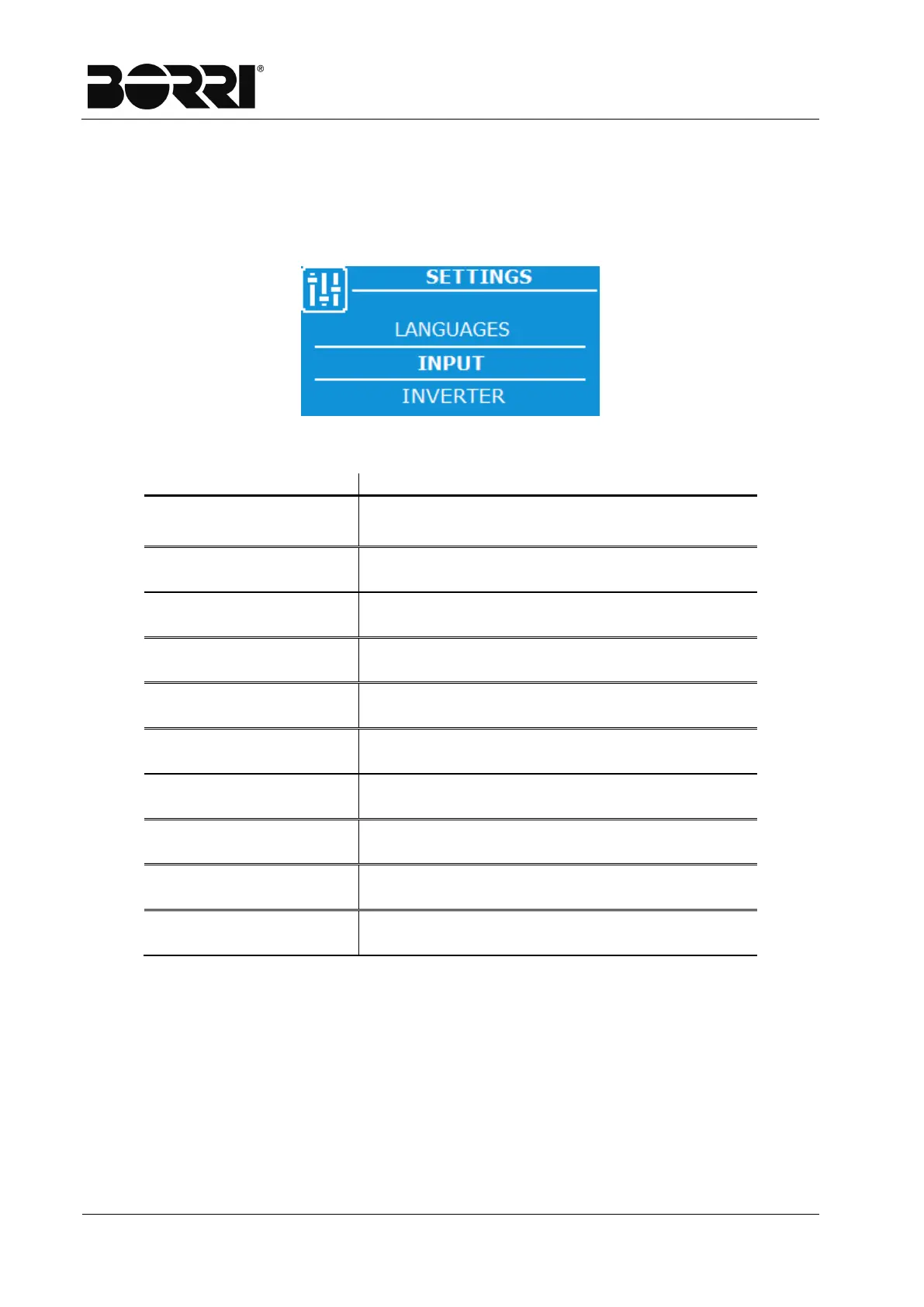
A password is required to access the Settings page. Once the correct password is
entered, you access the Settings page with a list to scroll of the pages which can be
accessed. In the various menus, you can edit some internal parameters used for correct
operation of the rectifier system.
Figure 12
–
Settings Menu - Selection
INPUT
Allows input tolerance parameters to be
changed.
INVERTER
Allows changing the inverter switch off
minimum voltage threshold.
OUTPUT
Allows output tolerance parameters to be
changed.
BATTERY
(1)
Allows setting the data of the battery including
the automatic test parameters.
BATT. CHARGE
(1)
Allows setting the float charge parameters
with buffer, manual and rapid.
DC VOLTAGE
Allows changing the rectifier output voltage
tolerance.
MODBUS 1
Allows setting the ModBus communication
parameters of port 1
MODBUS 2
Allows setting the ModBus communication
CLOCK
Allows setting the time and date.
LANGUAGE
Allows setting the language of the display
(1) The drop-down menu of the settings are only displayed for configuration with the battery installed.







 To Next Page