Front panel AC-UPS GD 128x64
12 OMX76014 Rev. A
4.2 USER COMMANDS MENU
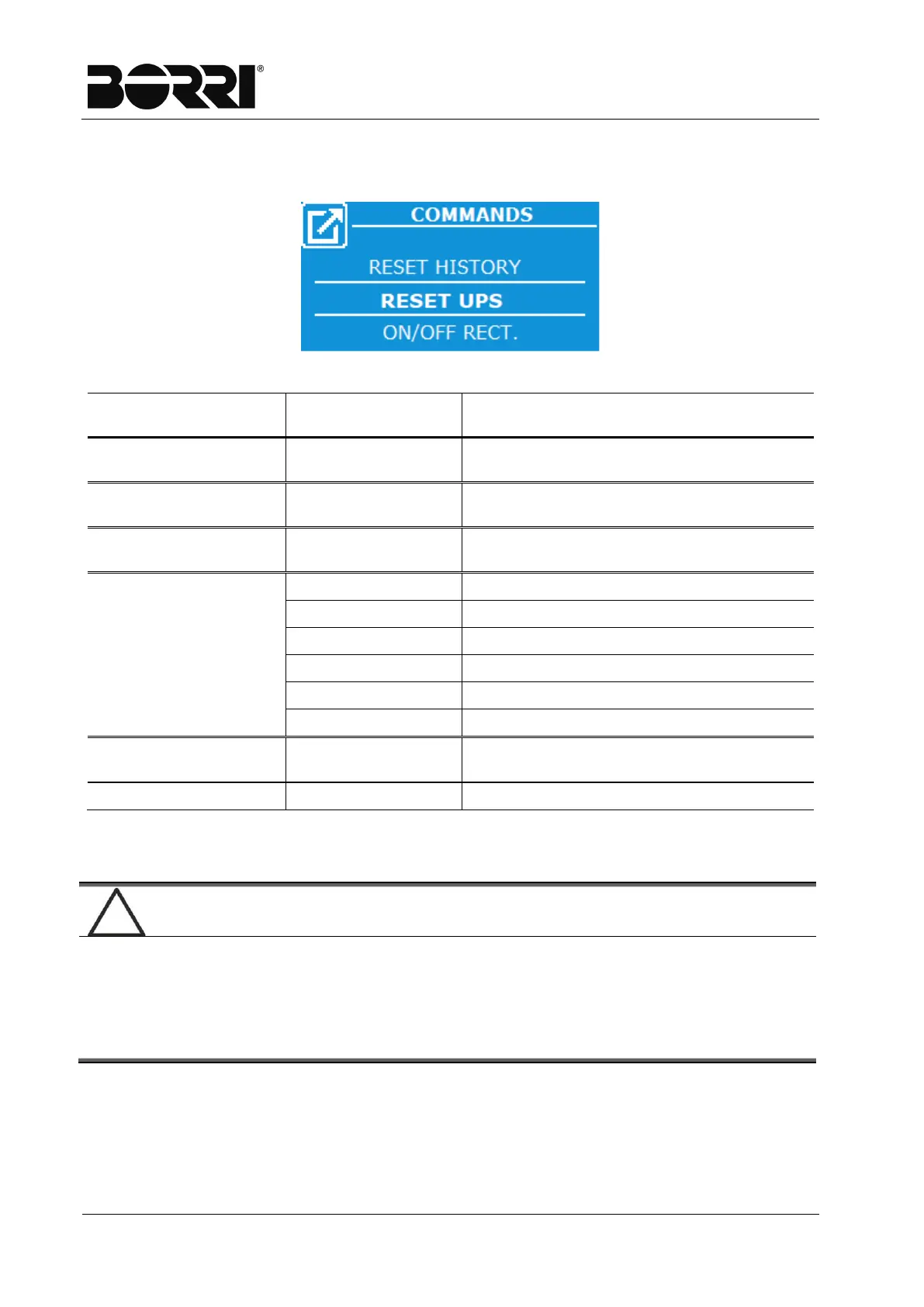
The Commands page allows the user to undertake direct actions on the UPS.
Figure 7
–
Commands Menu - Selection
Commands Commands
Description
RESET UPS. -
Allow UPS reset. Typical use is resetting
to restart it following a blocking alarm.
ON/OFF RECTIFIER
(1)
-
Allows a switch on or off command to be
sent from the display to the rectifier.
ON/OFF INVERTER
(1)
-
Allows a switch on or off command to be
sent from the display to the inverter.
BATTERY
(2)
BOOST REQUEST
Start/Stop rapid recharge (boost)
FORCED BOOST
Start/Stop timed rapid recharge
AUTO/MANUAL
Start/Stop manual charge
BOOST TEST
Boost battery test
TEST FAST DISCH.
Rapid discharge battery test
TEST MANUAL
Manual battery test
RESUME STARTUP
-
Allows you to recover the start
RESET HISTORY
(1)
-
Allows you to reset the log
(1) Password protected menu
(2) The battery commands are only displayed for configuration with the battery installed.
Password protected access
The password is set by the manufacturer to prevent access to unauthorised
staff.
You are advised to minimise distribution of the access password.
Changes to the operating parameters and the start operations on the
rectifier can be potentially hazardous for the device and for people.







 To Next Page