52 | en
09.2014 Robert Bosch Car Multimedia GmbH
Danger of irreparable dam-
age to the CD/DVD drives!
Contoured CDs (shape CDs) are not
suitable for playback. If a fault occurs,
do not remove CDs with force.
We accept no liability for any damage
to the CD/DVD drives that may be
caused by unsuitable CDs.
Note:
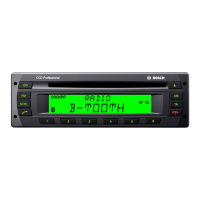
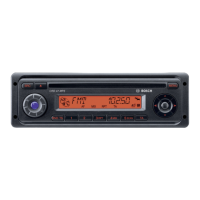
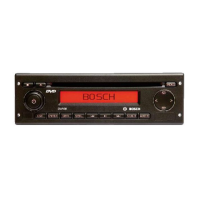
The CCD is equipped with a CD drive
that can play audio CDs and MP3/
WMA CDs but not DVDs. The CCS is
equipped with a DVD drive that can
play DVDs, audio CDs, and MP3/
WMA CDs.
If there is no CD/DVD inserted in the drive,
f gently push the CD/DVD with its printed
side uppermost into the CD slot 2 or CD/
DVD slot = until you feel some resist-
ance.
The drive draws in the CD/DVD automatically.
To remove the CD/DVD from the device,
f press the button 4 (for a CD in the
drive of the CCD) or the button @ (for
a CD/DVD in the drive of the CCS).
Inserting/removing a CD/DVD | Radio mode
Inserting/removing a CD/DVD
Radio mode
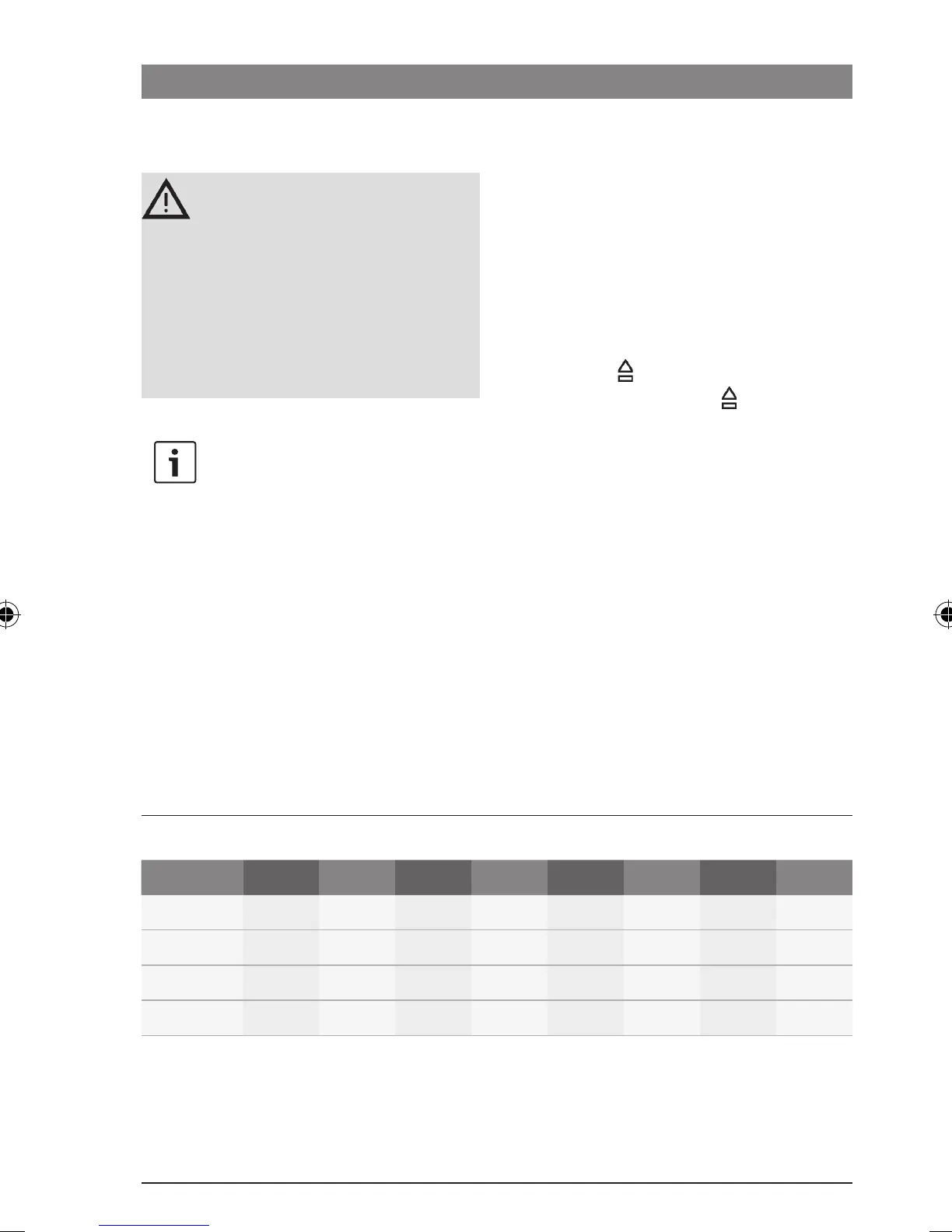
Available wavebands and memory banks
Region FMTS FM1 FM2 AM MW LW SW WB*
Europe
–
–
NAFTA
– – –
LAM*
– – – –
Asia
– – – –
* LAM = South America, WB = Weatherband
02_ProLine3_en.indd 52 15.09.14 14:40









 To Next Page