en | 67
09.2014Robert Bosch Car Multimedia GmbH
en
Bluetooth telephone functions | MAS settings
Functions in the phone book
Note:
To open the phone book, see the
section entitled “Functions on the
CCD” in this chapter.
1
st
Menu level 2
nd
Menu level Function
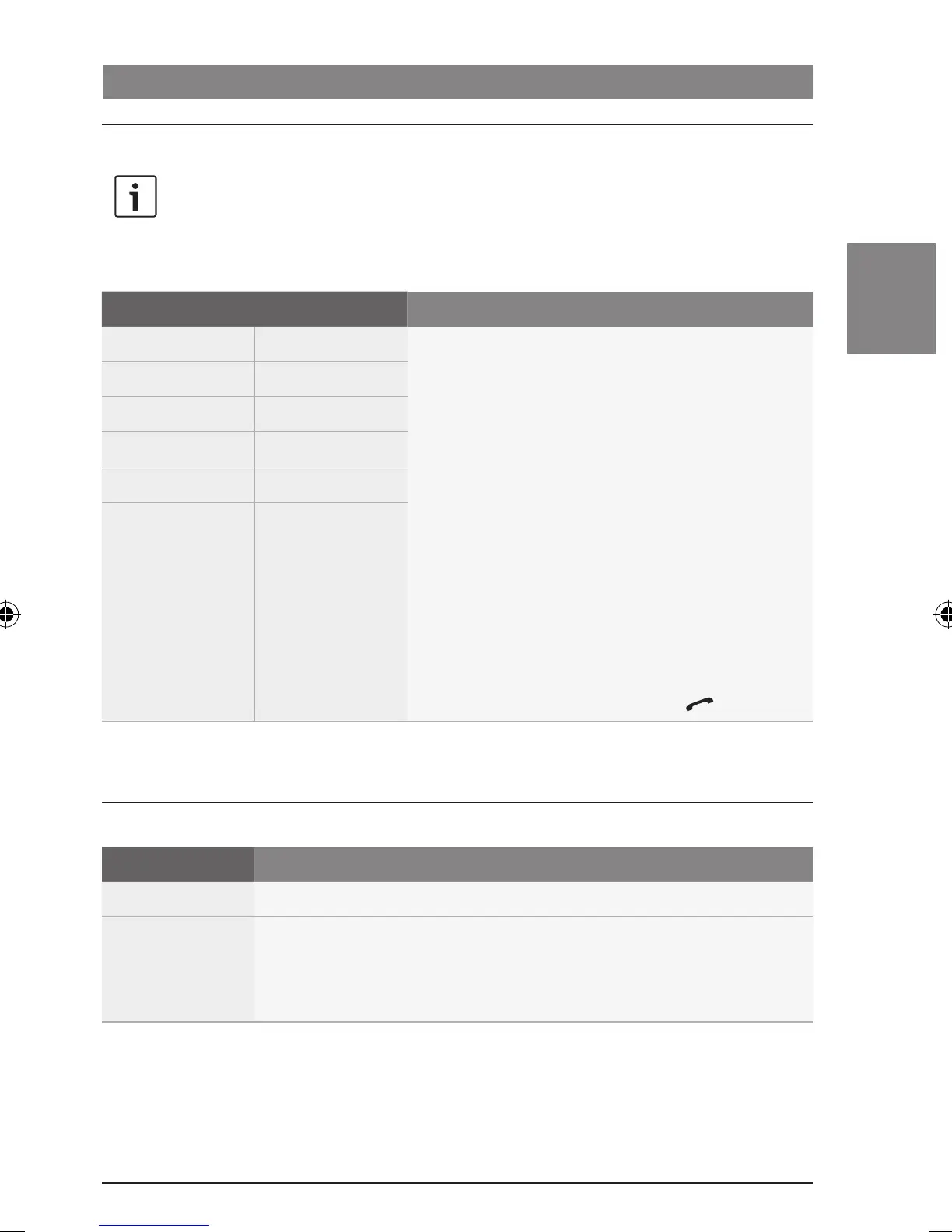
*PH-BOOK Entry 01 Make a call
Select a contact or phone number from the phone
book that you downloaded from the mobile phone
(“*PH-BOOK”) or from the list of missed calls
(“*M-CALLS”), received calls (“*R-CALLS”), or dialled
numbers (“*DIAL-NO”).
Notes:
f The name or number is displayed for each
entry.
f Only those entries that were stored on the
mobile phone's SIM card before the phone
book was transferred will be available.
f Once an entry has been selected, you can
initiate the call by pressing the button :.
:
Entry nn
*M-CALLS ...
*R-CALLS ...
*DIAL-NO ...
MAS settings
MAS settings in the main menu
1
st
Menu level Function
:
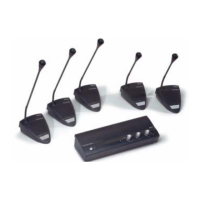
MAS ON/OFF Switch the multichannel audio system on/off
Note:
Only available if a multichannel audio system is connected. Otherwise,
“NO MAS” is displayed.
02_ProLine3_en.indd 67 15.09.14 14:40









 To Next Page