en | 63
09.2014Robert Bosch Car Multimedia GmbH
en
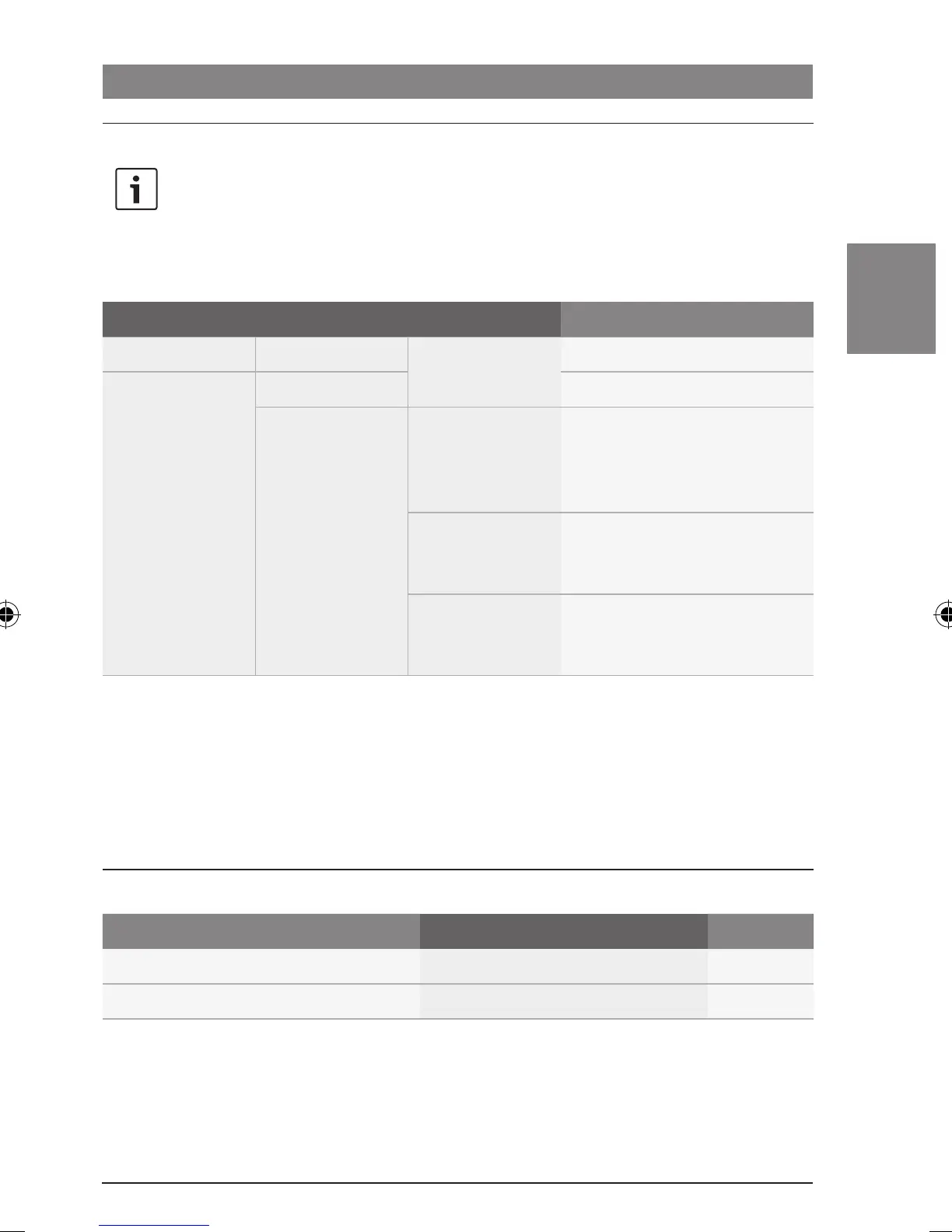
Settings in the main menu
Display settings | Monitor settings
Note:
In order to prevent unintentional
changes being made in the “*MORE”
menu, “CODE” is displayed as soon
as you have confirmed the “*MORE”
menu item. When “CODE” is
displayed, press both of the control
knobs (< and ?) simultaneously
to open the “*MORE” menu.
1
st
Menu level 2
nd
Menu level 3
rd
Menu level Function
:
*MORE :
*HMI EXTENDED/
SHORT
Select the extended or short
menu (in the extended menu,
source selection is possible
within the “*AUD” menu).
NAME ON/OFF Activate/deactivate the
displaying of track names in CD/
USB mode.
SCRL ON/OFF Activate/deactivate the
displaying of display content as
scrolling text
Monitor settings
You can manually activate/deactivate the
monitors in the cabin or synchronise them with
a video source being fed into the cabin. If the
monitors are synchronised with a video source,
they will be activated/deactivated together
with the video source.
Functions on the CCS
Function Action Note
Activate/deactivate monitors
f Briefly press the MON button C
–
Synchronise monitors
f Long press the MON button C
–
02_ProLine3_en.indd 63 15.09.14 14:40









 To Next Page