en | 59
09.2014Robert Bosch Car Multimedia GmbH
en
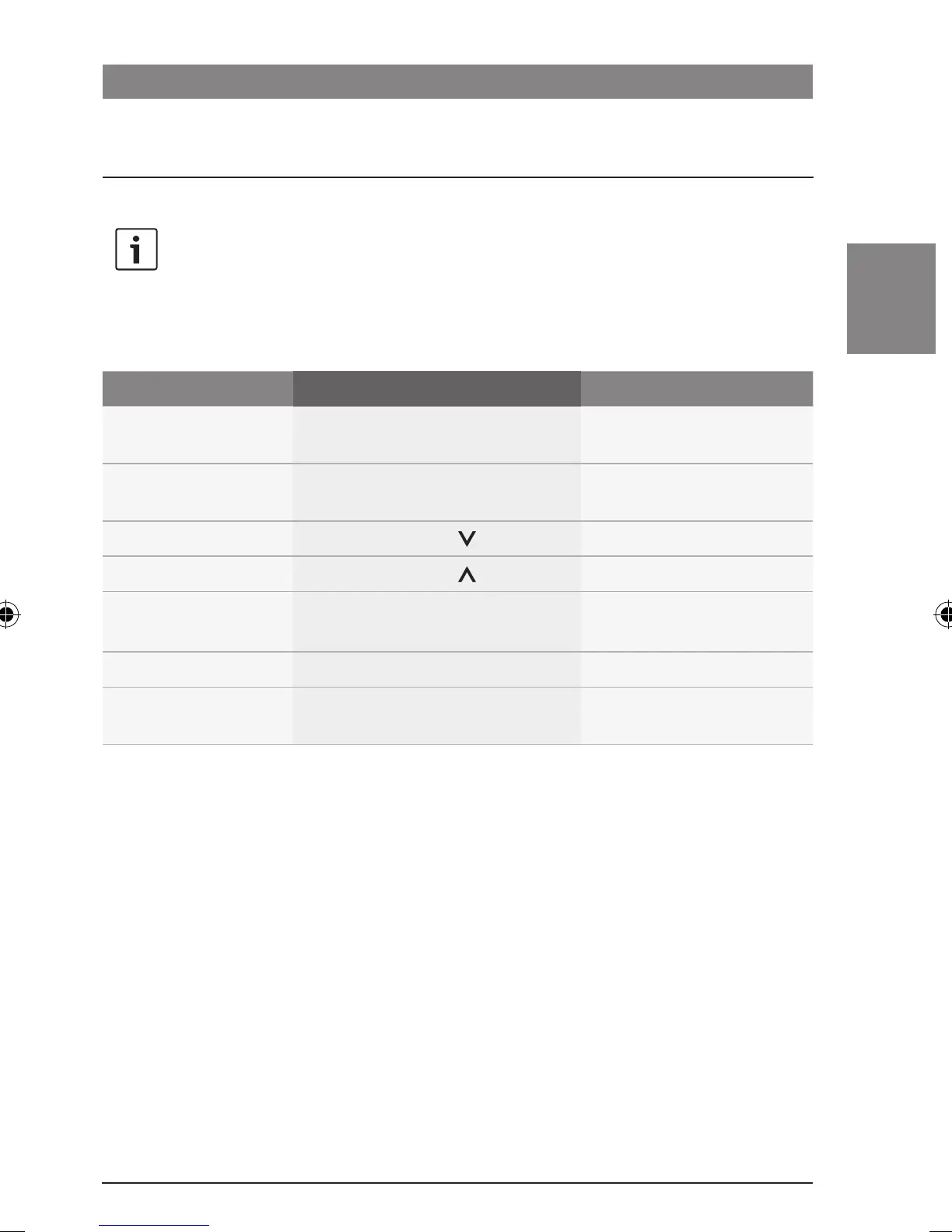
Video and DVD mode
Functions on the CCS
Note:
To control VIDEO mode and DVD
mode in the cabin, you must first
switch the focus of control over to the
cabin.
Function Action Note
Switch to the previous
DVD chapter
f Briefly press the << button >
Only in DVD mode.
Switch to the next DVD
chapter
f Briefly press the >> button >
Only in DVD mode.
Pause playback
f Briefly press the button >
–
Resume playback
f Briefly press the button >
–
Confirm an item in the
menu of the DVD
f Briefly press the ENTER button
F
Only in DVD mode.
Fast-reverse seek mode
f Hold down the << button >
–
Fast-forward seek
mode
f Hold down the >> button >
–
Video and DVD mode
02_ProLine3_en.indd 59 15.09.14 14:40









 To Next Page