en | 53
09.2014Robert Bosch Car Multimedia GmbH
en
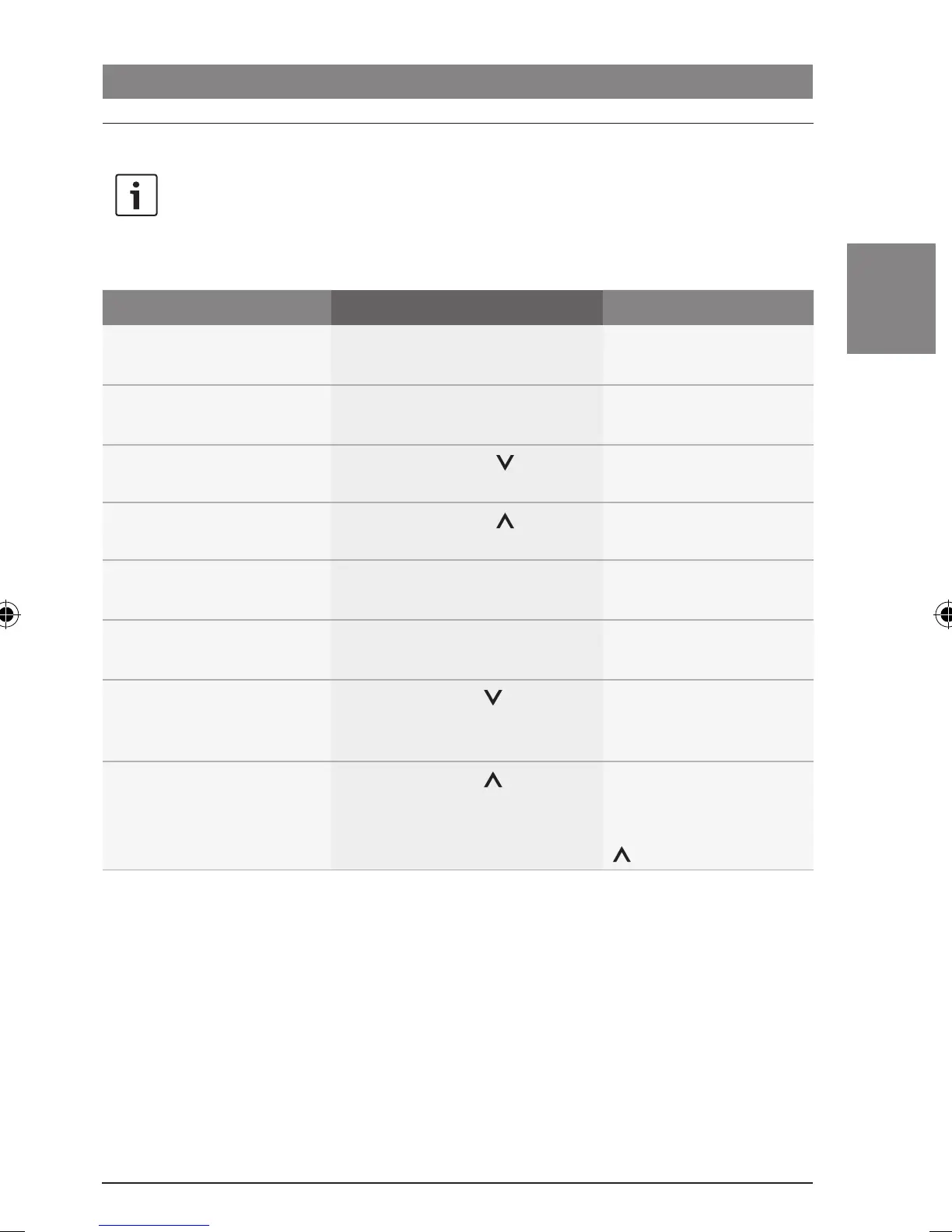
Functions on the CCS
Note:
To control radio mode in the cabin,
you must first switch the focus of
control over to the cabin.
Function Action Note
Start a search downwards
f Briefly press the << button
>
–
Start a search upwards
f Briefly press the >> button
>
–
Switch to the next memory
bank
f Briefly press the button >
–
Switch to the next memory
location
f Briefly press the button >
Only in the current
memory bank.
Adjust the frequency
(downwards)
f Hold down the << button >
–
Adjust the frequency
(upwards)
f Hold down the >> button >
–
Travelstore (store stations
automatically)
f Long press the button >
The discovered stations
are stored in the FMTS
memory bank.
Store the current station
f Long press the button >
If necessary, first select
the desired storage
location by pressing the
button >.
Radio mode
02_ProLine3_en.indd 53 15.09.14 14:40









 To Next Page