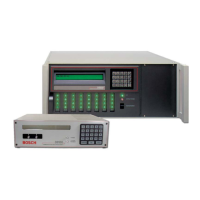
D6600 | Operation and Installation Guide | 10.0 D6600 Operation
16 Bosch Security Systems | 2/05 | 4998122704E
9.2 Automation Link Monitoring (COM3)
through CPU Programmable Output
Ports
The output connections on the I/O port have an open
collector transistor output that can activate an external
sounder or light if the automation system fails.
Configure external devices using the
specifications listed in Table 8. Outputs
are not verified by UL.
Table 8: Terminator Card Configuration
Radionics D6615 CPU
Terminator Card
Bosch D6615 CPU
Terminator Card
Solid state output provides
a current sink to common (-)
Solid State output provides
a current sink to common (-)
Maximum load is 20 mA Maximum load is 75 mA
Vsat @ 1 mA = 0.5 VDC Vsat @ 10 mA = 0.5 VDC
Vsat @ 10 mA = 3.0 VDC Vsat @ 25 mA = 1.0 VDC
Maximum voltage = 30 VDC Vsat @ 50 mA = 2.5 VDC
Maximum voltage = 30 VDC
10.0 D6600 Operation
10.1 Process Flow
10.1.1 Event Database
The Event Database stores all trouble conditions and
alarm messages that occur in the D6600. The
maximum number of events stored in the database is
20000. If the automation system is not functioning, the
D6600 does the following:
• When receiving over telephone lines, the D6600
stops answering and acknowledging calls at 19500.
• When receiving over a network, the D6600 stops
acknowledging incoming events at 19000 because
the communication is much faster.
These limits provide a warning before the database
becomes full.
Under normal operation, when the database reaches
capacity, the receiver drops the oldest event in the
database. This is typically known as First In, First Out
(FIFO).
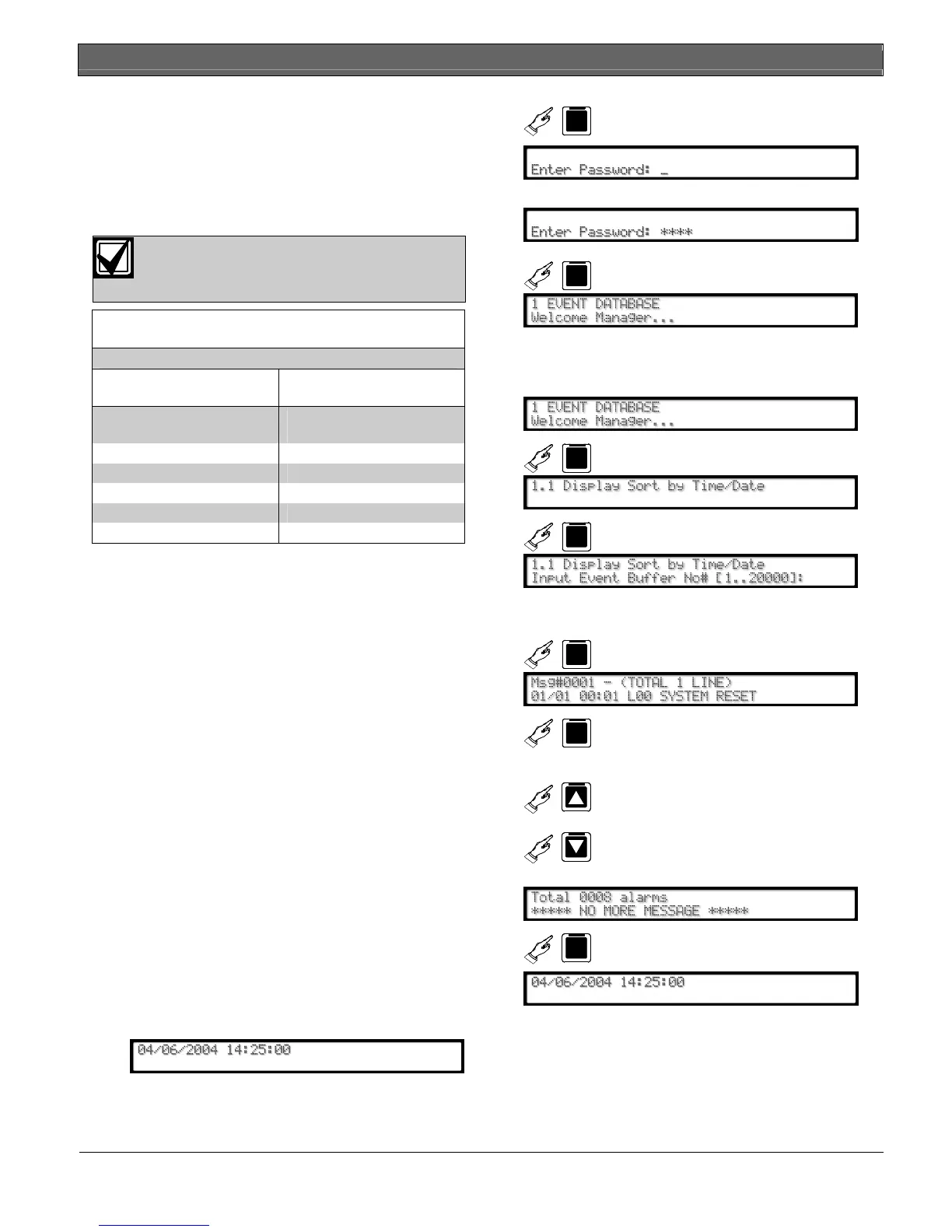
When using the D6600 keypad, an authorized user can
view these messages through the menu. To enter the
Event Database:
1.
D6600
M/E
2. Enter password.
3.
D6600
M/E
Sort and Display Events by Time/Date
To view individual events in the Event Database on the
D6600 LCD.
1.
D6600
M/E
2.
D6600
M/E
3.
Enter the desired event number (from 1 to
20000).
4.
D6600
M/E
D6600
M/E
See the expanded message if
the stored event has multiple
lines of text.
5.
D6600
D6600
Selects another message
When the last message in the database is reached,
6.
CAN
D6600
repeatedly


 To Next Page