D6600 | Operation and Installation Guide | 1.0 Introduction
.
Bosch Security Systems | 2/05 | 4998122704E 5
1.0 Introduction
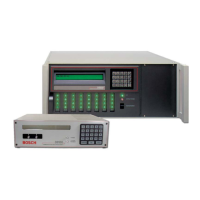
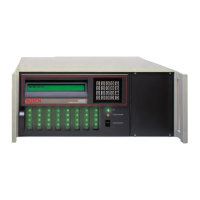
The D6600 Communications Receiver/Gateways offers
several unique features:
• Modular construction with plug-in circuit boards
for quick, easy service
• Open structure PC platform for future
development
• Programmable formatting for receiving data from
most major brands of digital communicators
• Easy and inexpensive updating, using modular
cards and software downloads
• Superior digital signal processing to reduce noise
and signal loss
• User interface module with LED indicators
• Front panel keypad
• Alphanumeric liquid crystal display (LCD)
The D6600 metal enclosure contains several modular
cards:
• D6610 Central Processing Unit (CPU) Card
• D6615 CPU Terminator Card
• D6630 AC/DC Power Supply Module
• D6631 DC/DC Power Supply Module
• D6640 or D6641 Telephone Line Card that
supports four telephone line interfaces
• D6645 Telephone Line Terminator Card
Up to seven additional telephone line cards along with
seven additional line terminator cards can be installed
in the D6600 to expand the receiver’s capacity to 32
receiving lines.
The D6600 is compatible with major communication
formats.
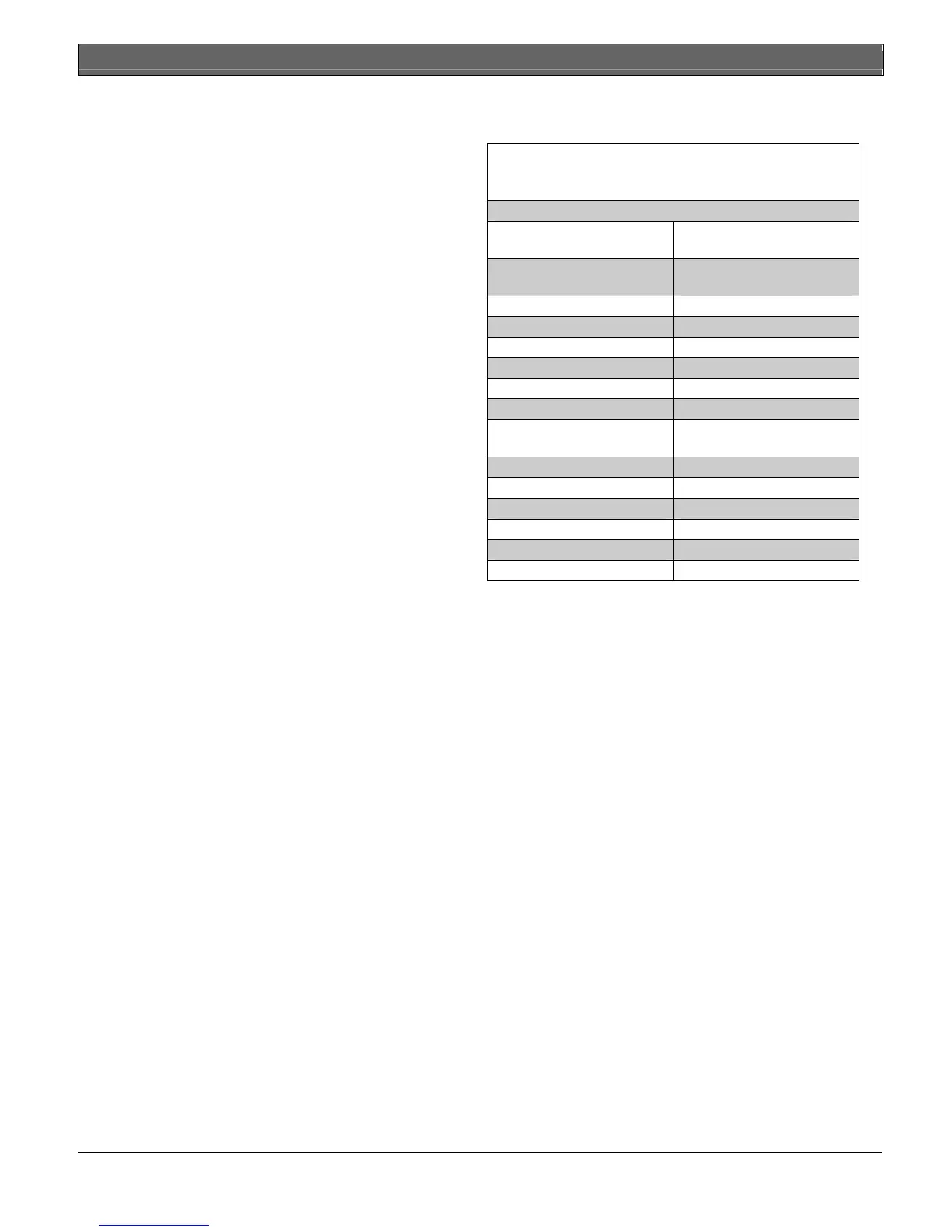
Table 1: D6600 Supported Communication
Formats
Acron Super Fast Scancom 4-16-1, 5-16-1,
6-16-1
Ademco 4-1 Express Scancom 4-24-1, 5-24-1, 6-
24-1
Ademco 4-2 Express Seriee FSK
Ademco Contact-ID Seriee DTMF
Ademco High Speed, 4-8-1 SIA
ADT SIA Silent Knight FSK0
Caller ID Silent Knight FSK1
CFSK Silent Knight FSK2
Common Formats Silent Knight FSK80 D6500
mode
DNIS/ANI Telim
DSC 4-3 Text Message
FBI Super Fast Varitech FSK 4-1
ITI Varitech FSK 4-2
RB2000 VONK
Sescoa Super Speed X-SIA Text
Use a printer to permanently record date, time, group
number or transmission format and line number,
account number, receiver number, and event by area,
zone, and point. The printer tape and the D6600 LCD
display show other receiver status messages such as
software revision levels of the CPU Card.
Program the D6600 using the front panel keypad or the
COM4 port with the D6200 Programming Software
package.
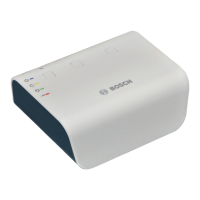
NetCom refers to the D6600 with the optional D6680
Network Adapter. It supports data network
communications including an account database
capacity of up to 3200 accounts with the optional
D6201 Security Key. Refer to Section 11.0 Network
Communications on page 24 for more detailed
information.
The D6600 works with the following Bosch Control
Panels (referred to throughout this manual as “Bosch
Control Panels”):
• D9412G
• D7412G
• D7212G
• D9412
• D7412
• D7212
• D9112


 To Next Page