Bosch Security Systems | 2007-11 | 9922 141 70691 en
DCN Wireless | Installation and User Instructions | Central Devices en | 42
10.5.8 RS232 ports
You can connect a PC, remote controllers or video
cameras to the RS232 ports of the central control unit
(refer to the DCN Next Generation Installation and
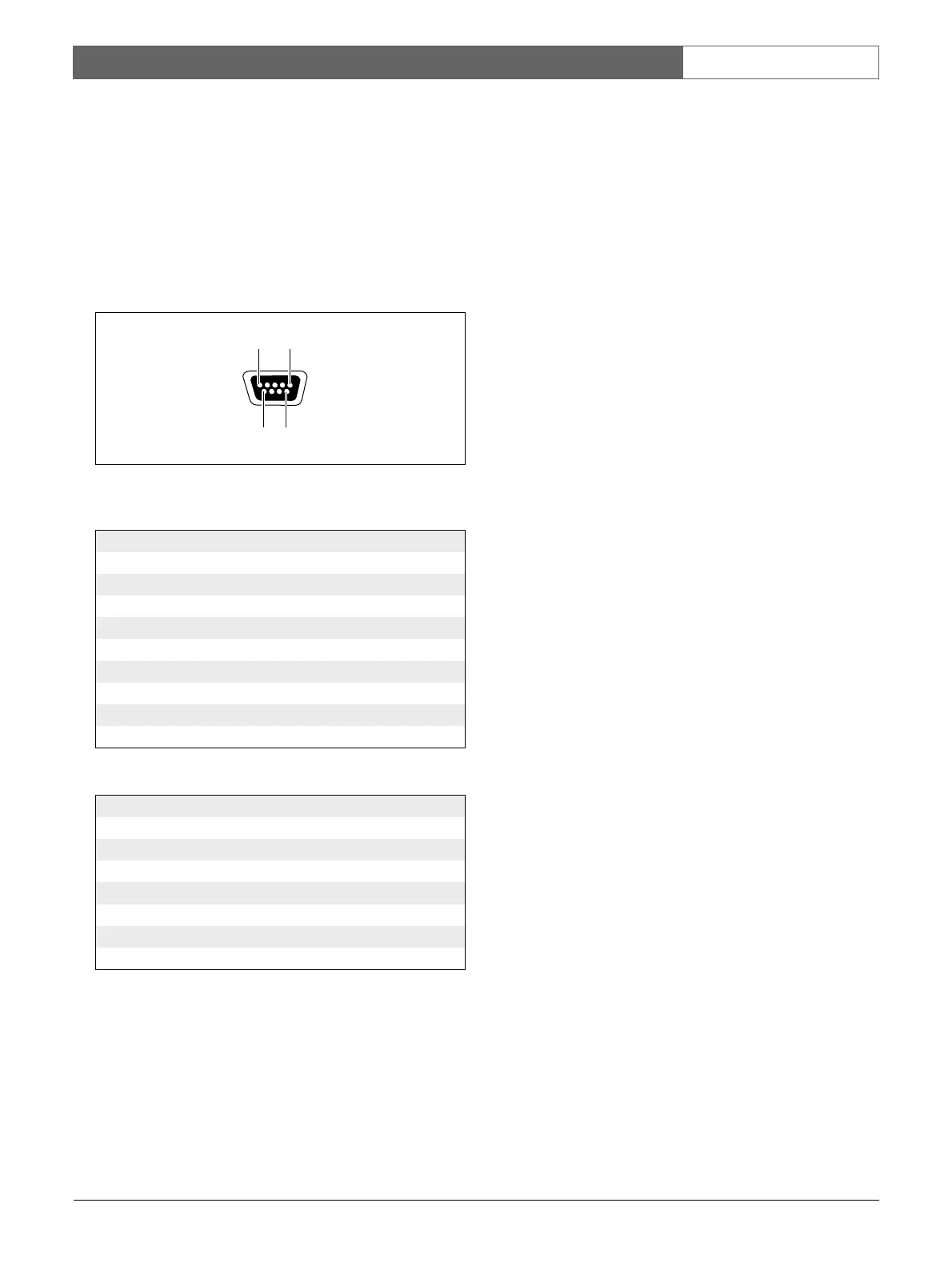
User Instructions). The central control unit has 2 RS232
ports (refer to figure 10.11). You can set the protocol
and the baudrate of the RS232 ports with the S500
switches (refer to 10.3.3).
figure 10.11: RS232 port, connection
table 10.18: RS232 port, connection
Pin Definition Description
1 DCD Data Carrier Select
2 RxD Receive Data
3TxDTransmit Data
4 DTR Data Terminal Ready
5 SG Signal Ground
6 DSR Data Set Ready
7 RTS Request To Send
8 CTS Clear To Send
9RI Ring Indicator
table 10.19: RS232 ports
Number of connections:
2x 9-pole SUB-D socket
Location:
Rear side
Maximum cable length:
9600 baud: 15 m, >9600 baud: 3 m
Signal levels:
EIA RS232-C interface specifications
9 6
15













 To Next Page