Display Configuration | 10
Bosch Motorsport DDU 9 59/148
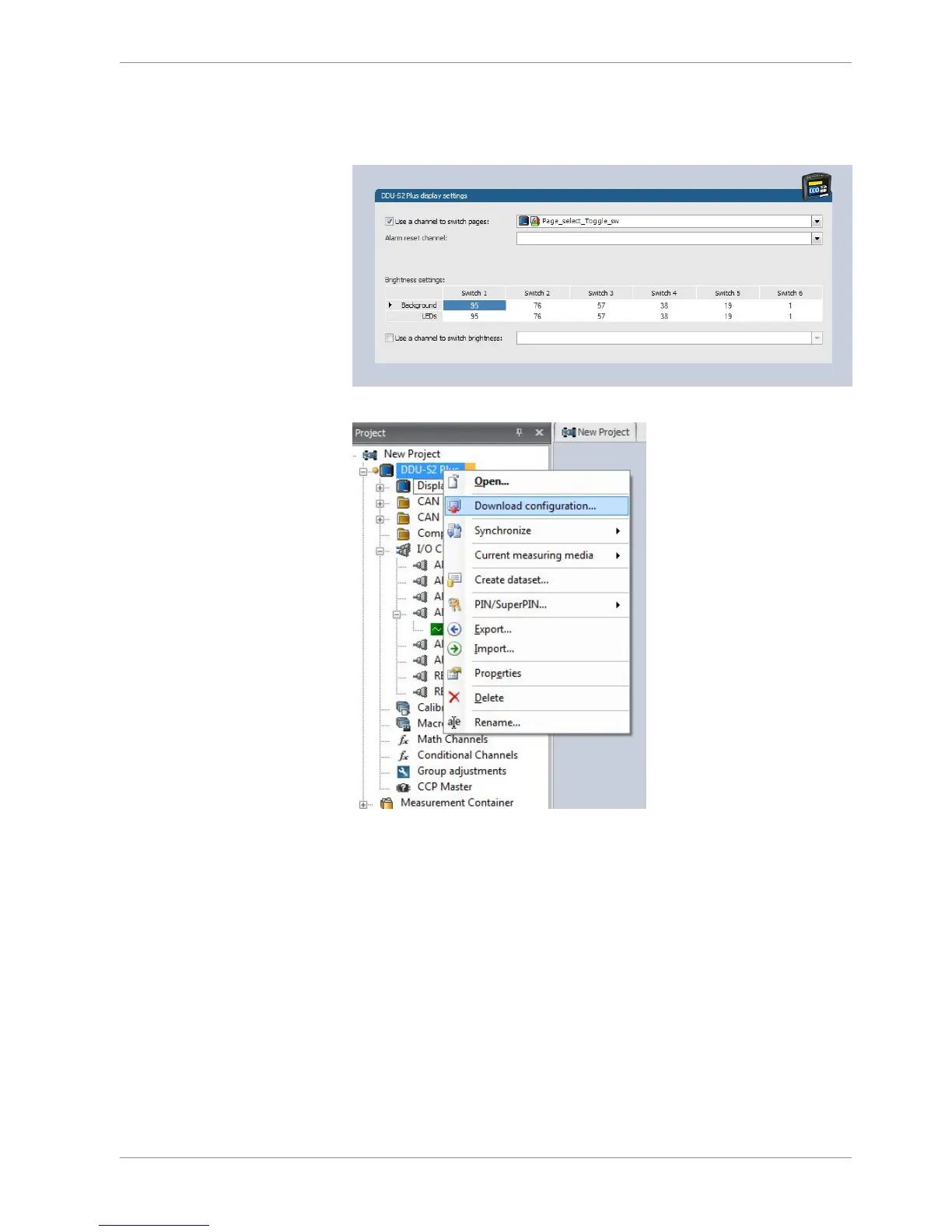
7. To use the channel as a brightness switch, check the box "Use a channel to switch
brightness" and select the channel configured above.
8. In the project tree, select “Download configuration”.
9. If you want to check your configured channel, reassure that the device status is green,
double-click on the DDU 10 and select the "Statistics" tab.
The configured channel position opens.













 To Next Page