30 en | Operating instructions Digital Video Recorder 440/480 Series
AM18-Q0605 | v2.0 | 2012.04 Installation and Operation manual Bosch Security Systems
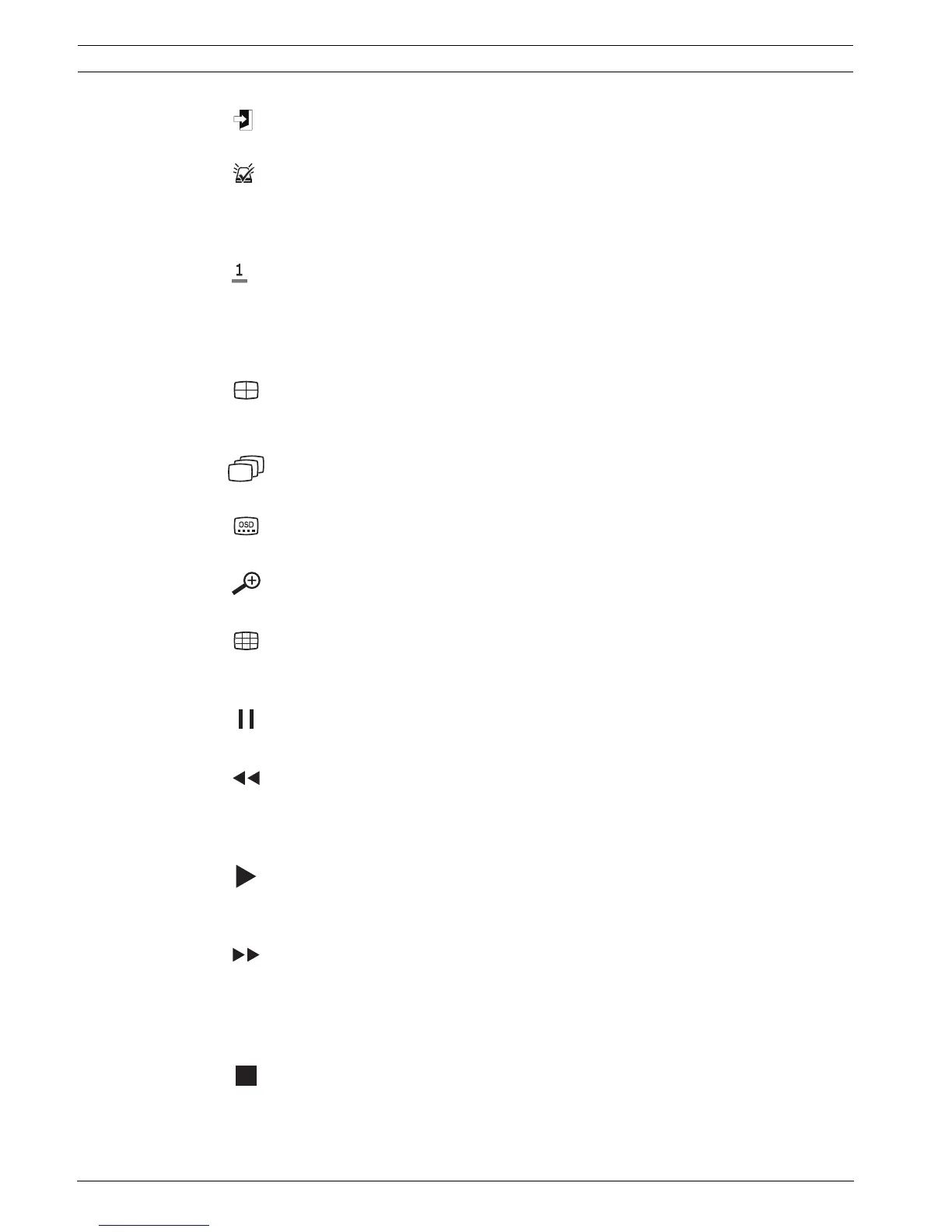
Exit key
– press to return to previous level or to exit the menu system
Alarm indicator / acknowledge key
– flashes when an alarm is detected
– press to acknowledge an alarm event; an indicator light is located on the key
Camera keys (1-4)/(1-8)
– press to see a full-screen display of the video input
– the LED lights when the camera is recording
– the LED flashes during an alarm on the camera
Quad key
– press to go to quad mode
– in quad mode, press to toggle to full screen
Sequence key
– view cameras in sequence on full-screen or quad displays
OSD key
– press to view date/time and camera information, date/time only, or none
Digital zoom key (4-channel model)
– press to zoom in on the active full screen camera display
Multi-screen key (8-channel model)
– press to go to different multi-screen modes
Pause key
– press to freeze the picture
Reverse key
– in live mode, press to start reverse playback of recordings for the displayed cameras
– in playback mode, press to start or speed up reverse playback
– in pause mode, press to step back one frame
Play key
– in live mode, press to resume playback from the last selected playback position
– in pause or fast forward/reverse modes, press to resume playback
Fast forward key
– in live mode, press to start playback from one minute earlier
– in playback mode, press to speed up the forward playback rate
– in reverse playback mode, press to start forward playback
– in pause mode, press to step forward one frame
Stop key
– while in playback mode, press to return to live mode



 To Next Page